
Compass
 75
75


Compass is an Android app from Gamma Play in the Tools category, currently rated 4.6★ across 64,937 ratings. Initial signal reads as mixed reviews: supporters praise core features while critics cite stability and value gaps.
Quality Score is 75: Strong (healthy traction). For a Tools app, that means healthy traction. The full BU Investment Matrix below scores 8 dimensions including monetisation, growth, and operational risk.
Track changes month-over-month in the Performance section below: live snapshot history and revenue forecast included.
- Title & subtitle keyword fit
- Description hook & conversion structure
- Screenshots, ratings, reviews strategy
📊 Performance Tracking LIVE
Synthetic estimate. Inputs: category complexity, file size, screen count, monetization layer, platform reach, age × team-size proxy. Calibrated against 2024-2026 indie-agency rate surveys. Full math + source list on /methodology.
| 🧱 MVP baseline (design + 1-store ship) | +$28K |
| 📱 5 unique screens × $4.5K | +$22K |
| ⚙ Tools complexity ×0.90 | $-5049 |
| 🌐 Cross-platform reach (iOS + Android) | +$24K |
Synthetic estimate. Multiple band derived from ad-supported + age, rating quality, category demand, and user-base maturity. Calibrated against 2024-2026 indie-app-marketplace closed-deal medians. Full math + comparable deal list on /methodology.
| 📺 Ad-supported base | 15× MRR |
| ⭐ ★ rating ≥ 4.4 (solid) | +8% |
| 🏷 Tools category multiple | -8% |
Synthetic estimate from ratings × category benchmarks. Calibrated against 2024-2026 mobile-attribution retention + DAU/MAU reports. Numbers are US-storefront-equivalent — true global audience can be 5-10× larger for international apps. Full math + source list on /methodology.
| 📲 Tools engagement | ~190 installs / rating |
| 🔁 Tools D30 retention | 22% |
| 📍 DAU / MAU stickiness | 0.18 |
How we forecast this revenue
MEDIUM CONFIDENCEBU Investment Matrix
Below median · 50/100MID TIERunderperforming peers- 💰 Revenue: Modest — $3K - $7K/mo · MID tier · medium confidence, trajectory unclear.
- ⭐ Quality: 4.64★ across 64,937 reviews — exceptional (top 1% in category).
- 📍 Market: Not yet charting in any of the 9 monitored markets.
- 📈 Growth: ⚠ last update 392d ago — possibly dormant.
- ⚠️ Risk: Moderate — dormant (392d since update).
💰 Forecast Revenue / mo
MODEL| Mid install base (64,937 ratings)METRIC | +$5,500 | |
| Excellent rating (4.6★)METRIC | +$2,200 | |
| 5 starREVIEW | +$1,800 | |
| Mature app (11y old)METRIC | +$1,500 | |
| Ad-supported / freemiumMETRIC | +$600 |
📈 Reviews Growth
LIVE⭐ Rating Trend
LIVEProfile & Insights
Identification
- App name
- Compass
- Developer
- Gamma Play
- Bundle ID
- com.gamma.compass
- App Store URL
- Open in App Store
- Category
- Tools
- Content rating
- Not found
- Languages
- Not found
Company
- Website
- www.gammaplay.com
- Tagline
- Not found
- Description
- Not found
- Founded
- Not found
- HQ / Address
- Not found
- Employees
- Not found
- Logo
- Not found
Revenue
- Reported revenue signal / mo
- Not found
- AI revenue estimate / mo
- Not found
- AI annual estimate
- Not found
- Model estimate / mo
- $5.0K/mo
- Top-grossing rank
- Not found
- All-time revenue
- Not found
- Pricing
- Not found
Founder
Funding
Press & Links
Contacts & Socials
📝 About this app
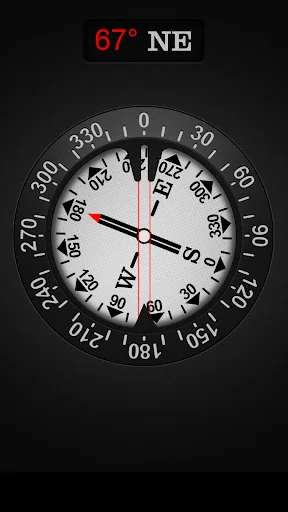
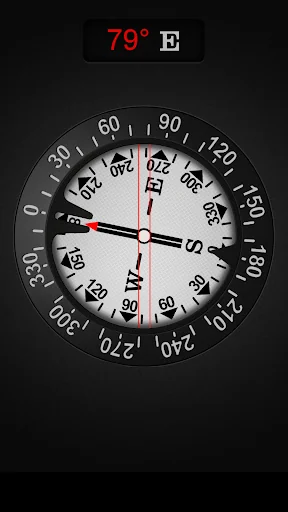
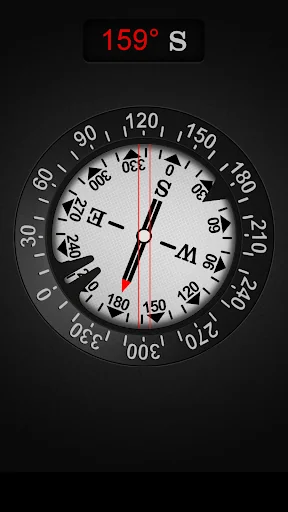
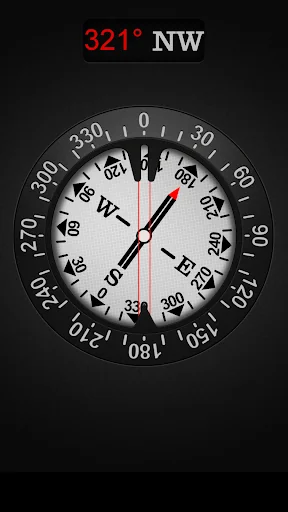
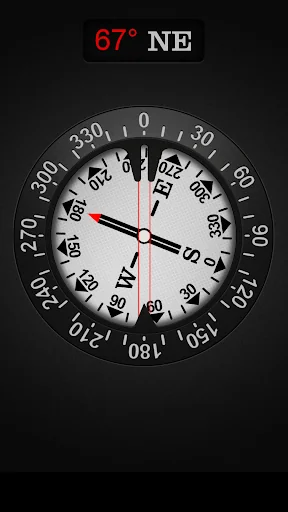
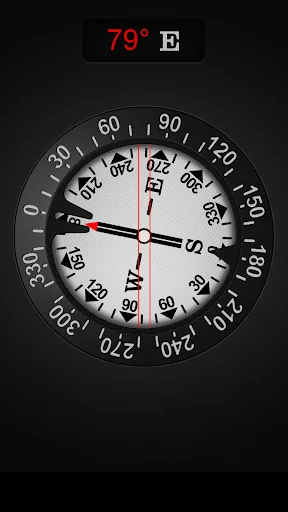
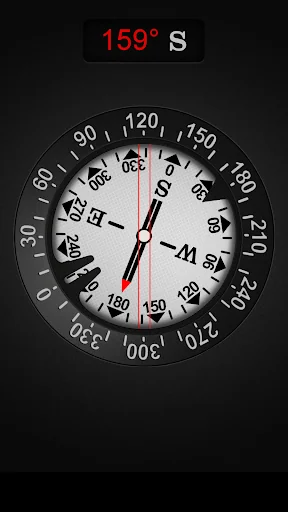
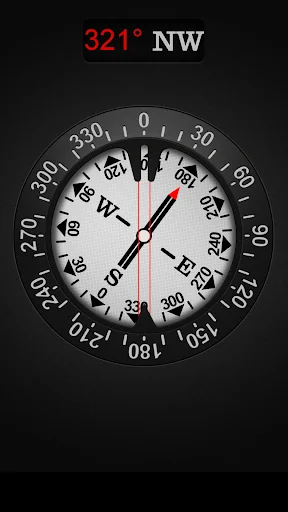
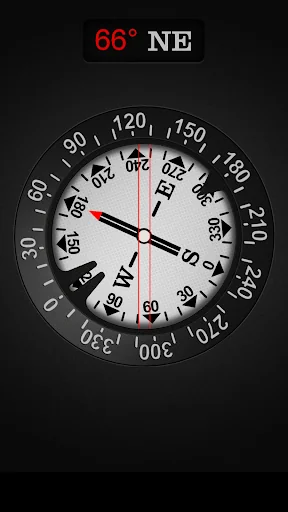
Compass is easy to use; just use it like a real compass. Compass app is more than just showing degrees and north, south, east and west. I have designed Compass with user experience in mind, large numbers and easy to read design.… View full description on the official store →
What Worked™ · Development Pipeline
2 EVENTS TRACKEDStore Page History
6 SCREENSHOT CHANGES2 ver.
2 ver.
2 ver.
2 ver.
2 ver.
2 ver.
Track this app’s revenue
FREE📝 Description
95
More by Gamma Play
View all →








Why high confidence: 64,937 ratings · no founder-verified revenue (model estimate only).