
Instant USGS Earthquake Pro
 27
27


Instant USGS Earthquake Pro
Instant USGS Earthquake Pro is an iOS app from Jufen Chang in the Utilities category, currently rated 2.5★ across 2 ratings. Initial signal reads as mostly critical sentiment so far: users flag rough edges and unmet expectations.
Quality Score is 27: Niche (micro-niche or pre-traction stage). For a Utilities app, that means micro-niche or pre-traction stage. The full BU Investment Matrix below scores 8 dimensions including monetisation, growth, and operational risk.
Track changes month-over-month in the Performance section below: live snapshot history and revenue forecast included.
- Title & subtitle keyword fit
- Description hook & conversion structure
- Screenshots, ratings, reviews strategy
📊 Performance Tracking LIVE
Synthetic estimate. Inputs: category complexity, file size, screen count, monetization layer, platform reach, age × team-size proxy. Calibrated against 2024-2026 indie-agency rate surveys. Full math + source list on /methodology.
| 🧱 MVP baseline (design + 1-store ship) | +$28K |
| 📱 5 unique screens × $4.5K | +$22K |
| ⚙ Utilities complexity ×0.85 | $-7575 |
| ⚙ 10.6y maintenance × ~1-person team | +$63K |
Synthetic estimate. Multiple band derived from ad-supported + age, rating quality, category demand, and user-base maturity. Calibrated against 2024-2026 indie-app-marketplace closed-deal medians. Full math + comparable deal list on /methodology.
| 📺 Ad-supported base | 15× MRR |
| 📅 10.6y proven track record | +20% |
| ⭐ ★ rating < 3.5 (weak) | -18% |
| 🏷 Utilities category multiple | -10% |
| ⭐ Small user base (<1K ratings) | -8% |
Heuristic guess from app bundle size, category, store description signals, and release-date stack era. Bumetric does not disassemble binaries — for binary-level certainty you would need an SDK intelligence tool or the manifest itself. Reasoning chain on the right. Full ruleset on /methodology.
| 📦 App bundle size | 11 MB |
| 🏷 Category context | Utilities |
| 📦 Compact iOS bundle | → Native Swift / UIKit (pre-2020 era) |
Heuristic risk score from time-since-last-update + ratings velocity proxy + Editor's Choice / curated featuring signals. Calibrated against 2024-2025 app-store ranking decay reports. Not a guarantee — a quiet app with a healthy codebase looks the same as an abandoned one until something breaks. Full math on /methodology.
| 📅 3y+ since last update | Likely abandoned |
| 👥 Small user base (2 ratings) + 10.6y old | +10% (solo-project pattern) |
| • 11y old + 1y+ no update | +5% (API deprecation drift) |
How we forecast this revenue
LOW CONFIDENCEBU Investment Matrix
Pre-traction · 32/100INDIE TIERlimited signal- 💰 Revenue: Marginal — $341 - $2133/mo · INDIE tier · medium confidence, trajectory unclear.
- ⭐ Quality: 2.5★ across 2 reviews — weak — significant quality concerns.
- 📍 Market: Not yet charting in any of the 9 monitored markets.
- 📈 Growth: ⚠ last update 1171d ago — possibly dormant.
- ⚠️ Risk: Elevated — dormant (1171d since update).
💰 Forecast Revenue / mo
MODEL| Paid app ($1.99)METRIC | +$2,800 | |
| Below-average rating (2.5★)METRIC | −$1,500 | |
| Mature app (10y old)METRIC | +$1,500 | |
| slowREVIEW | −$1,200 | |
| Single-language (English only)METRIC | −$400 | |
| Pre-traction phase (2 ratings)METRIC | −$300 |
📈 Reviews Growth
LIVE⭐ Rating Trend
LIVE🆕 What's New · v23.75
Profile & Insights
Identification
- App name
- Instant USGS Earthquake Pro
- Developer
- Jufen Chang
- Bundle ID
- com.creativemobileapps.USGSAlertiOS.PRO
- App Store URL
- Open in App Store
- Category
- Utilities
- Content rating
- 4+
- Languages
- EN
Company
- Website
- Not found
- Tagline
- Today
- Description
- Find apps and games for iPhone, iPad, Mac, and more on the App Store.
- Founded
- Not found
- HQ / Address
- Not found
- Employees
- Not found
- Logo
- Available
Revenue
- Reported revenue signal / mo
- Not found
- AI revenue estimate / mo
- Not found
- AI annual estimate
- Not found
- Model estimate / mo
- $853/mo
- Top-grossing rank
- Outside top 100 in US Utilities
- All-time revenue
- Not found
- Pricing
- Not found
Founder
Funding
Press & Links
Contacts & Socials
📝 About this app
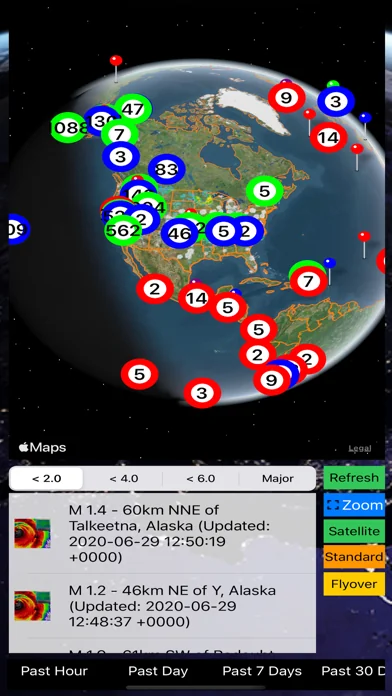
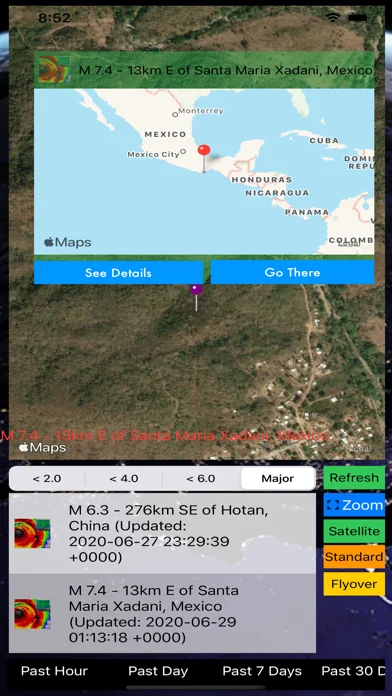
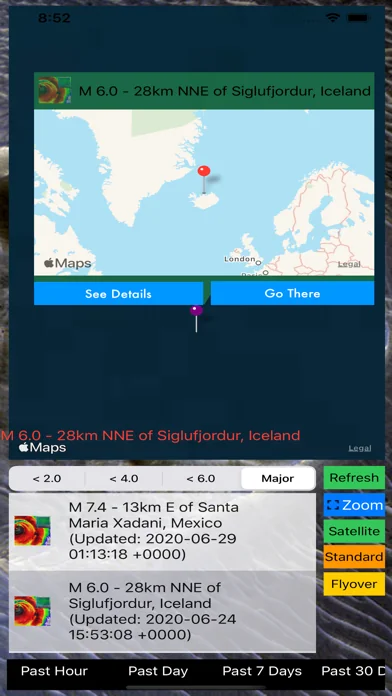
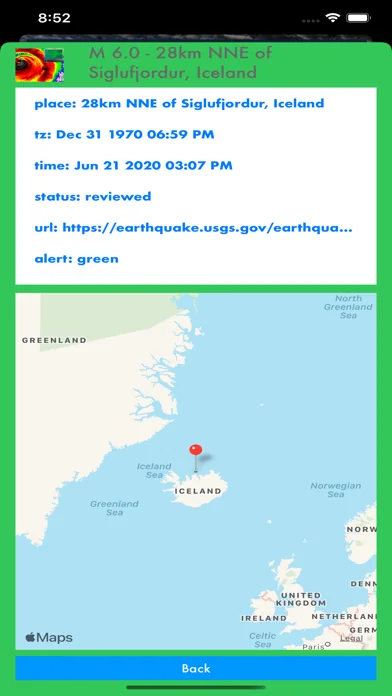
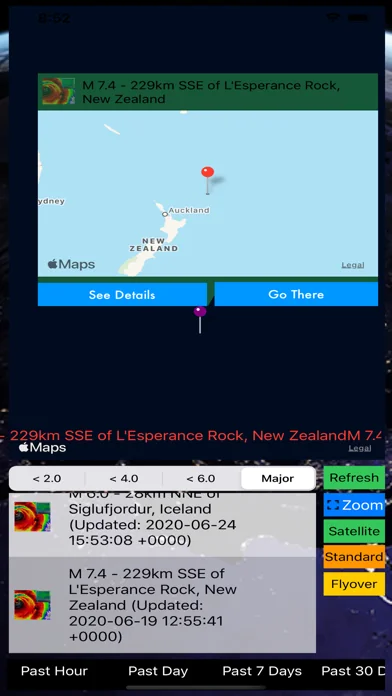
- EQ 4.0 or larger: red
- EQ 3.0 or larger: purple
- EQ 2.0 or larger: orange
- EQ 1.0 or larger: blue
- All other EQ: green
iOS App Quick Started:
> By default, alerts are loading once the app is launched. Earthquake Alerts are listed based upon "Date".… View full description on the official store →
What Worked™ · Development Pipeline
3 EVENTS TRACKEDMulti-Country Performance
Available in 9 of 9 monitored markets| Market | Rating | Reviews | Current version |
|---|---|---|---|
| 🇦🇺 AU | 4★ | 1 | 4★ this version |
| 🇧🇷 BR | 0★ | 0 | — |
| 🇨🇦 CA | 0★ | 0 | — |
| 🇩🇪 DE | 1★ | 1 | 1★ this version |
| 🇫🇷 FR | 0★ | 0 | — |
| 🇬🇧 GB | 0★ | 0 | — |
| 🇮🇳 IN | 0★ | 0 | — |
| 🇯🇵 JP | 0★ | 0 | — |
| 🇺🇸 US | 2.5★ | 2 | 2.5★ this version |
Track this app’s revenue
FREE📝 Description
95


Why low confidence: only 2 ratings · no founder-verified revenue (model estimate only) · revenue figure is directional only.
Instant USGS Earthquake Pro is a very early-stage iOS app in the utilities space with weak public traction — only 2 ratings, no founder-verified MRR, and not ranked in any monitored grossing chart. The app appears to be monetised, but public signals are too sparse for a precise revenue estimate.
Bottom line: treat all revenue, audience and acquisition-value numbers on this page as directional only — not founder-verified facts.