What Adobe Connect actually does (from App Store listing)
Attend meetings, webinars, and virtual classrooms with Adobe Connect. Adobe Connect for iOS brings critical meeting capabilities to your mobile device, enabling you to attend meetings directly from your iPhone or iPad.
The Adobe Connect application delivers a modern user interface, supports high resolution camera broadcast, and supports both landscape and portrait viewing. Join any Standard View or Enhanced Audio/Video Experience enabled meetings.
Use your built-in microphone and speakers, a c…
Attend meetings, webinars, and virtual classrooms with Adobe Connect. Adobe Connect for iOS brings critical meeting capabilities to your mobile device, enabling you to attend meetings directly from your iPhone or iPad.
The Adobe Connect application delivers a modern user interface, supports high resolution camera broadcast, and supports both landscape and portrait viewing. Join any Standard View or Enhanced Audio/Video Experience enabled meetings.
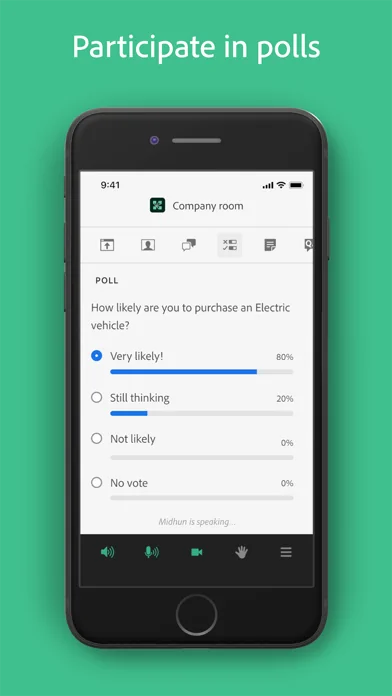
Use your built-in microphone and speakers, a connected headset, or a Bluetooth device such as Apple AirPods to join meeting audio. Or join a telephone conference if included with the meeting. Participate in video conferencing using your device’s cameras. View high quality PowerPoint® presentations, videos, PDF documents, images, GIF animations, or desktop computer screens being shared. Participate in chat, vote in polls, read notes, download files, click links, ask questions, raise your hand, agree/disagree, or let the host know you have stepped away.
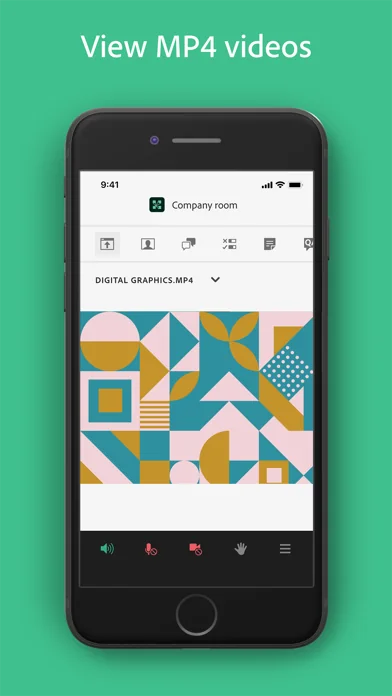
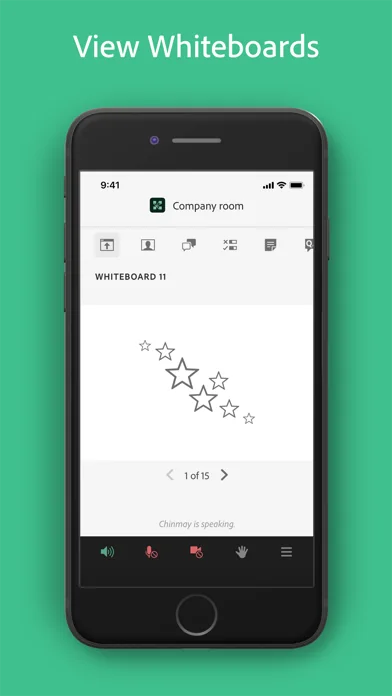
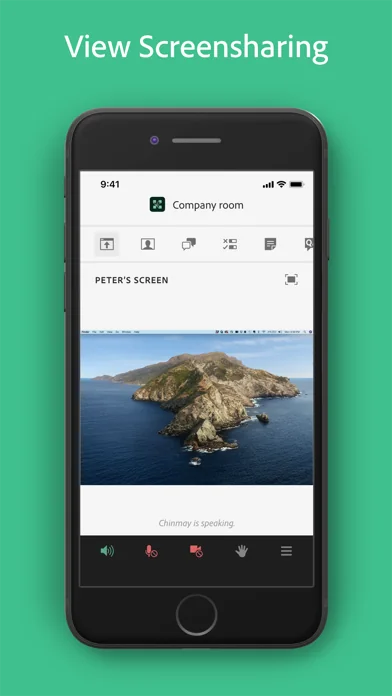
FEATURES: • Talk and listen using your microphone and speakers (VoIP) or another device • View cameras being shared and share your camera if allowed • View PowerPoint slides being shared • View screen sharing being shared • View whiteboards or annotations on content • View MP4 videos, JPG and PNG images, and animated GIFs being shared • View PDF documents being shared • Listen to MP3 audio being shared • View and participate with custom pods • Participate in chat, including selecting colors and private chats in chat pods and chat panel • Participate in polls, including multiple-choice, multiple-answer, and short answer • View notes including formatting and hyperlinks • Ask questions and see other questions and responses in Q&A • Download files directly to your device • Click on links to visit websites with your mobile browser • Change your status: including Raise Hand, Agree / Disagree, and Stepped Away • Participate in breakout rooms with audio, cameras, and chat • Support for Single Sign-On requiring two-factor authentication • As a host, login, accept guests, and promote others • Participant can access and participate in Quiz • Participant can see Closed Captions if enabled by host for the room.
Support for additional meeting activities will be coming soon. This application does not yet support drawing on whiteboards, or note taking. These activities can be accessed by joining the meeting using a standard mobile browser.
Note: This application is NOT for watching recordings. Adobe Connect recordings can be viewed using a standard mobile browser while online.
Requirements: iOS 13.0 or higher. Devices supported: iPhone 6s or higher, iPad 5th generation or higher. Requires WiFi or a standard 4G/5G mobile connection.
🆕 What's new · v4.4
• Introduces support for upcoming audio and video performance enhancements with Adobe Connect 12.11.1
• General stability improvements and crash fixes
Comparable iOS apps
The five apps in Business with the closest revenue to Adobe Connect. Click any to see its detail page.
Each forecast combines App Store rating, ratings count, monetisation model, pricing tier, IAP signals and ad-supported flag.
The base estimate is then multiplied by a per-category scaling factor learned from apps with founder-verified MRR.
Every number on this page comes from public APIs and bumetric's own snapshot history.
Full methodology covers input variables, accuracy bands per category and how we treat apps without comparable anchors.
See also the live data on Adobe Connect's tracker page for current rating, reviews and snapshot timeline.
Building something similar? Get a free AI audit with $-revenue forecasts for every recommendation.


 Adobe Dokumenten-Bündel: PDFs anzeigen, kommentieren, freigeben und Dokumente scannen
 EZView UNV
 CarGoo Driver
 Aircall
 SmartLutsk