What Always On Display : AMOLED actually does (from store listing)
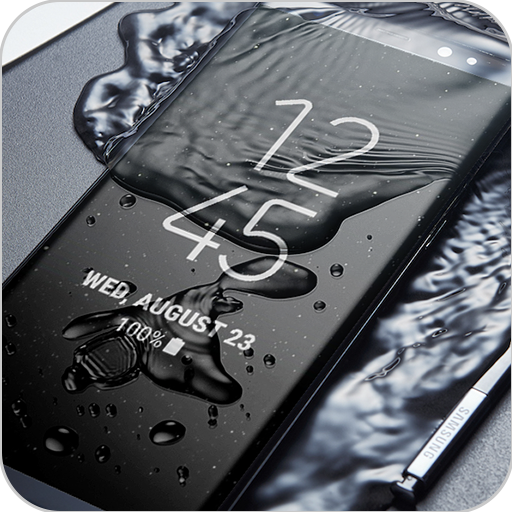
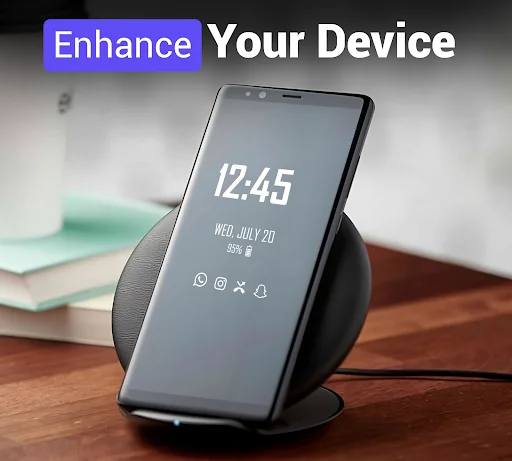
<b>Always on Display</b> is a super Always On Amoled wallpapers app that display basic information on lock screen like Mobile Time , Date , Notification , music control, clock display and much more on dark screen when your mobile Screen is "Off".
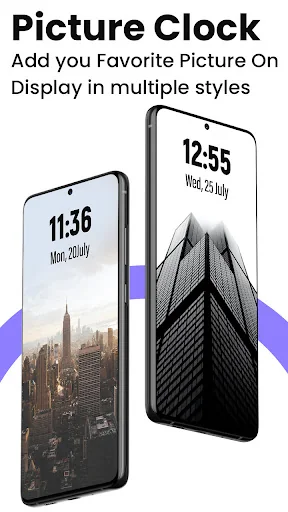
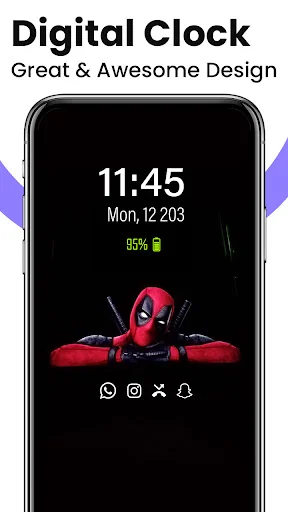
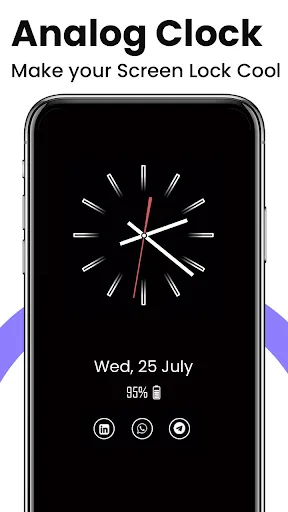
Always On Display : Super Amoled app you can keep your mobile screen ON all the time with the <b>Digital clock Display , Analog clock Display , Calendar clock , Emoji clock , Picture Display clock</b> with notification , Date , Time and more and all…
Always on Display is a super Always On Amoled wallpapers app that display basic information on lock screen like Mobile Time , Date , Notification , music control, clock display and much more on dark screen when your mobile Screen is "Off".
Always On Display : Super Amoled app you can keep your mobile screen ON all the time with the Digital clock Display , Analog clock Display , Calendar clock , Emoji clock , Picture Display clock with notification , Date , Time and more and all without having to touch the phone .
Edge Lighting: Always on edge for any android phone application has an amazing user interface to use and it make your mobile screen totally adorable with attractive lighting. Color effects will run around your screen when incoming calls or new notification arrive. Edge Lighting offers many settings which allow you adjusting the edge lighting color, width and Style:
How to use this App Always on Screen - AMOLED: 1. Open Amoled Wallpapers, start service
2. To wake up your phone, double tap on screen
3. To turn off screen just press power button
4. The user can on or off service.
Permissions : Phone permission:
The app needs phone permission to recognize incoming calls, dismiss the always on screen and show the incoming call screen.
Modify system settings permission:
The app needs permission to modify system settings to change the brightness of the lock screen.
Main Feature Always On AMOLED Wallpapers : * Stylish and smart Watch - always on amoled
* Option to start display after screen lock activated
* Music Controller : song play , pause , forward , backward
* Notifications - view notifications without touching your device
* Customization - change the text color, text size, font, brightness
* Always On Memo - write a reminder and make it show up on your screen
* Shortcuts added such as flashlight, home button, Calculator
* Change clock style: there is a vast variety of styles (Digital, Analog, Emoji Clock , Picture Clock and calendar clock etc).
Comparable Android apps
The five apps in Personalization with the closest revenue to Always On Display : AMOLED. Click any to see its detail page.
Each forecast combines App Store rating, ratings count, monetisation model, pricing tier, IAP signals and ad-supported flag.
The base estimate is then multiplied by a per-category scaling factor learned from apps with founder-verified MRR.
Every number on this page comes from public APIs and bumetric's own snapshot history.
Full methodology covers input variables, accuracy bands per category and how we treat apps without comparable anchors.
See also the live data on Always On Display : AMOLED's tracker page for current rating, reviews and snapshot timeline.
Building something similar? Get a free AI audit with $-revenue forecasts for every recommendation.

 Hex Plugin - Darpoint Dark
 Red Lightning Theme
 Love Heart Neon Theme
 Metro UI Launcher 10
 BlackandSliver Keyboard Theme