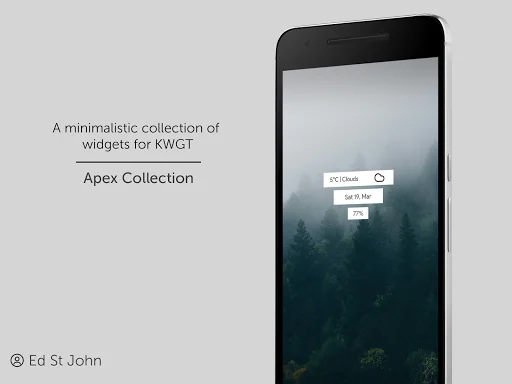
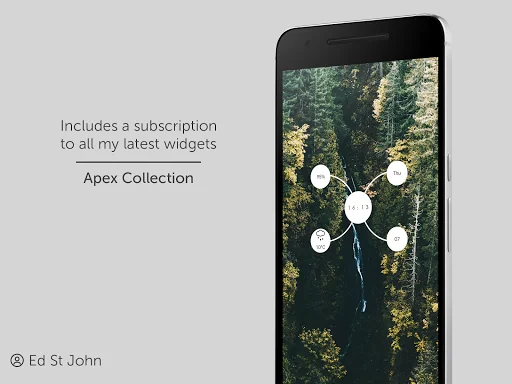
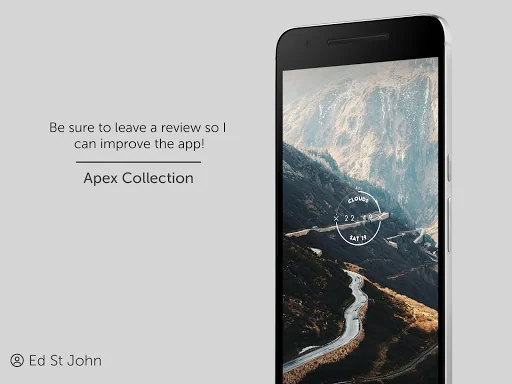
What Apex for KWGT actually does (from store listing)
This is not a stand-alone application, please download KWGT Pro before use.
Installation instructions:
1. Install KWGT Pro
2. Install Apex for KWGT
2. Add a widget by long pressing on an empty space on your home screen and select 'KWGT' from the list of options after scrolling down
3. Click on the new KWGT widget
4. Select one of your new Apex widgets by browsing the 'installed' section (feel free to edit the widgets to add / remove anything you want!
Uninstallation intructions:
Opti…
This is not a stand-alone application, please download KWGT Pro before use.
Installation instructions:
1. Install KWGT Pro
2. Install Apex for KWGT
2. Add a widget by long pressing on an empty space on your home screen and select 'KWGT' from the list of options after scrolling down
3. Click on the new KWGT widget
4. Select one of your new Apex widgets by browsing the 'installed' section (feel free to edit the widgets to add / remove anything you want!
Uninstallation intructions:
Option 1 - navigate to this page on the Play Store and click 'uninstall'
Option 2 - in your 'Settings' app on your phone, navigate to Apps and Notifications -> See all apps -> Apex for KWGT Free and click 'Uninstall'
Comparable Android apps
The five apps in Personalization with the closest revenue to Apex for KWGT. Click any to see its detail page.
Each forecast combines App Store rating, ratings count, monetisation model, pricing tier, IAP signals and ad-supported flag.
The base estimate is then multiplied by a per-category scaling factor learned from apps with founder-verified MRR.
Every number on this page comes from public APIs and bumetric's own snapshot history.
Full methodology covers input variables, accuracy bands per category and how we treat apps without comparable anchors.
See also the live data on Apex for KWGT's tracker page for current rating, reviews and snapshot timeline.
Building something similar? Get a free AI audit with $-revenue forecasts for every recommendation.


 Black & White Theme
 BooruHub
 Burning Rose Keyboard Theme
 FireFly Launcher Theme
 Candle Live Wallpaper