What App Inventor 2 Tutorials actually does (from store listing)
Want to give your students loads of activities to do with MIT's appinventor 2? Then here's the solution for you. Now first of all whilst these are video tutorials, they are not the standard sort of activity that you would find on video streaming sites. What happens is that there is a screencast that gives the students a task to work out and if they are unable to solve the problem then there is a solution video to accompany the task set. This way your students have to think about how to solve the…
Want to give your students loads of activities to do with MIT's appinventor 2? Then here's the solution for you. Now first of all whilst these are video tutorials, they are not the standard sort of activity that you would find on video streaming sites. What happens is that there is a screencast that gives the students a task to work out and if they are unable to solve the problem then there is a solution video to accompany the task set. This way your students have to think about how to solve the problem, rather than simply following a "how to" style tutorial.
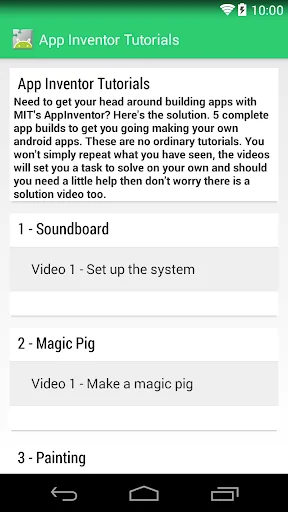
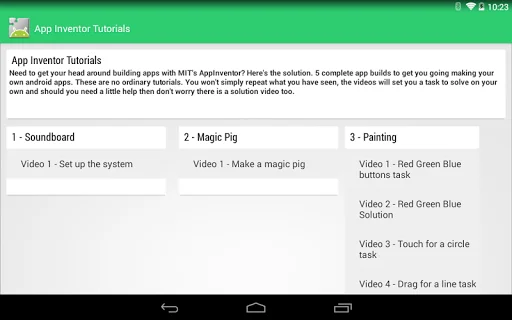
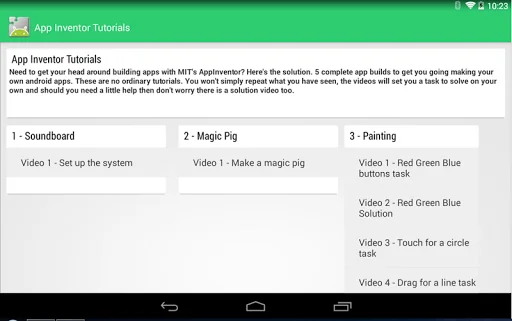
So what's in the set of tutorials? Well there are 5 app builds, the first 2 are simple little ones to get your students familiar with the interface and show them how to make a "soundboard" and a variation of the magic 8 ball. The other 3 app builds have far more detail. The first is a painting type app (14 videos), where the students will take a picture and be able to annotate it using lines and circles that follow finger swipes. Of course there are also colours and a reset button. The second sees the introduction of a frog squashing game (12 videos) where frogs appear on the screen and you have to tap as many as possible in a fixed time period. This introduces the concept of variables for time and scores. Our final app build is for a simple mini golf game (16 videos), with random hole positioning and an object to avoid on the screen. In all 3 apps extension tasks are identified to enable your more able students to progress further if they wish. All in all these videos will keep most students busy and engaged for several hours, which of course saves you the time of having to plan if you are a teacher. This is by far the best way to learn app inventor 2.
If you want a demo of what is on the app head along to http://computing.training/index.php/shop where you will be able to see a couple of examples.
Comparable Android apps
The five apps in Education with the closest revenue to App Inventor 2 Tutorials. Click any to see its detail page.
Each forecast combines App Store rating, ratings count, monetisation model, pricing tier, IAP signals and ad-supported flag.
The base estimate is then multiplied by a per-category scaling factor learned from apps with founder-verified MRR.
Every number on this page comes from public APIs and bumetric's own snapshot history.
Full methodology covers input variables, accuracy bands per category and how we treat apps without comparable anchors.
See also the live data on App Inventor 2 Tutorials's tracker page for current rating, reviews and snapshot timeline.
Building something similar? Get a free AI audit with $-revenue forecasts for every recommendation.


 SmartFile Manager
 Learn Gujarati From Hindi
 DKDUBEY.COM
 HP Previous Asked GK in Hindi
 Japanese dict