What Blocky Parkour 3D actually does (from store listing)
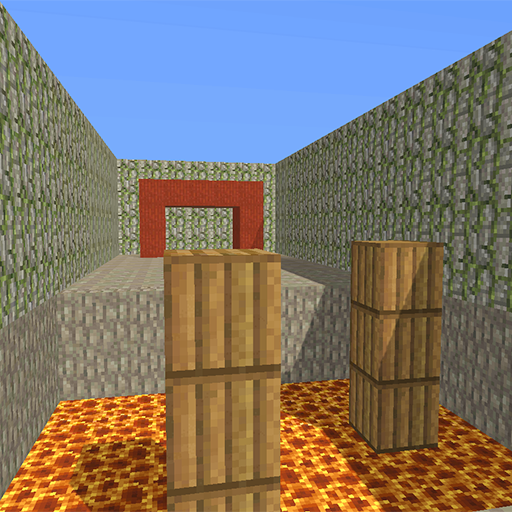
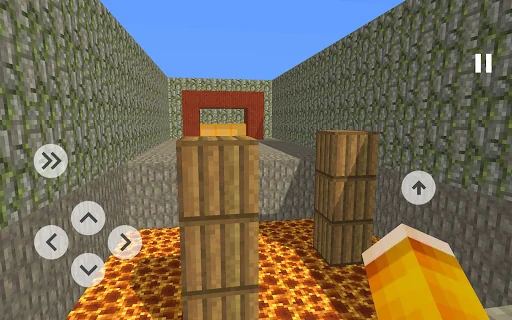
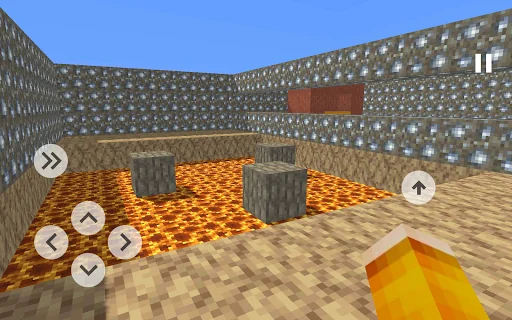
Blocky Parkour - the game provides an opportunity to test your parkour skills. You will need to pass levels of varying difficulty, levels have complex obstacles that you will need to think about. If you can not pass the level, it does not mean that it does not pass. Some levels seem too easy for you, others difficult. To pass the level, you need to get to the orange block, enter it to pass the level and unlock the next one. Beware of the block "Lava", he kills you, touching it, you return to the…
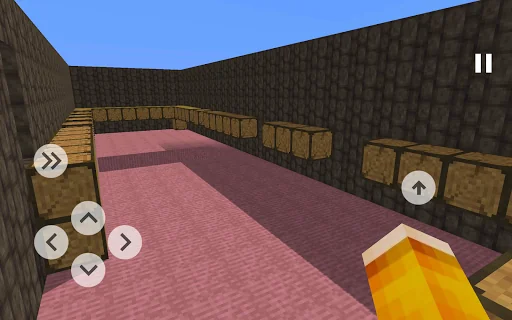
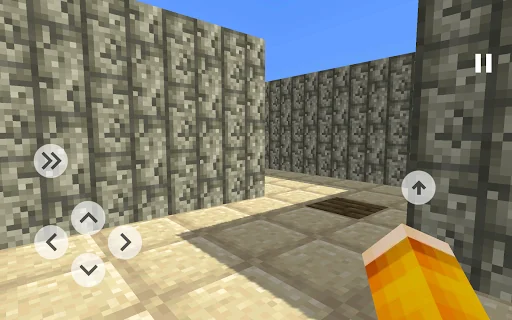
Blocky Parkour - the game provides an opportunity to test your parkour skills. You will need to pass levels of varying difficulty, levels have complex obstacles that you will need to think about. If you can not pass the level, it does not mean that it does not pass. Some levels seem too easy for you, others difficult. To pass the level, you need to get to the orange block, enter it to pass the level and unlock the next one. Beware of the block "Lava", he kills you, touching it, you return to the beginning of the level. If the level for you is too complicated and you can not go through it, you have the opportunity to go through it by watching the commercial.
The game has a level editor. If you have a level idea, then you can make it happen.
In this mode, you can access three types of blocks:
● Orange block (Finish) - mandatory block, because without it the player will not be able to pass the level.
● Lava - touch of the present time
● Other Blocks - Normal Blocks
The editor has 2 modes:
● Construction;
● Passage.
Mode "Construction" - in this mode you are available blocks for construction. The flight mode is enabled, allowing you to pass through the blocks. In addition, each of the following options: up, down, put the block and delete the block.
Mode "Passage" - with this mode you can test the level. Touching the lava block or the finish line returns you to the starting position of the level.
Menu Buttons:
● "To the starting position" - returns you to the starting position of the level, it can be changed at any time.
● "Passage" or "Construction" - switching modes.
● "Set starting position" - your current position becomes the initial position of the level. From this position, the player starts the level.
After building the level, you can send it for verification, and in the next update your level will appear in the game! In order for the level to appear in the game, the following conditions must be met:
● The level must have a mandatory "Finish" block;
● The level must be passable;
If these conditions are met, then the level is likely to add to the game with a high probability!
Features:
● Game - simulator of parkour;
● Unlock the level or go through it by watching the commercial;
● There is a level editor;
● You can play in the levels created by other players;
● Many complex / easy levels;
● The game is made in a nice cubic style.
Comparable Android apps
The five apps in Simulation with the closest revenue to Blocky Parkour 3D. Click any to see its detail page.
Each forecast combines App Store rating, ratings count, monetisation model, pricing tier, IAP signals and ad-supported flag.
The base estimate is then multiplied by a per-category scaling factor learned from apps with founder-verified MRR.
Every number on this page comes from public APIs and bumetric's own snapshot history.
Full methodology covers input variables, accuracy bands per category and how we treat apps without comparable anchors.
See also the live data on Blocky Parkour 3D's tracker page for current rating, reviews and snapshot timeline.
Building something similar? Get a free AI audit with $-revenue forecasts for every recommendation.

 Legends of Heropolis
 Police Motorbike Simulator 3D
 Gunship Sequel: WW2
 Truck Games - Truck Simulator
 Bacterial Takeover: Idle games