What Burn-In Audio actually does (from store listing)
The main purpose of the burn-in process is to loosen the diaphragm of new headphones (or other audio devices) and to stress the driver. Most audiophiles agree that the sound quality will be noticeably improved after burn-in. A similar situation would be "breaking in" a new pair of shoes.
Supports the following but not limited to:
- Headphones
- Earbuds
- Speakers
Simple design with no intrusive ads. Get the job done easily with Burn In Audio.
Main Features:
- Pink noise
- White noi…
The main purpose of the burn-in process is to loosen the diaphragm of new headphones (or other audio devices) and to stress the driver. Most audiophiles agree that the sound quality will be noticeably improved after burn-in. A similar situation would be "breaking in" a new pair of shoes.
Supports the following but not limited to:
- Headphones
- Earbuds
- Speakers
Simple design with no intrusive ads. Get the job done easily with Burn In Audio.
Main Features:
- Pink noise
- White noise
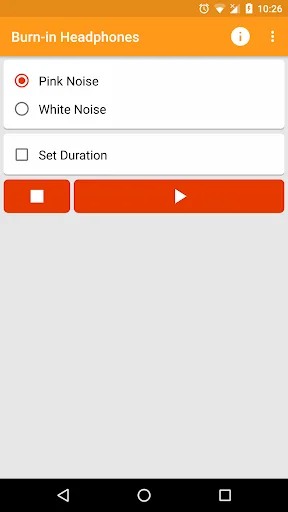
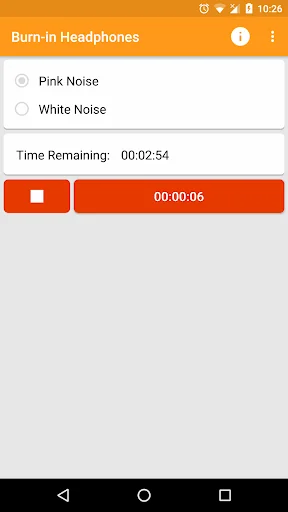
- Keep track of burn in time
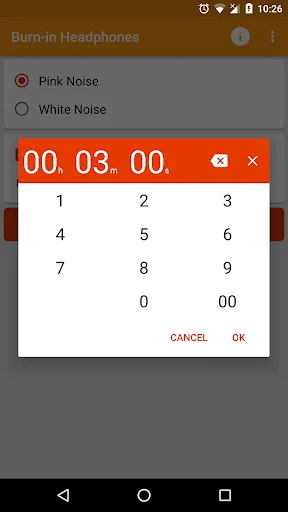
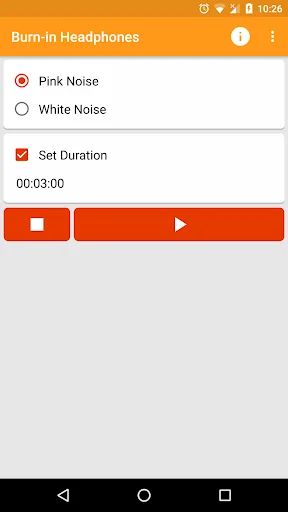
- Automatically stop after a duration
- Built in FAQ
There are different ways to burn-in your audio devices. The most common ways include running white or pink noise through the audio device at a medium volume. Note: too high of a volume can cause damage to your speakers.
As a general rule you should "burn in" your audio device for about 40 hours. Some people burn-in their speakers quickly playing them 40 hours continuously after bringing them home. This may not be good because, the diaphragm may be too weak at this time and should not be pushed to the limit. The best thing to do may be to plug your headphones into your android phone / tablet, set the volume to medium, and run burn in app for up to 4-5 hours a day for 5 days (perhaps, while you are at work or sleeping). After that, your headphones will most likely sound their best. Note: you do not need to listen the whole time.
Comparable Android apps
The five apps in Tools with the closest revenue to Burn-In Audio. Click any to see its detail page.
Each forecast combines App Store rating, ratings count, monetisation model, pricing tier, IAP signals and ad-supported flag.
The base estimate is then multiplied by a per-category scaling factor learned from apps with founder-verified MRR.
Every number on this page comes from public APIs and bumetric's own snapshot history.
Full methodology covers input variables, accuracy bands per category and how we treat apps without comparable anchors.
See also the live data on Burn-In Audio's tracker page for current rating, reviews and snapshot timeline.
Building something similar? Get a free AI audit with $-revenue forecasts for every recommendation.

 Gallery Lock Photo Video Vault
 Winners’ Circle Europe
 Calendario de Chile 2026
 Ai Illustrator File Viewer
 Measure Altitude: Altimeter