What CollageKing pro - Photo, Video actually does (from App Store listing)
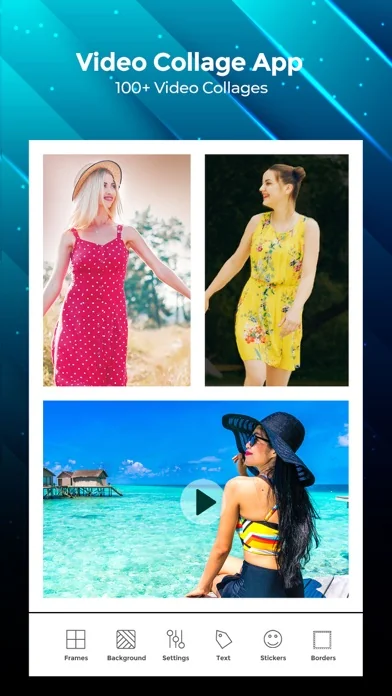
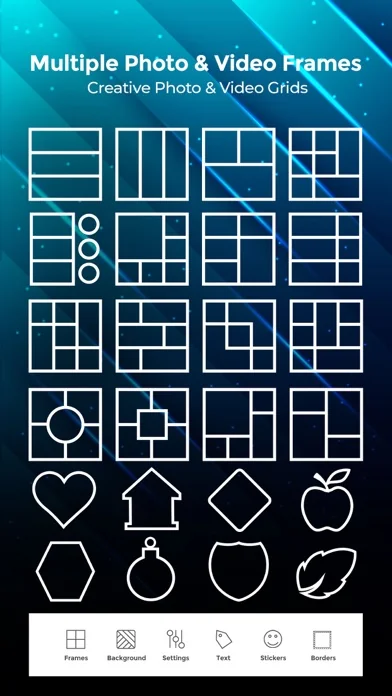
CollageKing is Two in One application. It is combination of both photo frames (popularly known as instapicframes) pro and video collage pro apps. It allows you to create video collages as well as photo collages using over 200 different frames. App shows two options in the main screen, Photo frames and Video frames. Select photo frames to create professional quality photo collages. Select Video frames to create high quality video collages.
Video Frames:
With our Video Collage you can easily crea…
CollageKing is Two in One application. It is combination of both photo frames (popularly known as instapicframes) pro and video collage pro apps. It allows you to create video collages as well as photo collages using over 200 different frames. App shows two options in the main screen, Photo frames and Video frames. Select photo frames to create professional quality photo collages. Select Video frames to create high quality video collages.
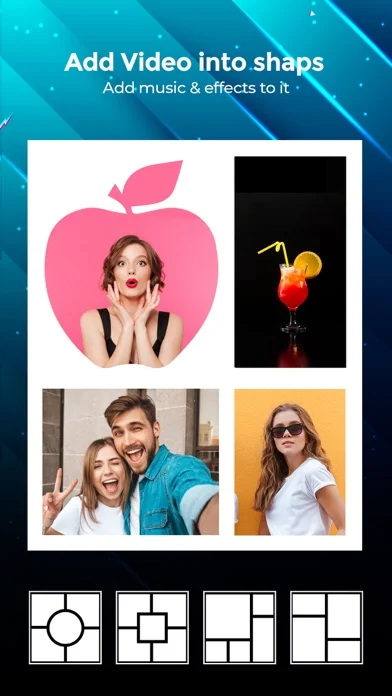
Video Frames: With our Video Collage you can easily create beautiful Photo and Video Collage in few minutes. All you need to do is, just choose the photo or video to create collage, add extra effects to your Photos/videos, add music of your own choice and Save that Video.
You can also easily share your Photo collage or video collage to social networking sites like Facebook, instagram or you can also share by using Email with our inbuilt option.
***Key Features of our Video frames***
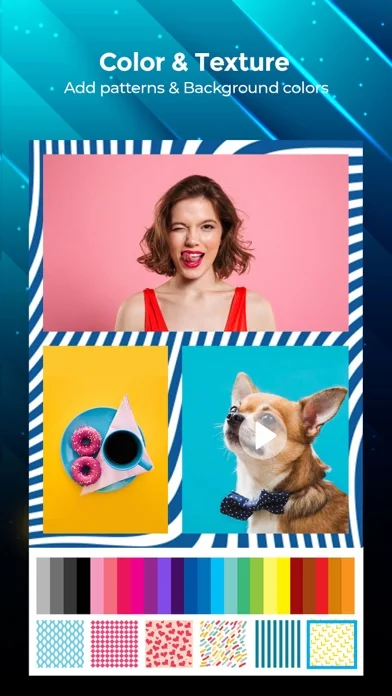
50 Collage Frames to create beautiful Photo/video collage Easily adjustable frames You can add your own Music to your Video collage or Photo collage Enhance Video Collage Frame by adding patterned background you can add color to frames Add Effects to photos or videos Easily share your video collage with our inbuilt social sharing option Option to Save your Photo/video collage to Photo album Instruction To Use ******************* 1. Click on the frame button to select your frame. 2. Tap on the screen to add photo/video to Frame. 3. Click on color button to change frame color and pattern. 4. Adjust your frame width,inner and outer radius by selecting setting option. 5. Add music from your music library to video using VideoSettings option. 6. Once you are done with all editing can play video preview by clicking in Preview button. 7. Finally its time to share your master piece with your Friends. So click on the Share button .
Photo Frames: Use Photo Frames (Instapic frames) to frame your photos and post to Instagram! .It helps you combine multiple photos into amazing looking shells/frames/collage and share them with world via Instagram, Facebook, Email, Twitter. With 100 fully adjustable frames, rounded corners, photo effects, shadows, plenty of patterns and an easy color picker you will always have a unique and distinctive look. FEATURES - 99 Fully Adjustable Frames (unto five photos per frame, also resize frame for endless customizations) - Auto Save, can retrieve any project at any time - High Resolution output - Add labels to your images - Full fledged photo editor and PicFx editor - Select Photos from Facebook albums, Facebook profile photo, Photo Album, camera and Clipboard - Apply scores of effects to individual photo. - Add labels to the photos - Add Stickers to the photos - Add Rounded corners on Photos - Add rounded corners on Frames - Change Border Color, border pattern and border width
One of the best thing about our collage king app is, you can use our app as photo collage maker or as a video collage app. In one app you will get 2 app features! So you don’t need any video/photo collage app anymore.
🆕 What's new · v1.3.4
+Added Thanksgiving, Christmas, New Year, Love, Easter Collages, Love Collages, Business Templates.
+Added IOS13 support.
+Added new video effects.
+Added new frames.
Comparable iOS apps
The five apps in Photo & Video with the closest revenue to CollageKing pro - Photo, Video. Click any to see its detail page.
Each forecast combines App Store rating, ratings count, monetisation model, pricing tier, IAP signals and ad-supported flag.
The base estimate is then multiplied by a per-category scaling factor learned from apps with founder-verified MRR.
Every number on this page comes from public APIs and bumetric's own snapshot history.
Full methodology covers input variables, accuracy bands per category and how we treat apps without comparable anchors.
See also the live data on CollageKing pro - Photo, Video's tracker page for current rating, reviews and snapshot timeline.
Building something similar? Get a free AI audit with $-revenue forecasts for every recommendation.


 Video Zoom! - Apply Zoom, Crop
 Apollo: Immersive Beleuchtung
 Videocraft - Video Editor Pro
 Videwatch
 Mosaik Video&Gesicht Verpixeln