
Version
4.4

~1.6K/mo
ML revenue forecast. Calibrated against 77129 apps in this category.
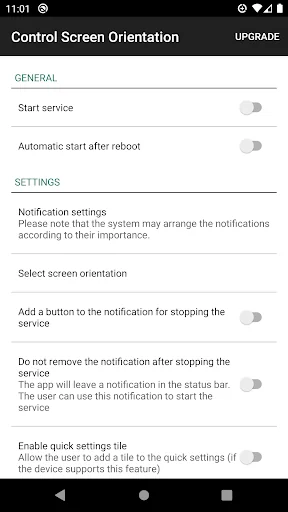
Live screenshots from the Play Store, captured by our snapshot worker. Tap any image to enlarge.


The five apps in Tools with the closest revenue to control screen rotation. Click any to see its detail page.
| App | Revenue | Rating | Ratings |
|---|---|---|---|
 Mouse Conversion
|
1.6K | ★ 4.4 | 40K |
 Virgin Mobile KSA
|
1.6K | ★ 3.7 | 36K |
 XAPK Installer
|
1.6K | ★ 4.4 | 282K |
 Мой Триколор
|
1.6K | ★ 3.9 | 37K |
 HandiSpotter
|
1.6K | — | 0 |
Each forecast combines App Store rating, ratings count, monetisation model, pricing tier, IAP signals and ad-supported flag. The base estimate is then multiplied by a per-category scaling factor learned from apps with founder-verified MRR. Every number on this page comes from public APIs and Bumetric's own snapshot history.
Full methodology covers input variables, accuracy bands per category and how we treat apps without comparable anchors. See also the live data on control screen rotation's tracker page for current rating, reviews and snapshot timeline.