What DSLR Blur Effects: Photo Focus actually does (from store listing)
DSLR Blur Effects app provides the best blur tools to quickly create DSLR Camera effect on photos.
Easy BLUR Tools and Photo Effects:
➤ Circular Blur
- To create Focus on circular area(Adjustable Radius and Position)
➤ Linear Blur
- To create Focus on linear area(Adjustable Size, Position and Rotation)
➤ Auto Blur using color AI
- To create Focus to color matching on image background area
➤ Free Hand drawing (Choose area)
- To create Focus on image background area
➤ Point Focus (…
DSLR Blur Effects app provides the best blur tools to quickly create DSLR Camera effect on photos.
Easy BLUR Tools and Photo Effects:
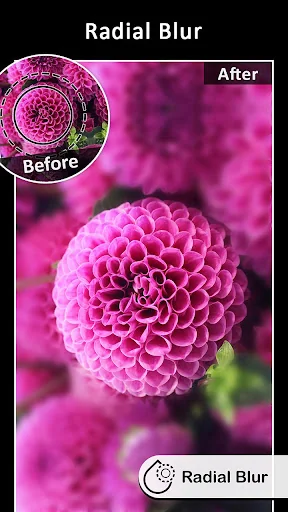
➤ Circular Blur
- To create Focus on circular area(Adjustable Radius and Position)
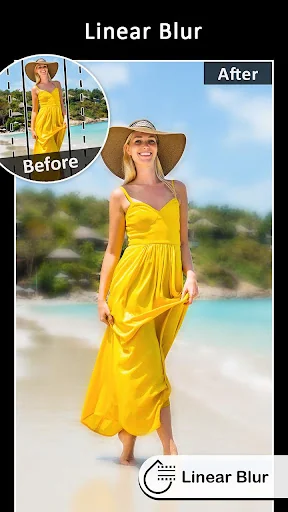
➤ Linear Blur
- To create Focus on linear area(Adjustable Size, Position and Rotation)
➤ Auto Blur using color AI
- To create Focus to color matching on image background area
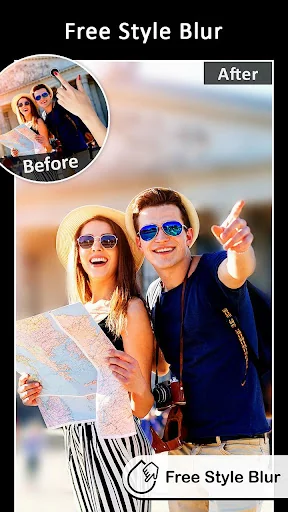
➤ Free Hand drawing (Choose area)
- To create Focus on image background area
➤ Point Focus (Touch to Focus)
- To create Focus on finger touch area(Adjustable Brush Size and with Undo, Redo)
➤ Point Blur (Touch to Blur)
- To create Blur on finger touch area(Adjustable Brush Size and with Undo, Redo)
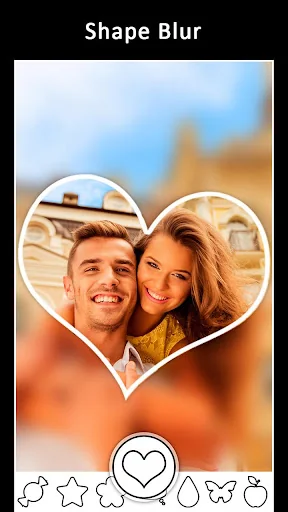
➤ Shape Blur(Multiple shapes like Heart, Star and many more..)
- To create Shapes on Photos with Blur Effects
DSLR Blur effects gives you different options of Blur Types
➤ Motion Blur
➤ Gaussian Blur
➤ Line Blur
➤ Pixel Blur
You can use DSLR Blur for
➤ Blur image background.
➤ Shallow focus photo in the background of the image.
➤ Blur the unwanted part of your picture.
➤ Blur image background effect.
➤ Use brush to blur where you want.
➤ Share freely on social network.
➤ Blur or pixelation ( All or part ).
DSLR is easy to use and provides quick tools like
➤ Apply Photo Filters
➤ Zoom In/ Zoom Out for precise blurring
Try Now!!!!
Comparable Android apps
The five apps in Photography with the closest revenue to DSLR Blur Effects: Photo Focus. Click any to see its detail page.
Each forecast combines App Store rating, ratings count, monetisation model, pricing tier, IAP signals and ad-supported flag.
The base estimate is then multiplied by a per-category scaling factor learned from apps with founder-verified MRR.
Every number on this page comes from public APIs and bumetric's own snapshot history.
Full methodology covers input variables, accuracy bands per category and how we treat apps without comparable anchors.
See also the live data on DSLR Blur Effects: Photo Focus's tracker page for current rating, reviews and snapshot timeline.
Building something similar? Get a free AI audit with $-revenue forecasts for every recommendation.


 Christmas Photo Frame & Quotes
 Hijab for Bridal
 Photo Friend exposure & meter
 Christmas Collage Maker
 Couple Wonderful Photo Suit