What Flir One actually does (from App Store listing)
Connect your FLIR ONE® series Thermal Camera for efficient troubleshooting and inspection.
Note: This app requires the FLIR ONE series Thermal Camera connected to your smartphone in order to see the thermal camera view, but feel free to explore the app without the device attached. For more information, visit www.flir.com/flirone.
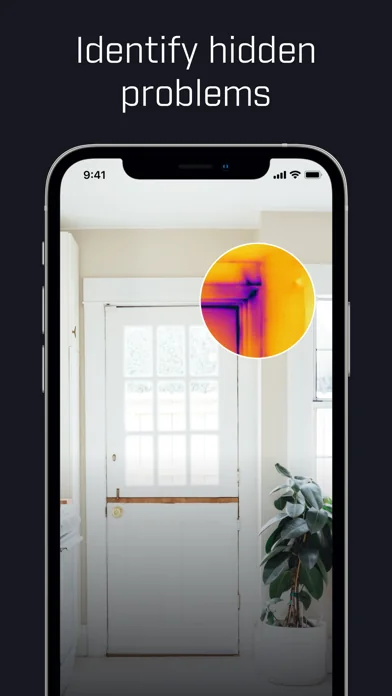
Whether you need to inspect electrical panels, find the source of HVAC failures, or discover hidden water damage, the FLIR ONE series offers the features you need to …
Connect your FLIR ONE® series Thermal Camera for efficient troubleshooting and inspection.
Note: This app requires the FLIR ONE series Thermal Camera connected to your smartphone in order to see the thermal camera view, but feel free to explore the app without the device attached. For more information, visit www.flir.com/flirone.
Whether you need to inspect electrical panels, find the source of HVAC failures, or discover hidden water damage, the FLIR ONE series offers the features you need to find problems faster and get more work done in less time. With advanced image enhancement features such as FLIR MSX® and FLIR VividIR™, the FLIR ONE series provides best-in-class thermal imagery for smartphones that ensures you can detect problems with precision.
The revolutionary rugged and ergonomic camera design combined with the wireless connection of the FLIR ONE Edge series ensures that you can perform efficient troubleshooting with the camera attached to the phone, and have the increased flexibility of detaching the camera to easily inspect targets out of reach, while comfortably viewing your screen.
Key FLIR ONE App features:
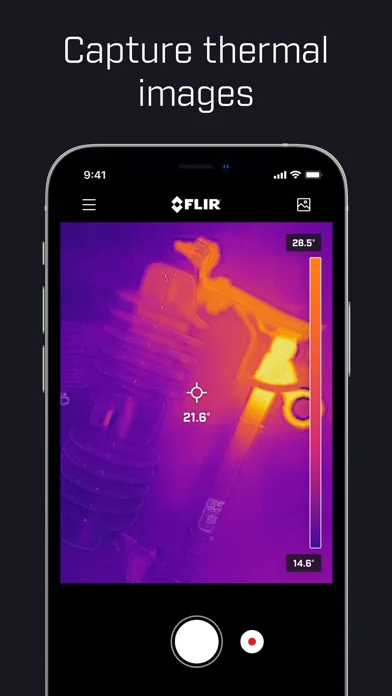
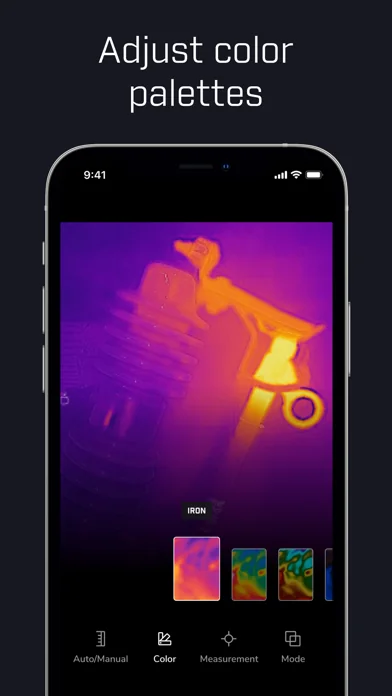
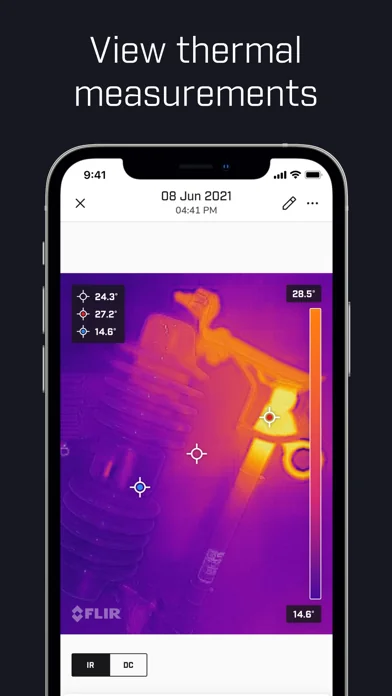
• Scan for faults with the thermal camera view and capture photos and videos to your gallery • Troubleshoot efficiently with automatic tracking of the hottest and coldest spot (Edge Series and Pro Series only) • Choose between a variety of color palettes for best visualization • Analyze faults with temperature spot measurements • Adjust the IR scale to highlight the problem (Edge and Pro Series only) • Switch between Quality Mode for best possible image quality, or Performance Mode for a more responsive camera experience • Add text notes to photos to document your findings • Connecting to FLIR Ignite™ allows you to instantly upload your files to the cloud, so you can access them from any device, organize files into folders, edit images, create reports and share findings with co-workers and clients • FLIR ONE Inspection Guides (paid feature) empowers you to identify issues with confidence, through step-by-step guides packed with helpful tips on how to identify moisture, insulation and air leak issues • Explore the eco-system of a wide range of FLIR ONE compatible apps tailored for specific use cases
For additional application ideas and news, or to share your day-to-day discoveries, follow FLIR on social media channels at facebook.com/flir, instagram.com/flir, x.com/flir, and youtube.com/flir.
Terms of use: https://www.flir.com/corporate/terms-of-use/
🆕 What's new · v6.4.12
Bug fixes and improvements
Comparable iOS apps
The five apps in Photo & Video with the closest revenue to Flir One. Click any to see its detail page.
Each forecast combines App Store rating, ratings count, monetisation model, pricing tier, IAP signals and ad-supported flag.
The base estimate is then multiplied by a per-category scaling factor learned from apps with founder-verified MRR.
Every number on this page comes from public APIs and bumetric's own snapshot history.
Full methodology covers input variables, accuracy bands per category and how we treat apps without comparable anchors.
See also the live data on Flir One's tracker page for current rating, reviews and snapshot timeline.
Building something similar? Get a free AI audit with $-revenue forecasts for every recommendation.


 Video Player - All in One
 Dispo: Retro Disposable Camera
 Citrus 1 Tap Photo Enhancer AI
 VR Photo
 Truepic Vision