What Ford+Alexa actually does (from store listing)
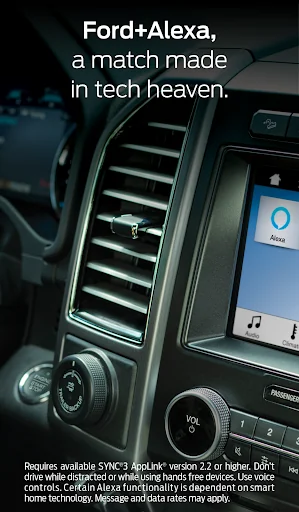
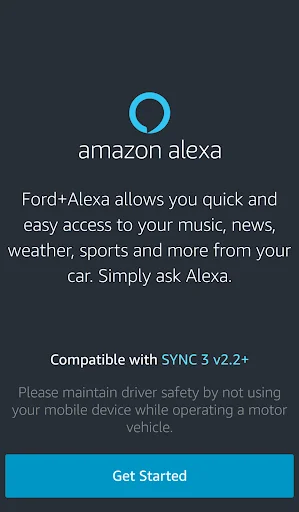
Bring Ford+Alexa with You on the Road: Access to Alexa in your Ford is now as easy as connecting your phone, starting the Ford+Alexa app and speaking to Alexa. Even with road noise, Alexa listens and provides you with the same information and access to Skills and features as you can get with an Echo in your home. Alexa’s familiar voice and responses then play through your vehicle’s speakers. You can access thousands of Alexa skills and services that Echo customers already enjoy. Pump yourself up…
Bring Ford+Alexa with You on the Road: Access to Alexa in your Ford is now as easy as connecting your phone, starting the Ford+Alexa app and speaking to Alexa. Even with road noise, Alexa listens and provides you with the same information and access to Skills and features as you can get with an Echo in your home. Alexa’s familiar voice and responses then play through your vehicle’s speakers. You can access thousands of Alexa skills and services that Echo customers already enjoy. Pump yourself up on the way to the gym by saying, “Alexa, play my workout playlist.” Continue the book you were listening to, even during your commute to work. Check whether you have dinner plans on the drive home by asking, “Alexa, what’s on my calendar tonight?”
• Alexa Capabilities: You will have access to most the same capabilities as you do from home, including controlling your smart home devices, ordering pizza, checking the weather, getting your favorites sports teams scores, checking and updating your schedule and more.
• Navigation: You can ask Alexa for a point of interest (POI) and ask Alexa to navigate to the POI. Alexa will hand off the POI to the onboard navigation when equipped or to your phone to provide you with turn by turn directions.
• Entertainment: Using Amazon Music, TuneIn, and iHeartRadio you will be able use Alexa to play music (skip, fast forward, rewind, play, and pause) and even make song purchases. The vehicle’s display will show artist, song, and album art information.
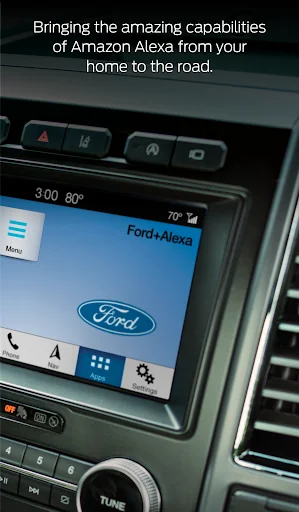
SYNC 3 Software Version 2.2 or higher is required. You can check the Software Version on the SYNC 3 touchscreen by pressing: Settings > General > About SYNC. The top line will show the current Software Version (SYNC 3, Software Version: X.X). Customers can upgrade to the current Software Version using automatic home Wi-Fi updates* or a USB download from owner.ford.com.
*Wi-Fi updates may not be available for SYNC 3 versions not equipped with navigation.
Comparable Android apps
The five apps in Music & Audio with the closest revenue to Ford+Alexa. Click any to see its detail page.
Each forecast combines App Store rating, ratings count, monetisation model, pricing tier, IAP signals and ad-supported flag.
The base estimate is then multiplied by a per-category scaling factor learned from apps with founder-verified MRR.
Every number on this page comes from public APIs and Bumetric's own snapshot history.
Full methodology covers input variables, accuracy bands per category and how we treat apps without comparable anchors.
See also the live data on Ford+Alexa's tracker page for current rating, reviews and snapshot timeline.
Building something similar? Get a free AI audit with $-revenue forecasts for every recommendation.


 Germany Radio - Online FM
 Radio Activa 91.9
 Audio Recorder
 Conquista FM
 بلال بن محمود القران بدون نت