What GFX Tool with Smooth Launcher actually does (from store listing)
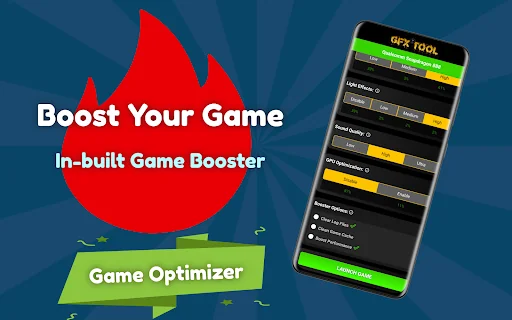
GFX Tool with Smooth Launcher is a free utility Game Graphics changer with a Lag-Free Launcher and Optimizer tool for popular Android mobile battleground games through which you can customize the game graphics up to any level for getting beautiful high-end picture quality and smooth gameplay by reducing lag.
If you don't know which settings to apply or are confused with the whole variety of settings, don't worry! Our GFX Tool is having a unique processor selection tool, that will help and ass…
GFX Tool with Smooth Launcher is a free utility Game Graphics changer with a Lag-Free Launcher and Optimizer tool for popular Android mobile battleground games through which you can customize the game graphics up to any level for getting beautiful high-end picture quality and smooth gameplay by reducing lag.
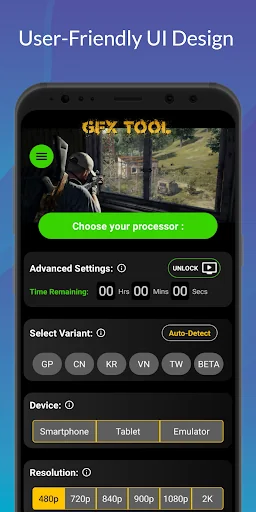
If you don't know which settings to apply or are confused with the whole variety of settings, don't worry! Our GFX Tool is having a unique processor selection tool, that will help and assist you to apply the most commonly used and best settings by simply selecting your processor. That's it! With our GFX Tool, everything will be much smoother.
* Our GFX Tool is integrated with a unique feature for getting the best lag-free graphics configurations for your device with the use of a server.
* Just select your processor and get the best lag-free graphics options which are optimized and commonly used for your processor.
* Integrated Google server backend will update the settings within seconds.
* Customization of game graphics settings using our GFX Tool has made it easy with a simplified user interface.
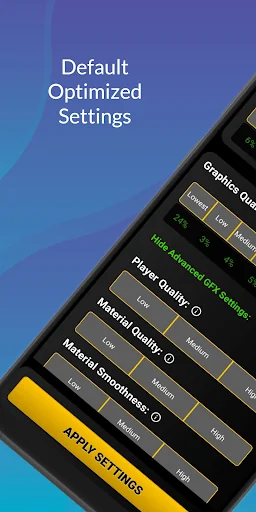
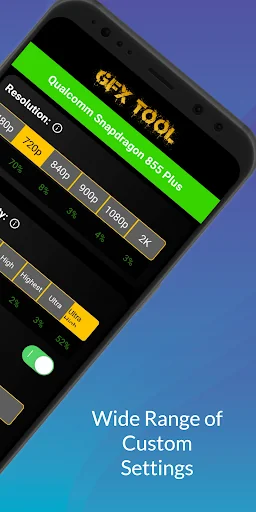
* GFX Tool is capable of changing the game graphics to any level by manual customization with advanced options.
App Features: - Unique Processor Selection Tool
- Truly unlock extreme FPS levels
- Support 30fps, 60fps, 90fps, 120fps
- Unlock HDR for low-end potato devices
- Up to 2K (2,048 x 1,080 pixels) resolution for tablets
- Up to 1080p (1920x1080 pixels) resolution for Smartphones
- Easy to load settings with just processor selection
- Highly customizable settings by unlocking advanced options
- Lag-free & fail-safe graphics settings application
- Automatically saves and loads last applied settings and processor
- 3D Sound Fix for unsupported devices
and much more!
How to use the Tool: - Close the game (if the game is running) and Launch the application
- Select your processor (optional)
- Select the Game variant (Now support Auto-detect function)
- Settings are automatically selected for the processor (or chosen manually)
- Hit the Apply button
- Launch the game
DISCLAIMER: Before using this application, make sure you have read and accepted our Privacy Policy. This is an UNOFFICIAL application for specific games. This application is not associated in any way with other brands and developers.
If you feel that we have violated your intellectual property rights or any other agreement, please contact us by e-mail at pubgtoolgfx@gmail.com, and we will immediately take the necessary measures.
Comparable Android apps
The five apps in Tools with the closest revenue to GFX Tool with Smooth Launcher. Click any to see its detail page.
Each forecast combines App Store rating, ratings count, monetisation model, pricing tier, IAP signals and ad-supported flag.
The base estimate is then multiplied by a per-category scaling factor learned from apps with founder-verified MRR.
Every number on this page comes from public APIs and bumetric's own snapshot history.
Full methodology covers input variables, accuracy bands per category and how we treat apps without comparable anchors.
See also the live data on GFX Tool with Smooth Launcher's tracker page for current rating, reviews and snapshot timeline.
Building something similar? Get a free AI audit with $-revenue forecasts for every recommendation.


 Led Flashlight (+widget)
 MAG250 Remote
 Root Check App: Superuser
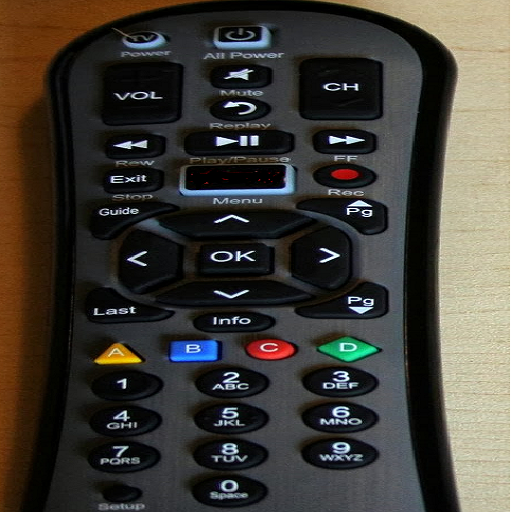 Cable TV Remote Control
 Draw finger (painter)