What Internet Browser Explorer actually does (from store listing)
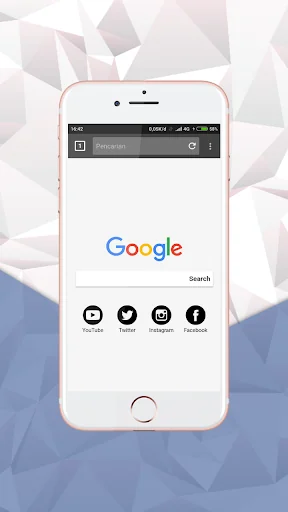
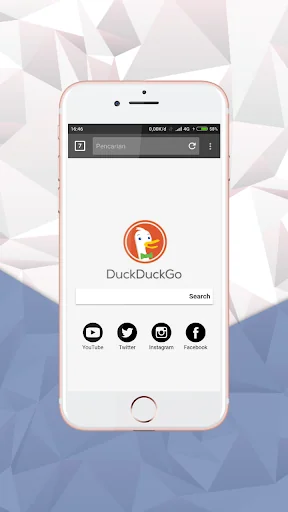
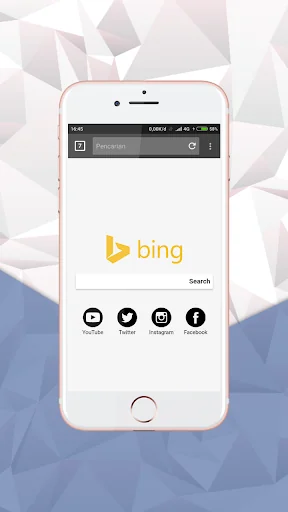
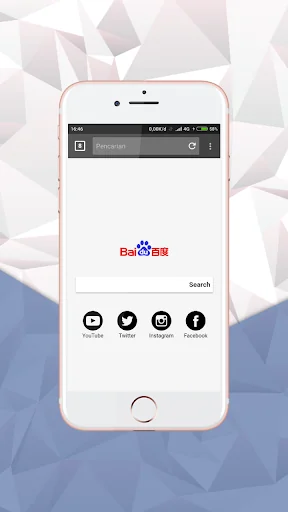
Internet Browser Explorer is a very fast browser and is suitable for Android phones and tablets. This mini browser gives users fast and interesting internet browsing on social networks, websites, opening photos, watching videos, and downloading and others.
Fast - Access, browse, and search the web at high speed
Smart - Save favorite sites and mobile videos at your fingertips with smart search
Safe - Make sure your Android web browser remains safe & private with extensive security settings
…
Internet Browser Explorer is a very fast browser and is suitable for Android phones and tablets. This mini browser gives users fast and interesting internet browsing on social networks, websites, opening photos, watching videos, and downloading and others.
Fast - Access, browse, and search the web at high speed
Smart - Save favorite sites and mobile videos at your fingertips with smart search
Safe - Make sure your Android web browser remains safe & private with extensive security settings
Main feature:
- Has a simple, clean and easy to use UI
- Fast to start, quickly load and render pages
- Supports full screen options
- Easy to add bookmarks
- Support download manager
- Your favorite website is available in one click
- block negative content searches
For other great features, please download and try!
Internet Browser Explorer is ideal for use on fast network connections such as Wi-Fi, 2G, Edge, 3G, 4G and 5G. This is designed to make your Android device more effective and easy to connect networks!
Open source in github : https://github.com/desinasaa/x_Pro.git
Comparable Android apps
The five apps in Communication with the closest revenue to Internet Browser Explorer. Click any to see its detail page.
Each forecast combines App Store rating, ratings count, monetisation model, pricing tier, IAP signals and ad-supported flag.
The base estimate is then multiplied by a per-category scaling factor learned from apps with founder-verified MRR.
Every number on this page comes from public APIs and bumetric's own snapshot history.
Full methodology covers input variables, accuracy bands per category and how we treat apps without comparable anchors.
See also the live data on Internet Browser Explorer's tracker page for current rating, reviews and snapshot timeline.
Building something similar? Get a free AI audit with $-revenue forecasts for every recommendation.


 Status Saver-Image and Video
 Fastmail
 P3 Mobile
 Ecards & Love Notes Messenger
 Vegas Browser Anti Block - Unb