What Label Maker : Design & Printer actually does (from store listing)
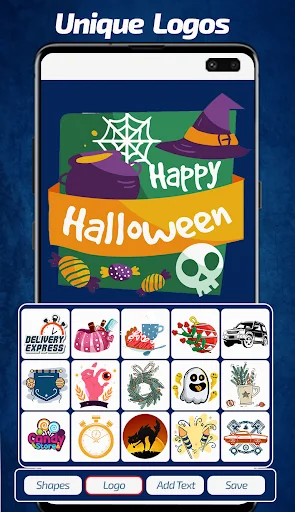
Create labels offline using the label maker designer with the best label templates. Label Maker : Design & printer Sticker Maker Templates is the Android app that allows you to make your own labels. The easy-to-use interface, clear instructions, and appealing templates make it straightforward for you to design labels with our label sticker maker.
It is download label designer app that enables you to make labels right from your Android Smartphone or tablet quickly. You don’t have to worry about …
Create labels offline using the label maker designer with the best label templates. Label Maker : Design & printer Sticker Maker Templates is the Android app that allows you to make your own labels. The easy-to-use interface, clear instructions, and appealing templates make it straightforward for you to design labels with our label sticker maker.
It is download label designer app that enables you to make labels right from your Android Smartphone or tablet quickly. You don’t have to worry about your device, as this logo maker works equally exquisite on all devices. You need no expertise to use the app; all the label templates included in our label creator are fully customizable. Do you need to remove the text or change it? No problem, play around with the templates and make a label as per your requirements.
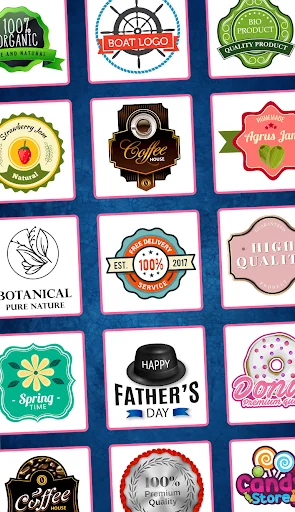
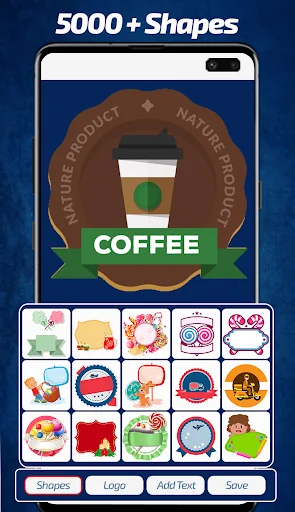
Now it is possible for you to create labels offline with the help of free editing options and graphic elements. There’s no restriction on how you can utilize your creativity while using our tag maker. Our logo maker also offers you amazing templates that you need, so half of your work is already done here. Explore the templates and customize them according to your needs. You can remove, add, or change the text or image without any hurdles by using our sticker maker.
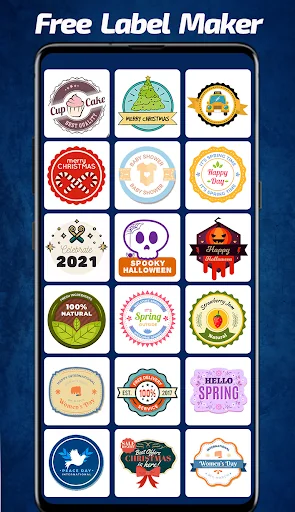
There are many label maker apps out there. Most of them usually have some ambiguous structures or rules and regulations that make it difficult for you to create labels easily. However, our sticker maker doesn’t have any such hurdles. We have made sure to design our app in a way that makes it different from the rest. Our stamp maker has a unique and simple interface that makes it easier for you to design labels as per your desires without any hassle. Unlike other label maker apps, you will find this one to be extremely easy to use. It has a collection of 50 plus templates, and you get to enjoy sample templates as well.
Features of Label Maker & Creator Badge Maker Templates app:
- Straightforward, accessible, and functional label designer
- All templates Unique
- To access on desktop sync with One Drive or Google Drive
- Install Microsoft Word to make your own labels
- Create professional label for your Brand
- Download app and very easy to use
- Get access to all templates
Download and install Label Maker & Creator: Logo Maker Templates on your Android device now and create labels offline.
Like our app? Spare a moment to encourage us. You can rate us and give us a helpful review on Play Store.
Thank you for downloading Label Maker & Creator: Best Logo Maker Templates!
Comparable Android apps
The five apps in Art & Design with the closest revenue to Label Maker : Design & Printer. Click any to see its detail page.
Each forecast combines App Store rating, ratings count, monetisation model, pricing tier, IAP signals and ad-supported flag.
The base estimate is then multiplied by a per-category scaling factor learned from apps with founder-verified MRR.
Every number on this page comes from public APIs and bumetric's own snapshot history.
Full methodology covers input variables, accuracy bands per category and how we treat apps without comparable anchors.
See also the live data on Label Maker : Design & Printer's tracker page for current rating, reviews and snapshot timeline.
Building something similar? Get a free AI audit with $-revenue forecasts for every recommendation.

 Vintage Design - Menu and Logo
 Analog Film Filter Japan, Lond
 Quotes Creator - Quote Writer
 Royal Photo Frames And Effects
 How to make stickers