What Linebit Light Icon Pack actually does (from store listing)
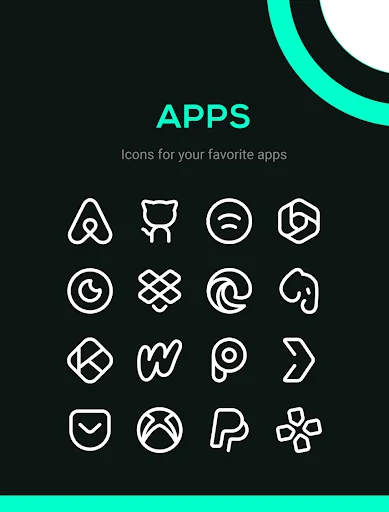
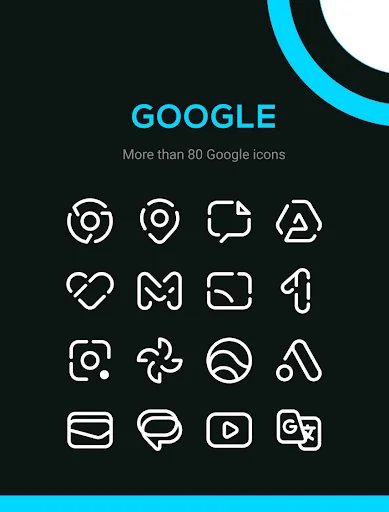
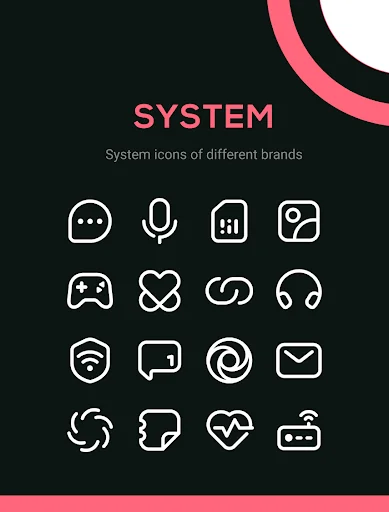
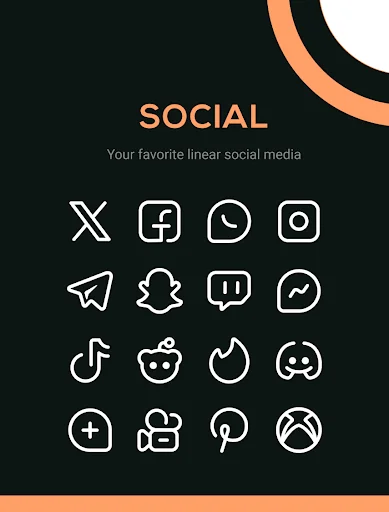
Discover Linebit Light, a pack with more than 6000 white linear icons designed for those who seek a clean and minimalist style on Android.
Perfect to use on dark, colorful, or gradient wallpapers, bringing contrast and elegance to every screen.
<b>Features:</b>
<font color="#00d482">★</font> 6000+ Colorful icons
<font color="#00d482">★</font> 30 Wallpapers
<font color="#00d482">★</font> Dynamic calendar icons
<font color="#00d482">★</font> Support for many launchers
<font color="#00d482…
Discover Linebit Light, a pack with more than 6000 white linear icons designed for those who seek a clean and minimalist style on Android.
Perfect to use on dark, colorful, or gradient wallpapers, bringing contrast and elegance to every screen.
Features: ★ 6000+ Colorful icons
★ 30 Wallpapers
★ Dynamic calendar icons
★ Support for many launchers
★ Efficient icon request system
★ Frequent updates with new icons and improvements
How to apply these icons? 1. Install a compatible launcher
2. Open Linebit Light, go to the Apply section, and select your launcher
Compatible Launchers: Smart Launcher, Nova Launcher, Lawnchair, Action Launcher, Apex Launcher, Flick Launcher, GO Launcher, Hyperion Launcher, Lucid Launcher, Microsoft Launcher, Mint Launcher, Niagara Launcher, Pie Launcher
(These launchers have been tested and are fully compatible, may also work with other unlisted launchers)
How to apply on Samsung phones? 1. Download Good Lock (Theme Park) from Galaxy Store
2. Open Theme Park and select Icon > Create New
3. Choose Linebit Light, assign a name, and save
4. Select the pack and tap Apply
Contact If you have questions or suggestions, contact me at edzon.dm@gmail.com
Comparable Android apps
The five apps in Personalization with the closest revenue to Linebit Light Icon Pack. Click any to see its detail page.
Each forecast combines App Store rating, ratings count, monetisation model, pricing tier, IAP signals and ad-supported flag.
The base estimate is then multiplied by a per-category scaling factor learned from apps with founder-verified MRR.
Every number on this page comes from public APIs and bumetric's own snapshot history.
Full methodology covers input variables, accuracy bands per category and how we treat apps without comparable anchors.
See also the live data on Linebit Light Icon Pack's tracker page for current rating, reviews and snapshot timeline.
Building something similar? Get a free AI audit with $-revenue forecasts for every recommendation.

 Retrofit Icon Pack
 Lady Pill Icon Pack
 Fonts Keyboard
 Baked - Dark Android Icon Pack
 Verticons Icon Pack