What MHT & MHTML Viewer, Reader actually does (from store listing)
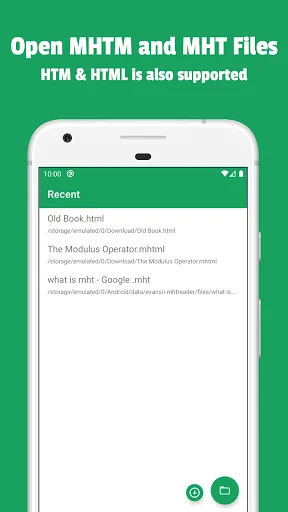
Mhtml file viewer is a powerful tool to open and read saved or downloaded from the internet compressed web pages. Find a necessary file on your storage and open it in mht & mhtnl file opener. Or, if you find something interesting on the Internet, open a web page in MHTML Reader and save it as a web archive for offline reading.
Supports formats: mht, mhtml, htm, html
Mhtml File Viewer & Reader main features:
• Read and view .mht and .mhtml files
• Save as web archive for offline readi…
Mhtml file viewer is a powerful tool to open and read saved or downloaded from the internet compressed web pages. Find a necessary file on your storage and open it in mht & mhtnl file opener. Or, if you find something interesting on the Internet, open a web page in MHTML Reader and save it as a web archive for offline reading.
Supports formats: mht, mhtml, htm, html
Mhtml File Viewer & Reader main features:
• Read and view .mht and .mhtml files
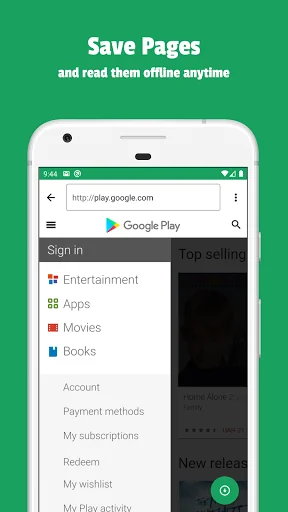
• Save as web archive for offline reading
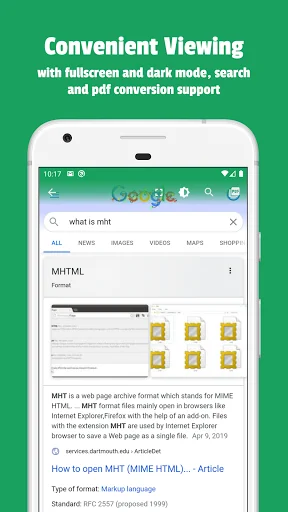
• Search inside a web page
• Fullscreen mht viewer
• Comfortable mhtml reading screen
• Convert mhtml to pdf
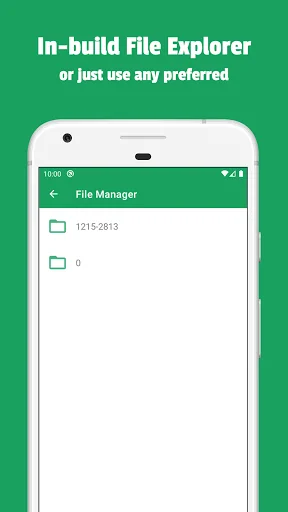
• Inner file explorer for your readings organization
• Support for HTML files with additional folders
Sometimes we don't have enough time to read interesting web pages, because of work or any other deeds, but now it's not a problem. Save the page in mhtml format using any preferred web browser and open it on the phone using Mht & Mhtml file opener.
Manage your mht & mhtml files inside the app. Create folders, rename files, etc. Create an ordered hierarchy of data for offline reading and learning.
Open HTML files with the data folder (also known as *filename*_files folder) saved through a web browser. Choose the HTML file and save it inside the app, make a long tap on the saved file and choose "Add files folder". Choose the folder with data and that's all! Files will be copied and you will be able to open HTML in the original visual representation.
Browsing through the internet on the phone and want to put something offline for future reading? Share the URL and pick MHT File Reader from suggested apps, wait until the page is loaded, and save it for offline reading.
Ready for a trip and found some interesting articles that can be read on the road? Save through the browser and drop on the phone, because with mht files, the same as Mhtml Viewer do not require an internet connection.
If you have any suggestions or want to ask something about Mht & Mhtml Viewer, feel free to use the contact form.
Mht & Mhtml file viewer is your number one tool for reading saved pages and articles! Upload mht file on internal storage and open it using the app, that is all! Save web pages offline and read them anytime. Just open the page address in the built-in web downloader and after the page is loaded tap on the download button. The app will automatically save a web page, images, and text.
Comparable Android apps
The five apps in Tools with the closest revenue to MHT & MHTML Viewer, Reader. Click any to see its detail page.
Each forecast combines App Store rating, ratings count, monetisation model, pricing tier, IAP signals and ad-supported flag.
The base estimate is then multiplied by a per-category scaling factor learned from apps with founder-verified MRR.
Every number on this page comes from public APIs and bumetric's own snapshot history.
Full methodology covers input variables, accuracy bands per category and how we treat apps without comparable anchors.
See also the live data on MHT & MHTML Viewer, Reader's tracker page for current rating, reviews and snapshot timeline.
Building something similar? Get a free AI audit with $-revenue forecasts for every recommendation.


 中保無限加
中保無限加
 Arabic - French Translator
 Mantenimiento de tu piscina
 Aruba Utilities
 DMX-DIP calculator