What Night Clock: Donate actually does (from store listing)
If button lights don't turn off, try:
1) Turning your phone's automatic brightness on or off
2) Tap to dim screen, then turn screen off and then on (using the button on your phone)
To find the settings menu on S5, just hold in the multitasking key (left soft key at bottom of phone).
This version turns off button backlights for most, but not all, phones. In particular, some new KitKat (Android 4.4) phones do not allow apps to turn off button backlights. If it doesn't work (with the tips a…
If button lights don't turn off, try:
1) Turning your phone's automatic brightness on or off
2) Tap to dim screen, then turn screen off and then on (using the button on your phone)
To find the settings menu on S5, just hold in the multitasking key (left soft key at bottom of phone).
This version turns off button backlights for most, but not all, phones. In particular, some new KitKat (Android 4.4) phones do not allow apps to turn off button backlights. If it doesn't work (with the tips above), just uninstall for a refund. Some phones disable my ability to turn the lights off, and unfortunately there's nothing I can do about that.
If the background is a gradient instead of just black, you need to: turn off "Force GPU rendering" in your phone's "Developer"
settings.
If you have a problem, email me!
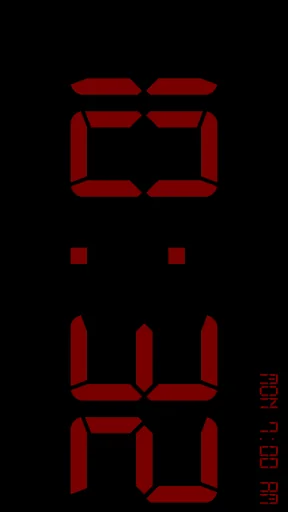
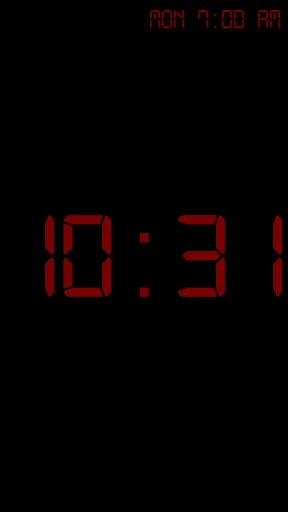
This is a simple, retro-style night clock. It will display the time in big, bold letters (three fonts and any color to choose from), along with having a built-in alarm (or you can use your stock android alarm, it it's supported). Since the screen will stay on while the application is open (unless you manually turn it off), it is highly recommended that you keep your phone plugged in to charge otherwise it will drain the battery.
Some features include:
-Silence notifications
-Tap to dim screen to lowest possible setting
-Launches when put into the multimedia dock (also has flipped mode for use without a dock)
-Font and color settings (when choosing text color, drag your finger away from the center to change transparency)
-Built in alarm (or use stock Android alarm, if your phone supports it)
-Show next alarm on clock screen
Comparable Android apps
The five apps in Tools with the closest revenue to Night Clock: Donate. Click any to see its detail page.
Each forecast combines App Store rating, ratings count, monetisation model, pricing tier, IAP signals and ad-supported flag.
The base estimate is then multiplied by a per-category scaling factor learned from apps with founder-verified MRR.
Every number on this page comes from public APIs and Bumetric's own snapshot history.
Full methodology covers input variables, accuracy bands per category and how we treat apps without comparable anchors.
See also the live data on Night Clock: Donate's tracker page for current rating, reviews and snapshot timeline.
Building something similar? Get a free AI audit with $-revenue forecasts for every recommendation.

 Override DNS (a DNS changer)
 Sticker maker
 G DATA Mobile Security
 VirtualTablet (S-Pen)
 Scientific Calculator Pro