Live screenshots from the Play Store, captured by our snapshot worker. Tap any image to enlarge.
PDF Maker: Docs & ID Scanner's revenue trajectory
Forecast revenue from snapshot history. Last 1 months.
App spec
Version
Varies with device
Launched
Jul 09, 2026
Price
Free
Monetization
Free
What PDF Maker: Docs & ID Scanner actually does (from store listing)
📄 Create, Scan & Convert PDFs Easily with PDF Maker & ID Scanner! 📄
Looking for a fast & reliable PDF Maker? Need an ID Scanner & PDF Converter to digitize your documents instantly? 🖨️ PDF Maker: ID Scanner & Document Converter is your all-in-one solution! Convert JPG to PDF, scan ID cards, business documents, assignments, legal papers, and manage all your files effortlessly. 📂✨
🌟 Key Features of PDF Maker & ID Scanner:
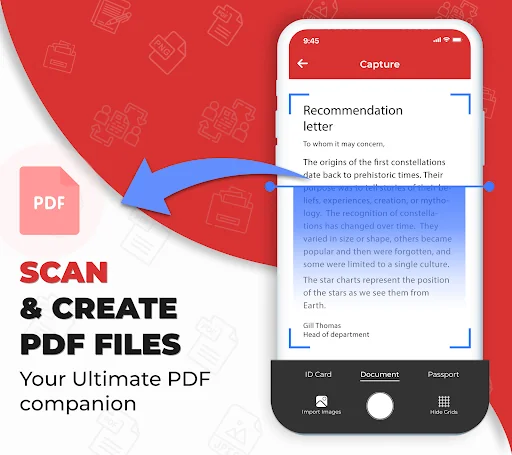
✔️ 📷 Doc Scanner – Scan documents, ID cards, passports, invoices, and…
📄 Create, Scan & Convert PDFs Easily with PDF Maker & ID Scanner! 📄
Looking for a fast & reliable PDF Maker? Need an ID Scanner & PDF Converter to digitize your documents instantly? 🖨️ PDF Maker: ID Scanner & Document Converter is your all-in-one solution! Convert JPG to PDF, scan ID cards, business documents, assignments, legal papers, and manage all your files effortlessly. 📂✨
🌟 Key Features of PDF Maker & ID Scanner:
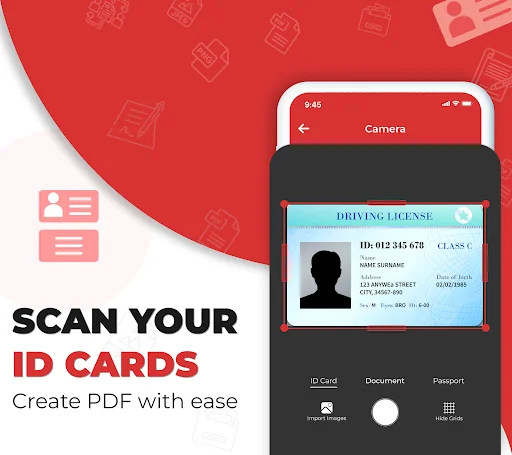
✔️ 📷 Doc Scanner – Scan documents, ID cards, passports, invoices, and receipts.
✔️ 🖼️ Image to PDF Converter – Convert multiple photos into a single PDF or JPEG.
✔️ ✍️ E-Signature – Digitally sign important documents & share instantly.
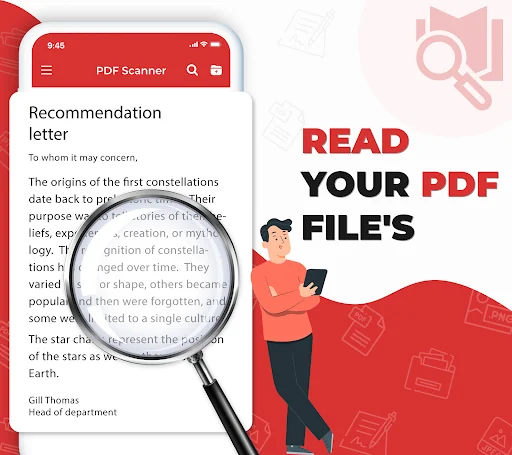
✔️ 🔎 Quick Search – Find & access your saved PDFs in seconds.
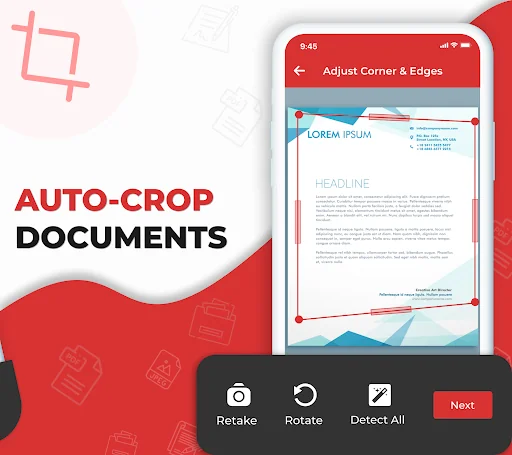
✔️ 🎨 Photo Enhancer – Use filters (Scan Color, Grayscale, Black & White) to improve scan quality.
✔️ 🌍 Multi-Language Support – Switch app language to your preference.
📌 How to Use PDF Maker & ID Scanner?
1️⃣ Open the document scanner app.
2️⃣ Import photos from your gallery & convert JPG to PDF in high quality.
3️⃣ Scan documents using your phone’s camera.
🏆 Why Choose PDF Maker & ID Scanner?
✅ Fast & Secure – No watermark, high-speed conversion.
✅ All-in-One Solution – Scan, edit scans & convert PDFs on the go.
✅ No Internet Required – Works offline, anytime, anywhere!
⚠️ Permissions Notice: This app requires camera & storage access to scan & save documents. We do NOT collect or share your data. 🔒
📥 Download now & simplify your document management! 🚀
✅ Why This is Better?
More Engaging & Attractive (Emojis & strong opening lines).
Policy Friendly (No over-promises, no keyword stuffing).
Improved Readability & Flow (Easy to scan & understand).
Own PDF Maker: Docs & ID Scanner? Replace our estimate with your real revenue via Stripe Connect or ASC. Get a public Verified badge.
Each forecast combines App Store rating, ratings count, monetisation model, pricing tier, IAP signals and ad-supported flag.
The base estimate is then multiplied by a per-category scaling factor learned from apps with founder-verified MRR.
Every number on this page comes from public APIs and bumetric's own snapshot history.
Full methodology covers input variables, accuracy bands per category and how we treat apps without comparable anchors.
See also the live data on PDF Maker: Docs & ID Scanner's tracker page for current rating, reviews and snapshot timeline.
Building something similar? Get a free AI audit with $-revenue forecasts for every recommendation.