What Photo Transfer App PRO actually does (from App Store listing)
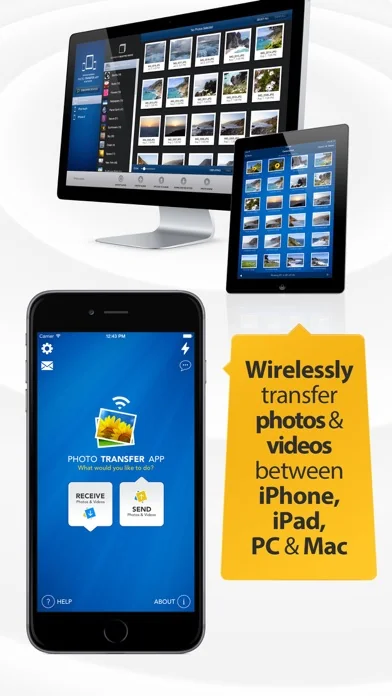
This is a PRO version of Photo Transfer App for all users who want to receive an access to all app functionalities without additional charges. With the PRO version of Photo Transfer App users can enjoy a full app experience without any limitations: quickly copy photos and videos between different devices iPhone, iPad, Mac or PC using local wifi network.
With over 10,000 positive reviews in the App Store, thousands of happy users and millions of photo transfers, this app is an indispensable tool…
This is a PRO version of Photo Transfer App for all users who want to receive an access to all app functionalities without additional charges. With the PRO version of Photo Transfer App users can enjoy a full app experience without any limitations: quickly copy photos and videos between different devices iPhone, iPad, Mac or PC using local wifi network.
With over 10,000 positive reviews in the App Store, thousands of happy users and millions of photo transfers, this app is an indispensable tool for your iOS device.
Features include:
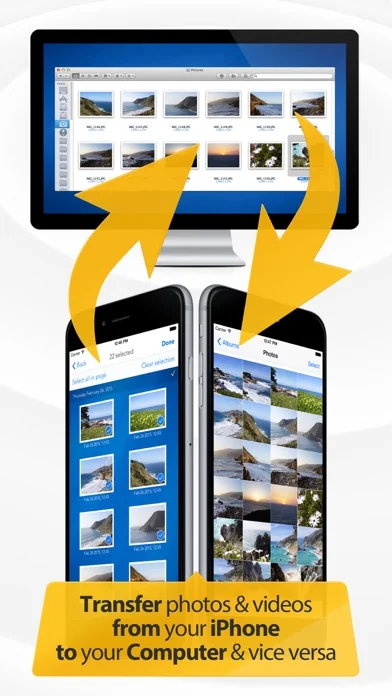
► Easily transfer pictures and videos from your iPhone, iPad or iPod touch to your Windows or Mac Computer - You can now DELETE them after transfer!!
► Upload photos and videos from your PC or Mac to your iPad, iPhone or iPod touch - Photos are saved to the 'Camera roll' album
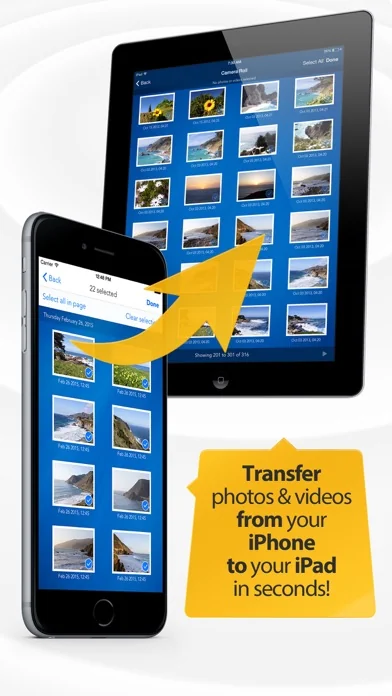
► Quickly move photos from iPhone to iPad and vice versa
► Transfer HD videos in from iPhone or iPod Touch to your iPad and vice versa
► Transfer photos & videos in all directions over Wifi (Device to/from Computer, Device to/from Device)
► Preserves photo metadata in all transfer directions (EXIF information, location, etc)
► Transfer photos in full resolution, photos are not reduced in quality as with other apps
► Transfer photos between iOS devices using Bluetooth (Transferring videos over Bluetooth is not supported)
► Transfer photo files in RAW formats from iPad to computer and vice versa
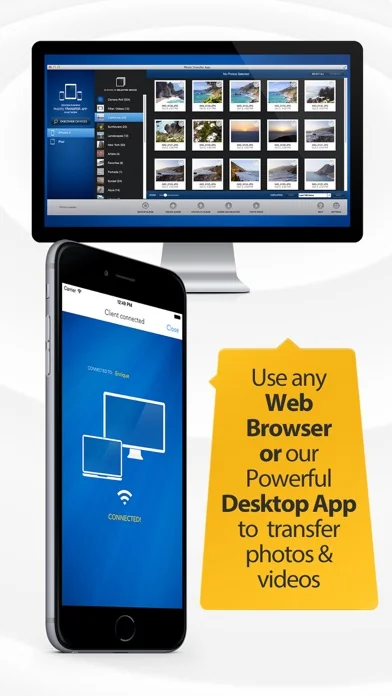
► Use any web browser on your computer or new FREE desktop application to quickly transfer between your device and your computer. Free desktop app available for Mac and Windows computers
► Works with web browsers running in Windows, Mac and Linux computers
► Backup all your photos and videos to your computer using our desktop application
► Your photos and videos are transferred directly from device to device using your local wifi network. They are not stored in an external server and they never leave your local wifi network keeping your photos safe
► Pay only ONCE to install this app on your iPhone and iPad (as long as the same iTunes account is used on both devices)
► Web Services plugins: Upload and download photos from Google Drive, Dropbox and Flickr
Requirements & limitations:
* To transfer photos from one iPhone/iPad to another both devices need to have this app installed. You only pay once when both devices use the same iTunes account to purchase apps
* Access to a properly configured wifi network is required for this application to work. Some public or private wifi networks may be configured to block communication between devices preventing the transfer connection to be established
* When transferring videos from a newer device model (like an iPhone X) to an older device model (like an older iPad) the videos may be resized so it can be played by the receiving device. Videos are resized to the maximum video playback resolution of the receiving device.
* Deleting albums or photos that were synced using iTunes is currently not supported from our app - The only way to delete those photos is via iTunes itself
------------------------
You can see some videos of how the app works on our website:
http://www.phototransferapp.com
And our support forum:
http://www.getsatisfaction.com/photo_transfer_app
------------------------
🆕 What's new · v7.5.18
This update includes:
- Improve overall performance and user experience
Please let us know if you have any questions, comments, or suggestions for the app: support@phototransferapp.com
Comparable iOS apps
The five apps in Photo & Video with the closest revenue to Photo Transfer App PRO. Click any to see its detail page.
Each forecast combines App Store rating, ratings count, monetisation model, pricing tier, IAP signals and ad-supported flag.
The base estimate is then multiplied by a per-category scaling factor learned from apps with founder-verified MRR.
Every number on this page comes from public APIs and bumetric's own snapshot history.
Full methodology covers input variables, accuracy bands per category and how we treat apps without comparable anchors.
See also the live data on Photo Transfer App PRO's tracker page for current rating, reviews and snapshot timeline.
Building something similar? Get a free AI audit with $-revenue forecasts for every recommendation.


 Ghost Lens AR Pro Video Editor
 Web Video Cast | Browser to TV
 Twin AI - Фото Видео Генератор
 Panorama 360 Camera
 Photometer