What Pixel art graphic editor actually does (from store listing)
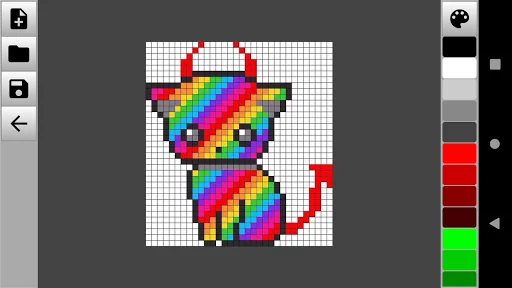
Pixel art is a pixel image editor for drawing and editing simple pictures. Thanks to Pixel art, you will learn how to create pixel drawings and develop graphics for games.
The graphic editor helps to draw pictures by pixels and has all the necessary tools for this. Pixel art editor has a wide range of actions and gives its user unlimited possibilities and spaces for creativity. In the app you can:
- Change the color palette, manually adjust the desired shade and paint pixel drawings in any col…
Pixel art is a pixel image editor for drawing and editing simple pictures. Thanks to Pixel art, you will learn how to create pixel drawings and develop graphics for games.
The graphic editor helps to draw pictures by pixels and has all the necessary tools for this. Pixel art editor has a wide range of actions and gives its user unlimited possibilities and spaces for creativity. In the app you can:
- Change the color palette, manually adjust the desired shade and paint pixel drawings in any color;
- Adjust the transparency of the selected color;
- Choose a color model (RGB or HSV);
- Insert images from the gallery in JPG, JPEG, PNG and other formats
- Use drawing by cells with a touch of your finger;
- Draw lines and geometric shapes;
- Manage image blur;
- Change the scale of the drawing;
- Use editing and drawing tools (eyedropper, brush, pencil, fill, eraser);
- Take a step back and undo the last committed action;
- Save the resulting pixel art to any folder and share your results with friends on social networks.
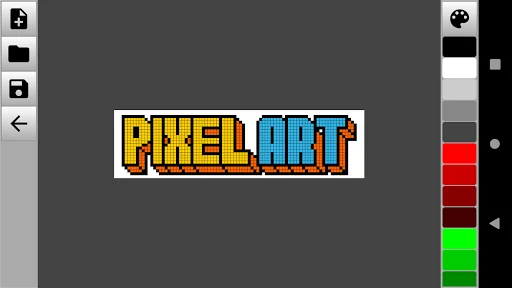
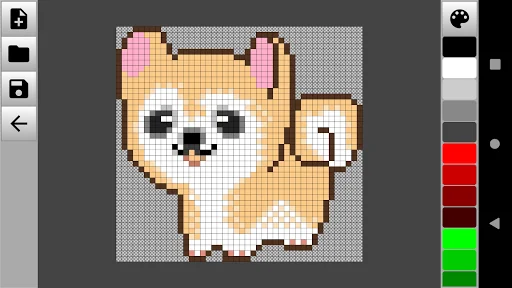
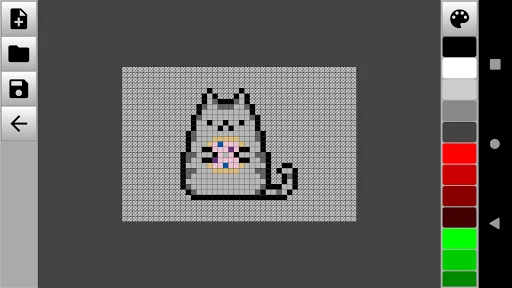
Pixel image editor is quite minimalistic and easy to learn. After opening the application, you will immediately go to the workspace. To start drawing, it is enough to create a new canvas, adjust the size and type of background. Use a brush or pencil to draw dots and lines of different colors. You can also use existing photos and images from the gallery as a background. You can save the finished drawings in any folder on your mobile device.
The application will allow you to create simple or complex drawings from pixels of any color for free. A graphic editor will be a great way to spend your free time usefully. Install Pixel art editor, create unique pixel drawings and share them with friends and family!
Comparable Android apps
The five apps in Art & Design with the closest revenue to Pixel art graphic editor. Click any to see its detail page.
Each forecast combines App Store rating, ratings count, monetisation model, pricing tier, IAP signals and ad-supported flag.
The base estimate is then multiplied by a per-category scaling factor learned from apps with founder-verified MRR.
Every number on this page comes from public APIs and Bumetric's own snapshot history.
Full methodology covers input variables, accuracy bands per category and how we treat apps without comparable anchors.
See also the live data on Pixel art graphic editor's tracker page for current rating, reviews and snapshot timeline.
Building something similar? Get a free AI audit with $-revenue forecasts for every recommendation.

 Arts & Crafts for Beginners
 The Prado Guide
 Tattoo My Photo Maker
 AppLock Theme Sky
 Dream Catcher Coloring Book