ML revenue forecast.
Calibrated against 2781 apps in this category.
Confidence band
±15%
High — many comparable apps with verified data
At a glance
Earns 7.27× more than the category median (1.2K/mo).
Ranks #247 of 2,781 in Utilities (top 8.9% by revenue).
Ratings volume grew 68.5% over the last 30 days, suggesting active user acquisition.
Launched Jul 15, 2015 · last updated Apr 19, 2026.
24 months of snapshot history tracked.
What the app looks like
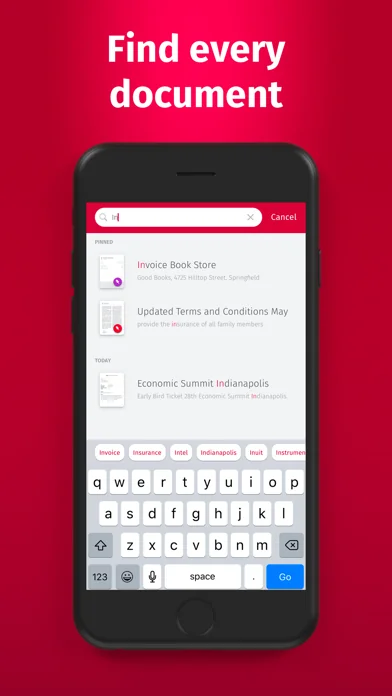
Live screenshots from the App Store, captured by our snapshot worker. Tap any image to enlarge.
Pro Dokumentenscanner's revenue trajectory
Forecast revenue from snapshot history. Last 24 months.
Where Pro Dokumentenscanner sits in Utilities
Revenue distribution of 2781 comparable apps. Pro Dokumentenscanner highlighted.
Pro Dokumentenscanner vs comparable apps
Revenue trajectory side-by-side. Bold = Pro Dokumentenscanner, ghosted = peers.
App spec
Version
9.6.79
Last update
Apr 19, 2026
Launched
Jul 15, 2015
Min OS
15.0
Rating
17+
Price
Free
Monetization
Paid
Languages
AR, CS, DA, NL +19
What Pro Dokumentenscanner actually does (from App Store listing)
SwiftScan Pro unlocks full access to all the features limited in SwiftScan’s app.
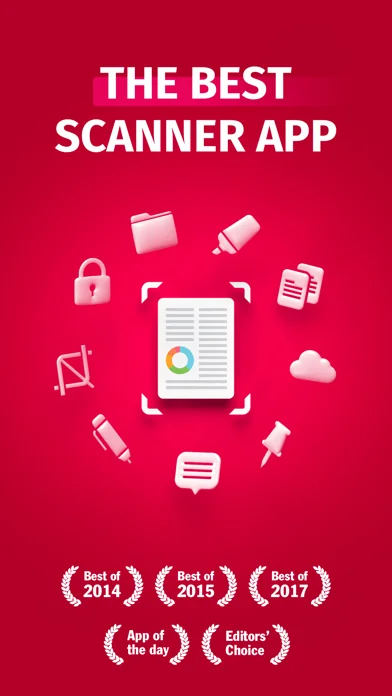
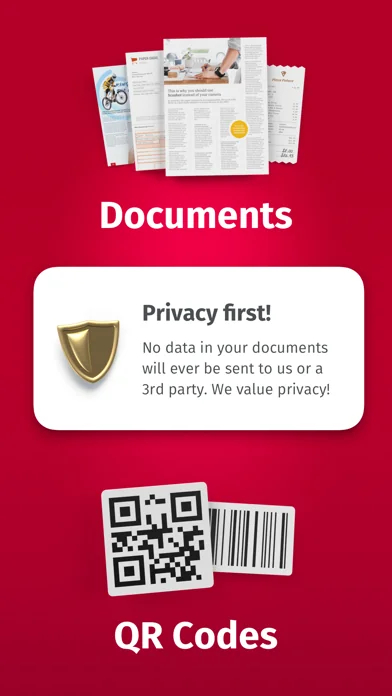
SwiftScan Pro is the best mobile scanner app for documents and QR codes. Create high-quality PDF or JPG scans with just one tap. Send files via email or as a fax. Upload them to iCloud Drive, Box, Dropbox, Evernote and other cloud services.
SwiftScan Pro packs all the power of a desktop scanner into one tiny scanner app!
FEATURE HIGHLIGHTS
• iOS widget: Shortcut widget provides instant access to scan, search,…
SwiftScan Pro unlocks full access to all the features limited in SwiftScan’s app.
SwiftScan Pro is the best mobile scanner app for documents and QR codes. Create high-quality PDF or JPG scans with just one tap. Send files via email or as a fax. Upload them to iCloud Drive, Box, Dropbox, Evernote and other cloud services.
SwiftScan Pro packs all the power of a desktop scanner into one tiny scanner app!
FEATURE HIGHLIGHTS • iOS widget: Shortcut widget provides instant access to scan, search, or view recent documents • Scan premium quality PDFs or JPGs with 200 dpi and higher • Advanced AI Tools to summarize your documents for quick comprehension, or even translate documents to another language • Fax: you can now send your documents as a fax right from SwiftScan Pro! • Cloud integration: iCloud Drive, Dropbox, Box, Evernote, WebDAV and other cloud services • Scan QR codes: URLs, Contacts, Phone Numbers, Locations, Hotspots, etc. • Lightning fast: automatic edge detection and scanning • Multi-page documents • Enhance your scans: color modes and automatic optimization • Smart background upload • Beautifully designed • Text recognition (OCR): extract the text of your scans to copy, search, lookup, etc. • Beautiful themes: select your preferred look and feel • Smart file naming • Passcode protection with Touch ID / Face ID support • Add pages to existing scans • Fast full-text search • PDF password protection
Scan HIGH-QUALITY SwiftScan Pro relies on the latest and most advanced mobile scanning technology available. Your scans are delivered at a premium quality with 200 dpi and higher, which is comparable to the performance of modern desktop scanners. In addition, various color modes, auto-optimization and blur-reduction help you to get the most out of your scans.
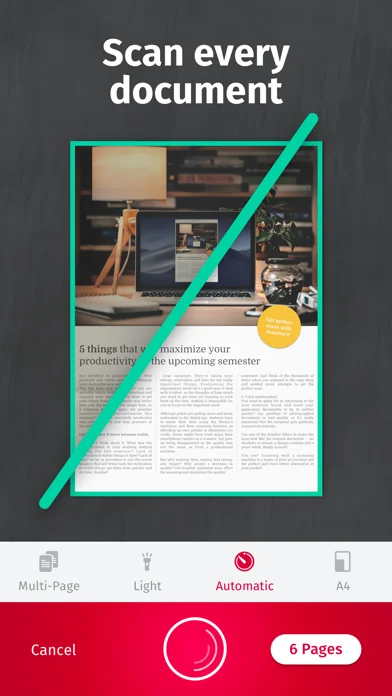
Scan QUICKLY Just hold your iPhone over any document, receipt or whiteboard and it takes only a second to scan a page and save it as a PDF or JPG. Thanks to SwiftScan Pro’s latest technology, the edges of the document are automatically identified so that only the document itself is scanned. SwiftScan Pro captures the best possible image in the perfect moment.
Scan ANYTHING SwiftScan Pro works on all occasions with all kind of media. Scan any kind of document such as paper documents, business cards, receipts, notes, whiteboards or post-its. SwiftScan Pro helps you save the documents that are important for you and get rid of paper clutter. No matter whether you are at work or on holidays, SwiftScan Pro is with you.
Scan to the CLOUD Scanned documents can be emailed, printed or uploaded to a supported cloud drive. If you enable automatic upload and SwiftScan Pro will automatically save your scans to your preferred cloud service right at the moment your PDF scan has been created.
Learn more: https://swiftscan.app Get in touch: support@swiftscanapp.com
Terms of Service: https://maplemedia.io/terms-of-service/ Privacy Policy: https://maplemedia.io/privacy/
🆕 What's new · v9.6.79
Thanks for updating to the latest version of SwiftScan Pro. Here’s what’s new:
- Liquid Glass is now supported on iOS 26
- General optimizations & stability improvements
Thanks for using SwiftScan Pro! If you have any questions, please contact us at support@swiftscanapp.com.
Comparable iOS apps
The five apps in Utilities with the closest revenue to Pro Dokumentenscanner. Click any to see its detail page.
Each forecast combines App Store rating, ratings count, monetisation model, pricing tier, IAP signals and ad-supported flag.
The base estimate is then multiplied by a per-category scaling factor learned from apps with founder-verified MRR.
Every number on this page comes from public APIs and bumetric's own snapshot history.
Full methodology covers input variables, accuracy bands per category and how we treat apps without comparable anchors.
See also the live data on Pro Dokumentenscanner's tracker page for current rating, reviews and snapshot timeline.
Building something similar? Get a free AI audit with $-revenue forecasts for every recommendation.

 Just Press Record
 LunaSolCal
 Conduit Bender Elite - Calc
 Voice Intercom for Sonos
 Clean Up Now: AI Cleaner