PStouch features:
- Control PalmSens and EmStat devices via USB* or Bluetooth
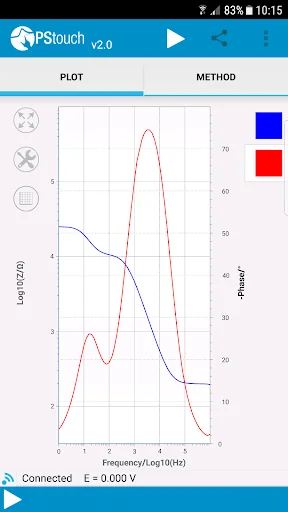
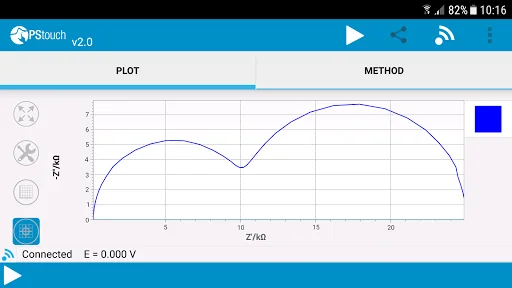
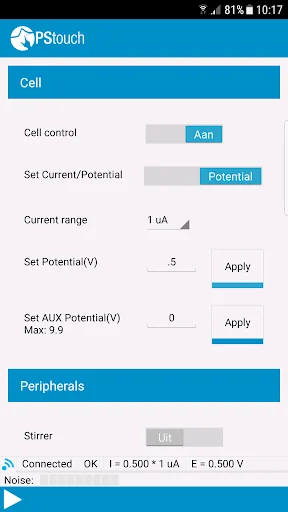
- Configure and run measurements
- Load and save measured curves
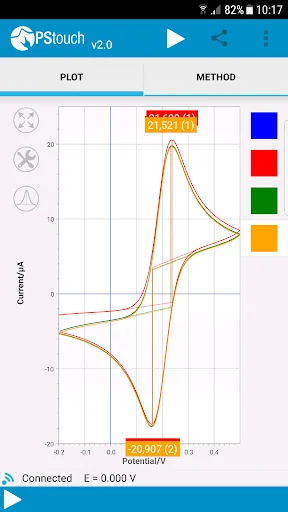
- Analyse and manipulate peaks
- Analytical mode for concentration determination by means of standard addition or a calibration curve
- Share measurement and analysis data directly via e-mail or Dropbox
- Support for PalmSens accessories such as a multiplexer, stirrer or bipot
- Since version 1.12 PStouch will request Wi-fi and network access pe…
PStouch features:
- Control PalmSens and EmStat devices via USB* or Bluetooth
- Configure and run measurements
- Load and save measured curves
- Analyse and manipulate peaks
- Analytical mode for concentration determination by means of standard addition or a calibration curve
- Share measurement and analysis data directly via e-mail or Dropbox
- Support for PalmSens accessories such as a multiplexer, stirrer or bipot
- Since version 1.12 PStouch will request Wi-fi and network access permissions when it is installed. These are used only for (anonymous) analytics and automated bug reports. When PStouch is first started the user is asked about anonymous data collection and bug reports, if he/she selects no then PStouch will never use the wi-fi connection. We respect your privacy and will never collect personal information!
Important notes:
1. If PStouch fails to update or does not start after updating then please uninstall it, delete the PStouch folder on your SD card and reinstall PStouch from the Google Play store. Also make sure that there is enough free space on your phone and SD card.
2. If you would like to connect you EmStat or PalmSens device to your mobile phone or tablet via USB then your phone or tablet must support USB host mode. Most modern phones and full-sized tablets support USB host mode, if you are unsure then please consult your device manual.
3. Emstat 3 devices may have problems connection via USB depending on your mobile device, if you are having problems then please consult the Help section of PStouch for solutions. You can find the Help section listed in the main menu.
*) Depends on Android device model
Comparable Android apps
The five apps in Tools with the closest revenue to PStouch. Click any to see its detail page.
Each forecast combines App Store rating, ratings count, monetisation model, pricing tier, IAP signals and ad-supported flag.
The base estimate is then multiplied by a per-category scaling factor learned from apps with founder-verified MRR.
Every number on this page comes from public APIs and bumetric's own snapshot history.
Full methodology covers input variables, accuracy bands per category and how we treat apps without comparable anchors.
See also the live data on PStouch's tracker page for current rating, reviews and snapshot timeline.
Building something similar? Get a free AI audit with $-revenue forecasts for every recommendation.


 Excel to PDF Files Converter
 Wifi Distance Calculator
 Flashlight : LED torch light
 Toaster
 AMA Rome