What Remote Mouse Pro actually does (from App Store listing)
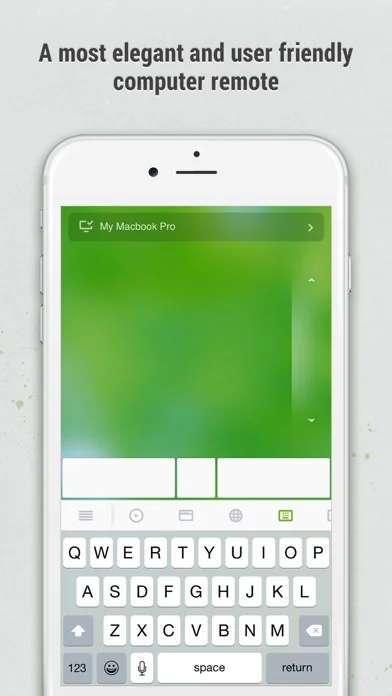
Remote Mouse™ transforms your mobile phone or tablet into an easy-to-use remote control for your computer, complete with a cross-device clipboard that enables seamless text and image transfer across platforms. It mimics the functions of a wireless mouse, keyboard, and touchpad, and also offers various specialized control panels that enhance your control over specific operations. The small features, designed for one-handed use or intuitive operations, will delight you.
Featured on CNET, Mashable…
Remote Mouse™ transforms your mobile phone or tablet into an easy-to-use remote control for your computer, complete with a cross-device clipboard that enables seamless text and image transfer across platforms. It mimics the functions of a wireless mouse, keyboard, and touchpad, and also offers various specialized control panels that enhance your control over specific operations. The small features, designed for one-handed use or intuitive operations, will delight you.
Featured on CNET, Mashable, and Product Hunt, Remote Mouse is recognized as one of the most sophisticated and user-friendly computer remote apps. With over 20 million users worldwide, it's a trusted choice for effortless computer control.
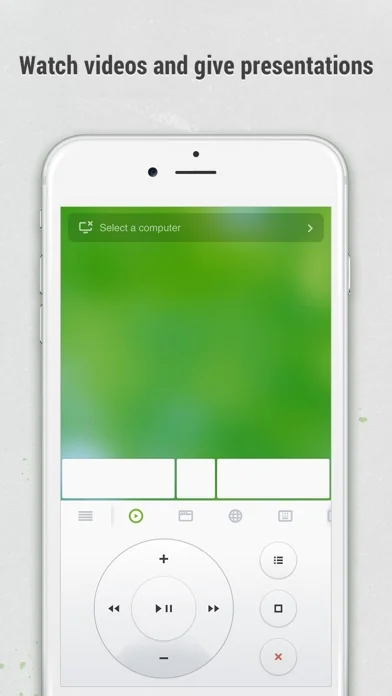
Whether you're watching a movie online, giving a presentation, or shutting down your computer with one click, nothing can be more convenient than having a mobile phone remote at your fingertips.
Mouse • Fully simulated mouse function • Gyro mouse is a feature that allows you to move the mouse cursor with a gyro sensor • Left-handed mode
Keyboard • Integrated with system and third-party keyboards, supports typing in various languages • Remotely typing by voice if the soft keyboard supports speech recognition • Supports sending various shortcuts • Displays different keypads for Mac or PC
Touchpad • Simulates the Apple Magic Trackpad and supports multi-touch gestures
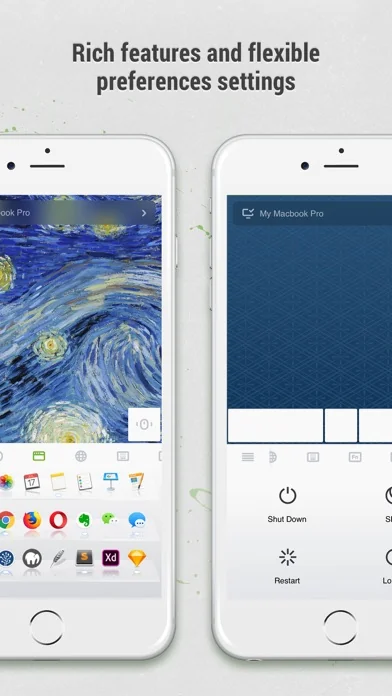
Specialty Control Panels • Media Remote: Control videos, music, and presentations across apps and sites like YouTube, Netflix, Disney+, Apple TV+, VLC, Spotify, and more, automatically adapting to what’s playing. • Web Remote: Supports Chrome, Firefox, and Opera • Application Switcher: quickly launch and switch between programs • Power Options: Supports remotely shutting down, sleeping, restarting, and logging off • Cross-device Clipboard: Allows for the transfer of text and images between your computer and mobile device
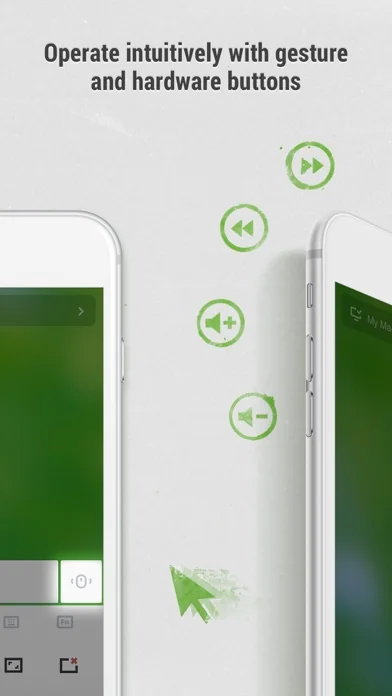
Other Features • Use the physical volume buttons on the mobile device for remote control • Set a password for the connection • Customizable wallpaper
Connection Method • Connect via IP address or QR code • Connect via history
Operating Environment • Compatible with Windows, Mac OSX, and Linux • Works under Wi-Fi or Bluetooth
To Get Started 1. Visit https://www.remotemouse.net on your computer and download the Remote Mouse computer server software. 2. Install and run the computer server software. 3. Connect your mobile device to the same Wi-Fi network or use Bluetooth to pair with your computer.
Comparable iOS apps
The five apps in Utilities with the closest revenue to Remote Mouse Pro. Click any to see its detail page.
Each forecast combines App Store rating, ratings count, monetisation model, pricing tier, IAP signals and ad-supported flag.
The base estimate is then multiplied by a per-category scaling factor learned from apps with founder-verified MRR.
Every number on this page comes from public APIs and bumetric's own snapshot history.
Full methodology covers input variables, accuracy bands per category and how we treat apps without comparable anchors.
See also the live data on Remote Mouse Pro's tracker page for current rating, reviews and snapshot timeline.
Building something similar? Get a free AI audit with $-revenue forecasts for every recommendation.


 Ship Finder
 Little Fox Animal Doctor
 Rechner.
 Sleep Talk Recorder
 NFC.cool Tools Tag Reader