What Remove Unwanted Object actually does (from store listing)
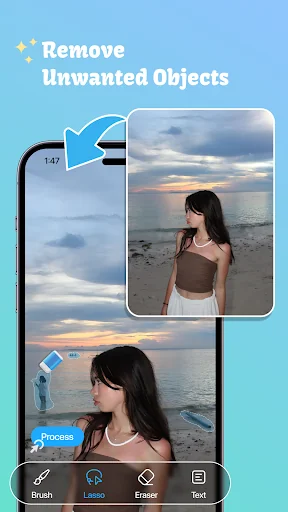
With this application you can remove unwanted object of photo, you can eraser person, eraser object, eraser sticker or text on your photo. It's all free!
This is one of best applications that lets you remove unwanted content from your photos using just the tip of your finger. It will help you save time to retouch your image with simple image processing, fast, effective and easy to use.
How to use?
1. Pick photo from camera or gallery
2. Choose objects you want to remove which selected i…
With this application you can remove unwanted object of photo, you can eraser person, eraser object, eraser sticker or text on your photo. It's all free!
This is one of best applications that lets you remove unwanted content from your photos using just the tip of your finger. It will help you save time to retouch your image with simple image processing, fast, effective and easy to use.
How to use?
1. Pick photo from camera or gallery
2. Choose objects you want to remove which selected in red
3. Press process button and see magic on your photo
4. Save or share this image to your friends
Key features of remove objects application: - Delete telephone wires and posts, power lines
- Remove surface breaks and scratches
- Remove unwanted person
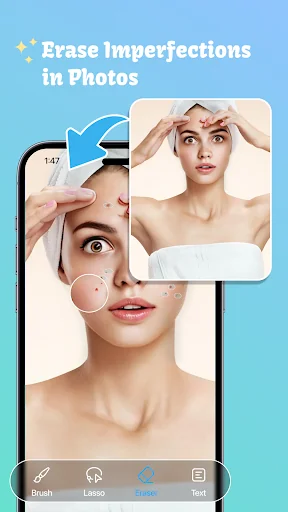
- Erase pimples and skin blemishes
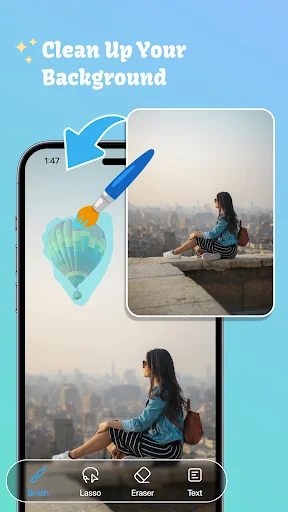
- Delete human-made objects like stop lights, street signs, trash cans
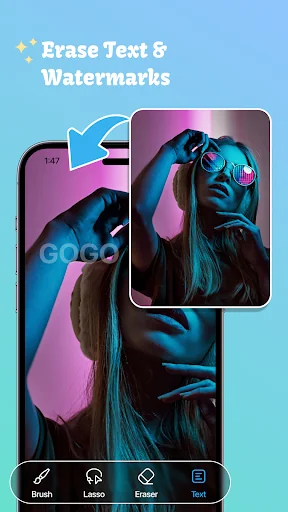
- Remove unwanted sticker or text, erase caption
- Remove stamp from photo, remove logo from photo
- Remove whatever you feel is spoiling your photos
Any idea or feedback about unwanted object remover application please contact us via email: blurbackgroundstudio@gmail.com. We always listen from you to improve our work.
Thank you for using our application!
Comparable Android apps
The five apps in Photography with the closest revenue to Remove Unwanted Object. Click any to see its detail page.
Each forecast combines App Store rating, ratings count, monetisation model, pricing tier, IAP signals and ad-supported flag.
The base estimate is then multiplied by a per-category scaling factor learned from apps with founder-verified MRR.
Every number on this page comes from public APIs and bumetric's own snapshot history.
Full methodology covers input variables, accuracy bands per category and how we treat apps without comparable anchors.
See also the live data on Remove Unwanted Object's tracker page for current rating, reviews and snapshot timeline.
Building something similar? Get a free AI audit with $-revenue forecasts for every recommendation.


 Send Reduced Pro
 Water Reflection Pro
 Photo Background Changer
 Cut Paste Photos
 Shutterfly: Prints Cards Gifts