What Scan to PDF: Converter Scanner actually does (from App Store listing)
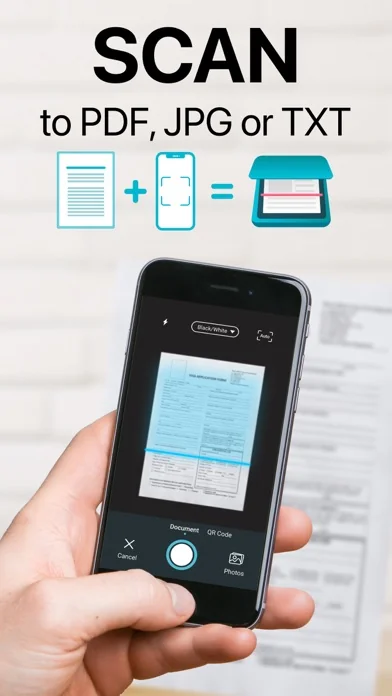
● Download Easy Scanner for free and turn your phone into powerful PDF scanner & converter in a second!
Easily scan your documents, receipts, photos, business cards, QR Codes, and more on the go, and save them as multi-page, high-quality PDF, JPEG, or TXT files
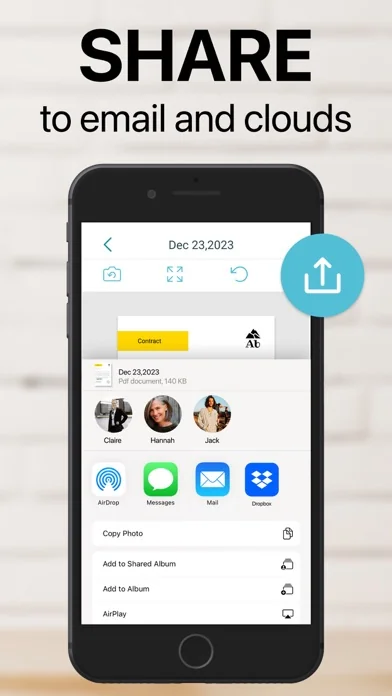
Scanned documents can be emailed, printed, faxed, exported to camera roll or uploaded to cloud services like Dropbox, Evernote, Google Drive, iCloud.
Easy Scanner's built-in advanced scanning algorithm automatically detects borders o…
● Download Easy Scanner for free and turn your phone into powerful PDF scanner & converter in a second!
Easily scan your documents, receipts, photos, business cards, QR Codes, and more on the go, and save them as multi-page, high-quality PDF, JPEG, or TXT files
Scanned documents can be emailed, printed, faxed, exported to camera roll or uploaded to cloud services like Dropbox, Evernote, Google Drive, iCloud.
Easy Scanner's built-in advanced scanning algorithm automatically detects borders of the page, corrects perspective and distortion, eliminates shadows and sets a perfect contrast for text - black on white.
Easy Scanner FEATURES:
● Automatic document edge detection and perspective correction
● Advanced image processing with enhancement and color correction, noise removing and more
● Multipage scanning(Batch mode) and document managing
● Document naming, storage inside the app, and smart search
● Document sorting by date and name
● Adding or reordering pages in a document
● Page size options for PDF (Letter, Legal, A4, A5, Business Card)
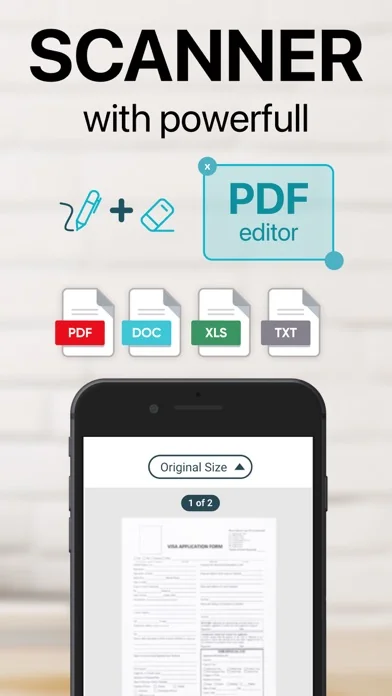
● Email the scans as PDF, JPEG, TXT or save to Camera Roll
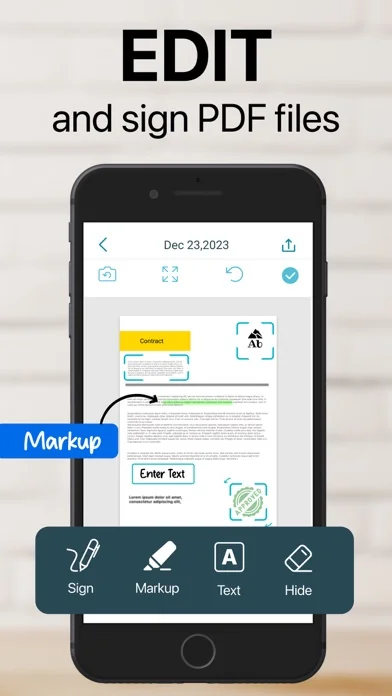
● Add signatures to scans
● Extract text from documents with OCR
● Upload the scans to cloud services like Dropbox, Evernote, Google Drive and more
● Fax scans to 30 countries with one tap
● Printing via AirPrint
● Lock documents or PDF files with password
Documents are processed on the phone without an internet connection. Your scans remain fully private always and not sent to a third-party server.
We are constantly improving Easy Scanner to create the best scanner app and help you digitize your documents easier and faster than ever. If you want to send us your feedback or have a problem with Easy Scanner, please contact us at support@easyscanner.co before submitting a comment to the App Store. Remember, we can't reply to your reviews on the App Store.
Payment will be charged to iTunes Account at confirmation of purchase. Subscription automatically renews unless auto-renew is turned off at least 24-Hours before the end of the current period. Account will be charged for renewal within 24-hours prior to the end of the current period, and identify the cost of the renewal. Subscriptions may be managed by the user and auto-renewal may be turned off by going to the user’s account settings after purchase
By using Easy Scanner, you accept our Terms of Use and Privacy Policy.
Terms of Use: https://plusminusone.notion.site/Easy-Scanner-Terms-and-condition-144d1f25cbf58042a2b5f783b99e1e9b Privacy Policy: bit.ly/easyscannerprivacy
🆕 What's new · v3.7.17
We squashed some bugs, boosted performance, and gave the camera a quick shine.
Comparable iOS apps
The five apps in Business with the closest revenue to Scan to PDF: Converter Scanner. Click any to see its detail page.
Each forecast combines App Store rating, ratings count, monetisation model, pricing tier, IAP signals and ad-supported flag.
The base estimate is then multiplied by a per-category scaling factor learned from apps with founder-verified MRR.
Every number on this page comes from public APIs and bumetric's own snapshot history.
Full methodology covers input variables, accuracy bands per category and how we treat apps without comparable anchors.
See also the live data on Scan to PDF: Converter Scanner's tracker page for current rating, reviews and snapshot timeline.
Building something similar? Get a free AI audit with $-revenue forecasts for every recommendation.


 CompanyCam
 Tiny Fax: Vom iPhone faxen
 PDF Scanner App: TapScanner
 PDF Scanner: Scan Documents
 PDF Bearbeiten