What Scanner Air - Scan Dokumente actually does (from App Store listing)
Transform your smartphone into a document scanner and a mobile office. Easily scan, sign, edit, and convert documents from anywhere—whether you're at home, in the office, or on the move. Enjoy the convenience of digitizing and sharing files with just a few taps. Say goodbye to bulky scanners and embrace simplicity.
Key Features:
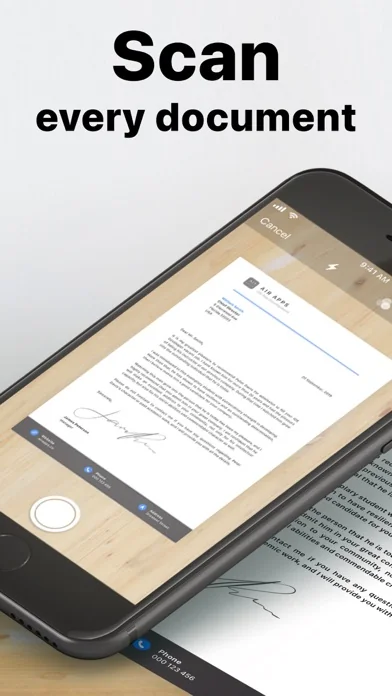
Fast Document Scanner
Use the document scanner to scan anything—contracts, receipts, notes, or IDs. Works as an ID scanner, receipt scanner, and even a business card sc…
Transform your smartphone into a document scanner and a mobile office. Easily scan, sign, edit, and convert documents from anywhere—whether you're at home, in the office, or on the move. Enjoy the convenience of digitizing and sharing files with just a few taps. Say goodbye to bulky scanners and embrace simplicity.
Key Features: Fast Document Scanner Use the document scanner to scan anything—contracts, receipts, notes, or IDs. Works as an ID scanner, receipt scanner, and even a business card scanner to keep your paperwork digital and organized.
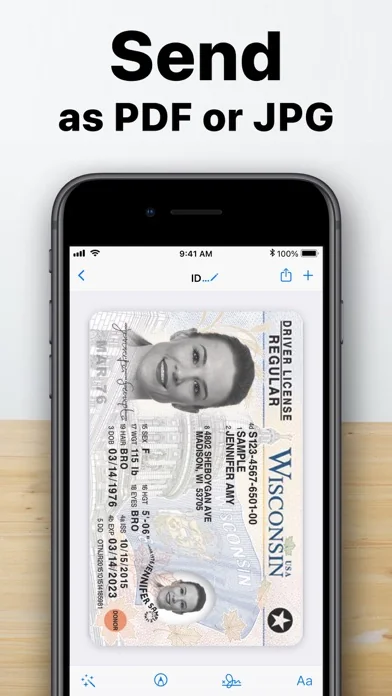
Scan to PDF & Convert to PDF Instantly convert or scan in high resolution. Whether it’s photos to PDF, JPG to PDF, or an image to text conversion, get professional-quality scans in seconds.
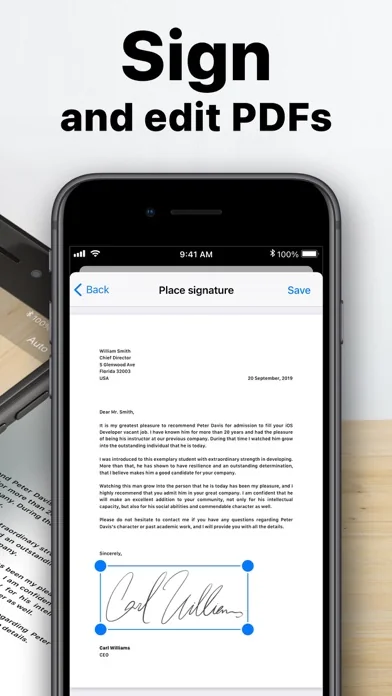
Edit Documents with Ease Use the built-in document editor to edit documents, crop, rotate, and enhance scans before sharing. Perfect for contracts, notes, or any other paperwork.
Sign & Send with eSign Digitally sign with the document signer and send them instantly. Use the eSign feature for contracts, agreements, or any important document.
Smart File Management Easily organize scanned files with the built-in file manager and file organizer. Quickly access your documents, rename, categorize, and store them efficiently.
On-the-Go Sharing & Printing Use the scan and go functionality to scan multiple pages instantly. Perfect for digitizing paperwork efficiently. Send documents via email, social media, or cloud storage. Use the fax app feature to send faxes directly from your phone. Need a hard copy? The app works as a PDF printer for iPhone, making it easy to print your files instantly.
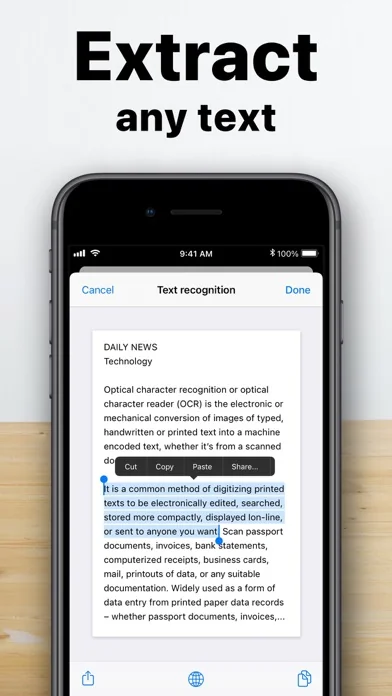
Advanced OCR & Image to Text Extract text from scanned documents using OCR text scanner technology. Convert image to text, edit content, and copy important details with ease.
Multiple File Formats & Conversions Seamlessly convert scanned documents with the built-in file converter. Turn JPG to PDF, use the jpeg converter, or convert to PDF for easy sharing.
Perfect for Business & Personal Use This app is more than just a camera scanner—it’s a complete productivity tool. Whether you need an ID scanner or card scanner, this app has you covered.
Upgrade with Air Apps One Subscribe to Air Apps One and unlock 30+ premium apps for productivity, fitness, learning, and more—all in one seamless subscription.
Manage & Cancel Anytime Payments will be charged to your iTunes account at purchase confirmation and at the start of each renewal. Free trials automatically convert to paid plans unless canceled at least 24 hours before renewal in iTunes settings. Cancellation takes effect after the current period ends, and you’ll be downgraded to the free version. Unused trial time is forfeited upon upgrading to a paid plan. EU users can cancel within 14 days via the Apple App Store. Refunds are not available once the app has been downloaded and used.
Privacy Policy: https://airapps.co/privacy Terms of Use: https://airapps.co/terms Support: Contact us at support@airapps.co
🆕 What's new · v2026.2.1
What’s New in This Update:
• UX Enhancements: We’ve polished up the user interface to give you a cleaner and more intuitive experience.
• Bug Fixes: We’ve tackled some annoying bugs to make sure your app experience is smoother and more stable.
Download it now to enjoy all these great improvements!
Comparable iOS apps
The five apps in Utilities with the closest revenue to Scanner Air - Scan Dokumente. Click any to see its detail page.
Each forecast combines App Store rating, ratings count, monetisation model, pricing tier, IAP signals and ad-supported flag.
The base estimate is then multiplied by a per-category scaling factor learned from apps with founder-verified MRR.
Every number on this page comes from public APIs and bumetric's own snapshot history.
Full methodology covers input variables, accuracy bands per category and how we treat apps without comparable anchors.
See also the live data on Scanner Air - Scan Dokumente's tracker page for current rating, reviews and snapshot timeline.
Building something similar? Get a free AI audit with $-revenue forecasts for every recommendation.


 AdGuard Pro: Safari Ad Blocker
 Maßband - Messen & Messgerät
 Mods for Minecraft PC & PE
 Tydlig
 Space Cleaner: File Manager