What Screen Balance actually does (from store listing)
First Android App to allow adjustment of the screens White Balance.
Exercise complete control over your screens white balance, tint and brightness level - Finally!
Root NOT needed.
UPDATES
★ Auto-sleeps when incompatible windows encountered (e.g. Package Installers)
★ Toggle on/off from notification tray - in Android Jellybean (4.1) and over.
★ Save color profiles.
★ Due to popular demand, we have added RGB adjuster to allow you to create your own color filters.
★ Due t…
First Android App to allow adjustment of the screens White Balance.
Exercise complete control over your screens white balance, tint and brightness level - Finally!
Root NOT needed.
UPDATES
★ Auto-sleeps when incompatible windows encountered (e.g. Package Installers)
★ Toggle on/off from notification tray - in Android Jellybean (4.1) and over.
★ Save color profiles.
★ Due to popular demand, we have added RGB adjuster to allow you to create your own color filters.
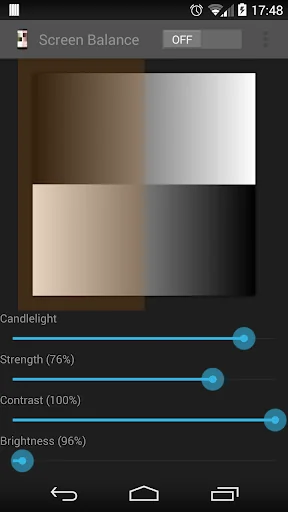
★ Due to demand, we have added option of adjusting the screen contrast - this vastly improves the readability of your screen at night. It also allows correction of harsh or over vibrant screen colors.
FEATURES
✓ Reduce brightness levels to below what Android normally allows - prevents night time strain, especially on AMOLED screens.
✓ Reduce Black Crush/Clipping on many devices including the recent Pixel 3
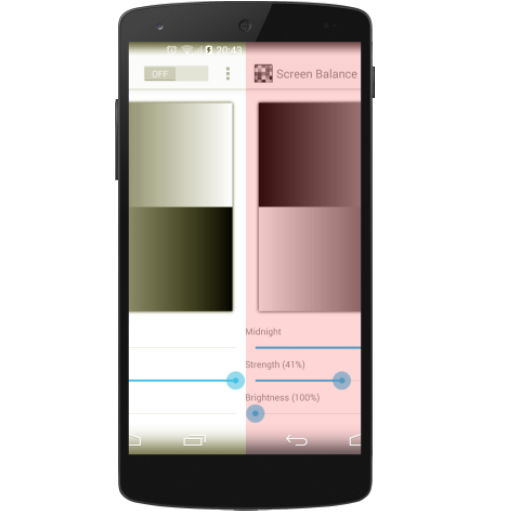
✓ Apply color tint to the screen - this is used to apply a color filter, e.g. a red tint such that you can use it in really dark environments, e.g. star gazing or simply reading at night.
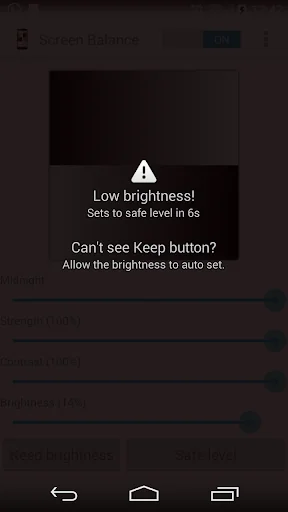
✓ Safety feature to auto reset brightness if set too low by accident.
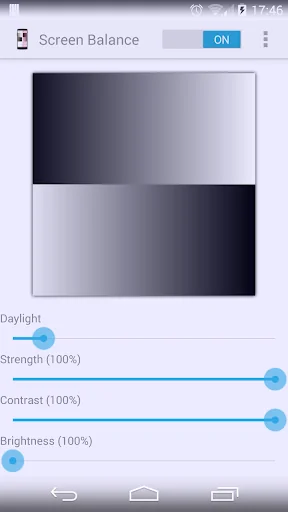
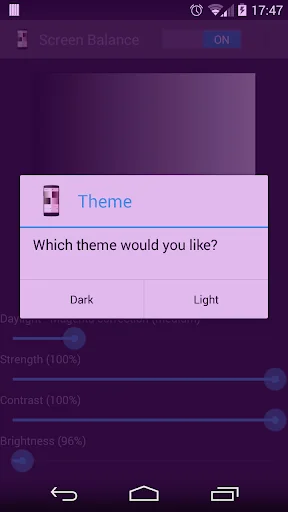
✓ Dark and Light themes - allows you to accurately test white balance and prevent eye strain at night and to test your color balance.
✓ Independently adjust brightness and tint as per your requirements.
✓ Due to popular demand, we have ensured that the App stops from appearing on the Android task list.
✓ Apply settings automatically on device boot.
✓ Save color profiles and settings.
✓ Inherently low resource use with no noticeable impact on performance and battery.
Comparable Android apps
The five apps in Tools with the closest revenue to Screen Balance. Click any to see its detail page.
Each forecast combines App Store rating, ratings count, monetisation model, pricing tier, IAP signals and ad-supported flag.
The base estimate is then multiplied by a per-category scaling factor learned from apps with founder-verified MRR.
Every number on this page comes from public APIs and bumetric's own snapshot history.
Full methodology covers input variables, accuracy bands per category and how we treat apps without comparable anchors.
See also the live data on Screen Balance's tracker page for current rating, reviews and snapshot timeline.
Building something similar? Get a free AI audit with $-revenue forecasts for every recommendation.

 InfovehículoConsultarMatrícula
 Persian calligraphy
 Super PI
 mySchneider
 Snipping Tool - Screenshots