What Screen Video Recorder actually does (from store listing)
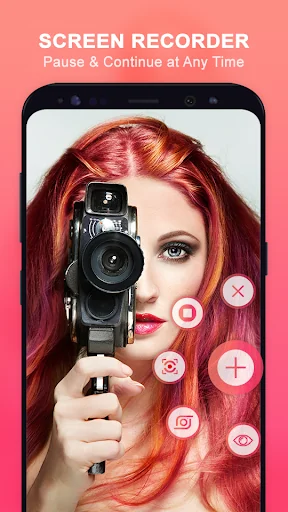
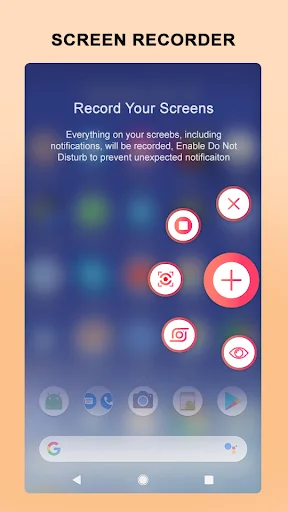
REC Screen Recorder is a free unlimited screen capture app for recording your device's screen to video, best way to record any game and see your performance later.
Features:
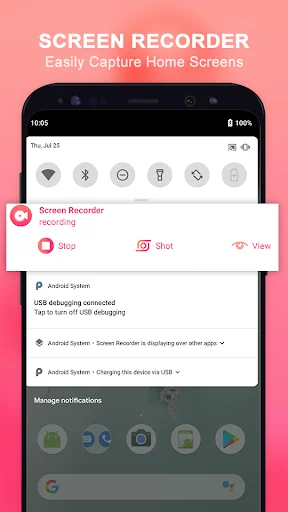
★★ Take Screenshots now directly from within the app.
★★ Longer screen recording up to 1 hour.
★★ Top of the line UI that focuses on user friendly experience.
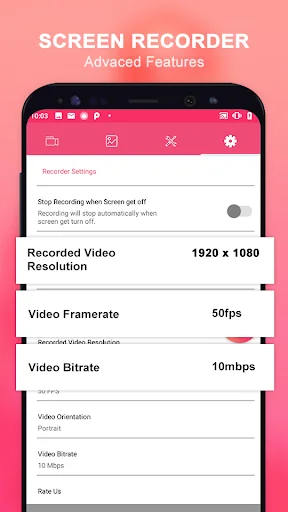
★★ Customizable size of videos
★★ Customizable bit rate also
★★ Change file name as well.
★★ Every control and options are accessible inside our app.
★★ Thi…
REC Screen Recorder is a free unlimited screen capture app for recording your device's screen to video, best way to record any game and see your performance later.
Features:
★★ Take Screenshots now directly from within the app.
★★ Longer screen recording up to 1 hour.
★★ Top of the line UI that focuses on user friendly experience.
★★ Customizable size of videos
★★ Customizable bit rate also
★★ Change file name as well.
★★ Every control and options are accessible inside our app.
★★ This is perfect game screen recorder.
★★ Countdown timer that is fully customizable . This is a very useful feature for our user because it allows you to set up your screen recording flawlessly.
★★ Save your favorite configurations as Presets.
★★ You can create promotional videos or make tutorials.
★★ No need to mess with the command line/terminal anymore.
★★ No watermark and very easy to use with one action to start and stop recording.
★★ Stop being tied to your computer while you are recording.
This screen recording app will let you make beautiful screen cast videos by providing every feature that you need with a simple to use design.
Any feedback, bug reports, suggestions or you can help with the translations, please email us.
Comparable Android apps
The five apps in Video Players & Editors with the closest revenue to Screen Video Recorder. Click any to see its detail page.
Each forecast combines App Store rating, ratings count, monetisation model, pricing tier, IAP signals and ad-supported flag.
The base estimate is then multiplied by a per-category scaling factor learned from apps with founder-verified MRR.
Every number on this page comes from public APIs and Bumetric's own snapshot history.
Full methodology covers input variables, accuracy bands per category and how we treat apps without comparable anchors.
See also the live data on Screen Video Recorder's tracker page for current rating, reviews and snapshot timeline.
Building something similar? Get a free AI audit with $-revenue forecasts for every recommendation.


 LiteC Video MP3 Audio Extract
 Video to MP3
 Video Search for YouTube
 Video & Image Editor
 Lite VideoPlayer