What Smart Bookmark: Link Manager actually does (from store listing)
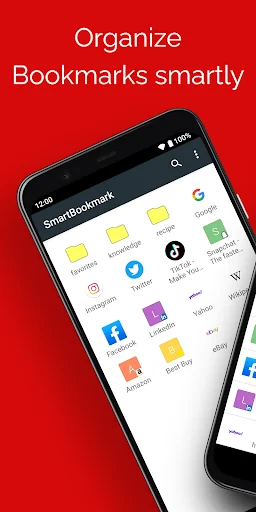
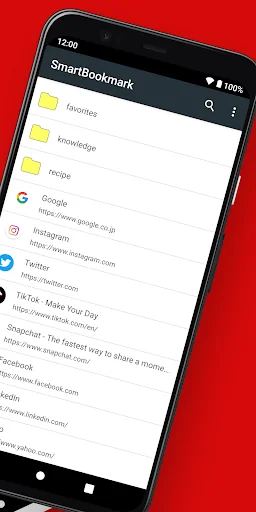
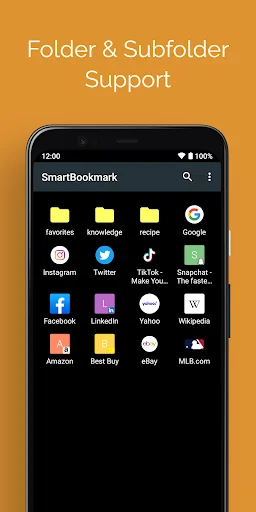
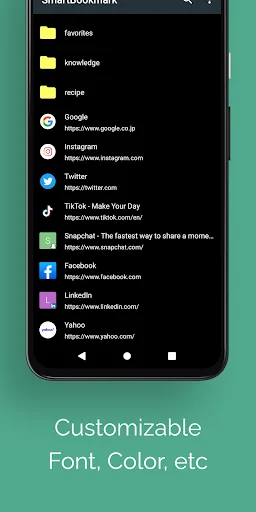
Smart Bookmark is an Android bookmark manager that works independently from browsers like Chrome and Firefox. Can’t find the page you saved? Keep your favorites organized exactly the way you like — with unlimited nested folders, easy sorting, and quick search. Perfect if you use multiple browsers. Because Smart Bookmark manages bookmarks on its own, you can use it with Chrome, Firefox, Opera, Dolphin, and many other browsers. Adding bookmarks is easy: Just choose “Add to Bookmark” from your brow…
Smart Bookmark is an Android bookmark manager that works independently from browsers like Chrome and Firefox. Can’t find the page you saved? Keep your favorites organized exactly the way you like — with unlimited nested folders, easy sorting, and quick search. Perfect if you use multiple browsers. Because Smart Bookmark manages bookmarks on its own, you can use it with Chrome, Firefox, Opera, Dolphin, and many other browsers. Adding bookmarks is easy: Just choose “Add to Bookmark” from your browser’s Share menu. You can also add items manually from within the app. With Backup & Restore, you can move your bookmarks to a new phone anytime.
Main features
- Add bookmarks with one tap from the browser Share menu (works with Chrome and other standard Android browsers)
- Unlimited folder hierarchy (folders inside folders)
- Reorder items with drag & drop - Choose which browser to open links with (“Open in browser”)
- Search bookmarks - Backup & restore - Automatically fetch favicons
How to back up & restore
Backup 1. Open Smart Bookmark
2. Tap the menu (top right) → Settings
3. Tap “Backup”
4. Choose a save location and tap OK A file named “bookmark.json” will be created.
Restore
First, copy “bookmark.json” to the Android device you want to restore to. (Any method is fine: microSD, Dropbox, Google Drive, etc.)
1. Open Smart Bookmark
2. Tap the menu (top right) → Settings
3. Tap “Restore from backup”
4. Read the warning and tap OK
5. Select “bookmark.json” and tap OK Restore overwrites existing bookmarks. Please back up first.
Note
Due to Android restrictions, Chrome for Android can no longer read or write its bookmarks. Therefore, import/export to Chrome is not supported.
Comparable Android apps
The five apps in Productivity with the closest revenue to Smart Bookmark: Link Manager. Click any to see its detail page.
Each forecast combines App Store rating, ratings count, monetisation model, pricing tier, IAP signals and ad-supported flag.
The base estimate is then multiplied by a per-category scaling factor learned from apps with founder-verified MRR.
Every number on this page comes from public APIs and bumetric's own snapshot history.
Full methodology covers input variables, accuracy bands per category and how we treat apps without comparable anchors.
See also the live data on Smart Bookmark: Link Manager's tracker page for current rating, reviews and snapshot timeline.
Building something similar? Get a free AI audit with $-revenue forecasts for every recommendation.


 Український календар
 NTVTablet
 Malaysia Calendar 2026
 SNotes: Voice & Speech to Text
 PlusPoints - grade management