What Swipe Back Navigation Gesture actually does (from store listing)
Want to add Back Navigation gestures on android device? Swipe to Back Navigation Gesture: Edge Gesture app will help you out.
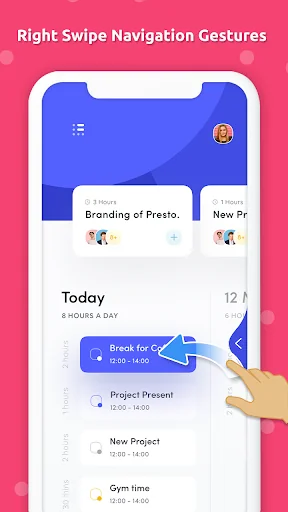
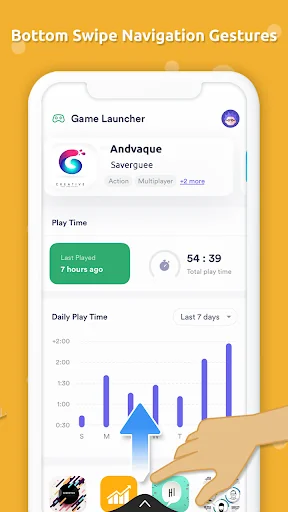
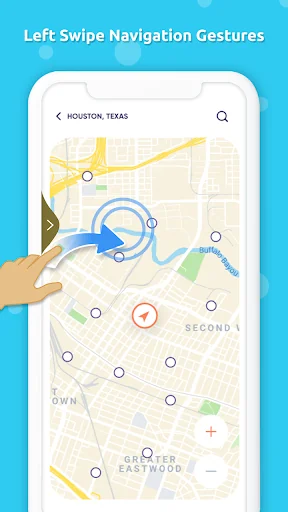
This swipe to back gesture app allows you to set the navigation on any app, contact, calendar, music player, calculator and on any android device. It will make your swipe to back easy and smooth navigation. You can swipe Left ➡️ right, right ⬅️ left and Bottom ⬆ top to navigate back.
How to use <b>Swipe back Navigation gesture </b>app?
1. Download & install Swipe…
Want to add Back Navigation gestures on android device? Swipe to Back Navigation Gesture: Edge Gesture app will help you out.
This swipe to back gesture app allows you to set the navigation on any app, contact, calendar, music player, calculator and on any android device. It will make your swipe to back easy and smooth navigation. You can swipe Left ➡️ right, right ⬅️ left and Bottom ⬆ top to navigate back.
How to use Swipe back Navigation gesture app?
1. Download & install Swipe to back Gesture app
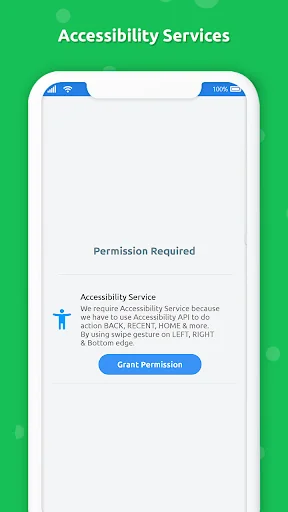
2. Enable accessibility service to use swipe edge gesture app
3. You get tutorial to understand the navigation gesture
4. In enable navigation services you get Left, Right and Bottom view Enable/Disable option
Fluid Navigation gives setting option to ENABLE/DISABLE gesture sound and vibration time in millisecond.
Features of Fluid Navigation:-
☆ Easy and simple to use.
☆ 100% offline app.
☆ Light weighted app.
☆ Supports 99.9% android device
Download app brings navigation gesture "Swipe to Back" fluid gesture to all android phones.
Prominent disclosure This app requires accessibility service permission to perform below action on swipe gesture.
• Back
• Setting
• Browser
• Power Summary
• Toggle down notification
• Split screen
• Voice command
• Dialer
• Date and time setting
• Power Dialog
• Home
• Recent Apps
:: ACCESSIBLITY PERMISSION ::
* We require activate accessibility service because we have to use Accessibility API to do action BACK, RECENT, HOME, Spilt Screen & more.
* We ensure that we only use Accessibility API for above functions we don't collect any any users information.
Comparable Android apps
The five apps in Tools with the closest revenue to Swipe Back Navigation Gesture. Click any to see its detail page.
Each forecast combines App Store rating, ratings count, monetisation model, pricing tier, IAP signals and ad-supported flag.
The base estimate is then multiplied by a per-category scaling factor learned from apps with founder-verified MRR.
Every number on this page comes from public APIs and bumetric's own snapshot history.
Full methodology covers input variables, accuracy bands per category and how we treat apps without comparable anchors.
See also the live data on Swipe Back Navigation Gesture's tracker page for current rating, reviews and snapshot timeline.
Building something similar? Get a free AI audit with $-revenue forecasts for every recommendation.


 Word Search Puzzle Maker
 Secure Note
 Arduino Serial Sensor
 BMI Calculator
 Geospatial Portal