What Telugu Keyboard actually does (from store listing)
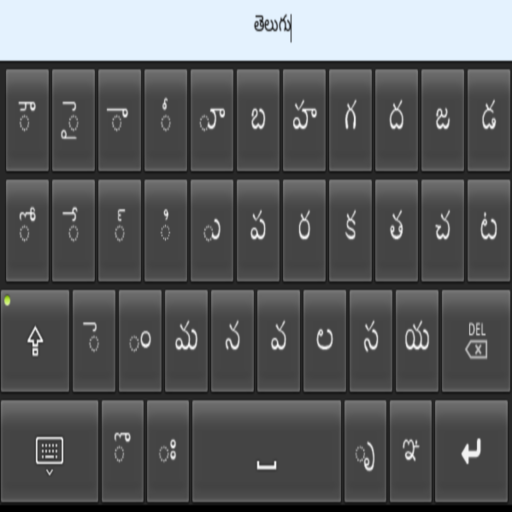
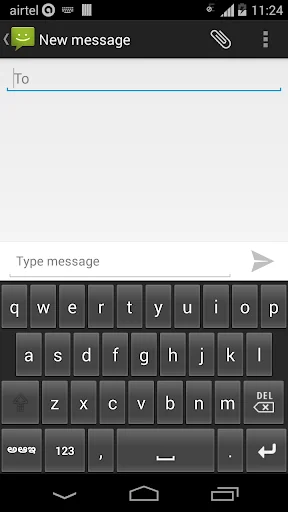
Telugu Keyboard is an intelligent dynamic keypad that offers you to type easy and fast in Telugu (తెలుగు) on your phone.
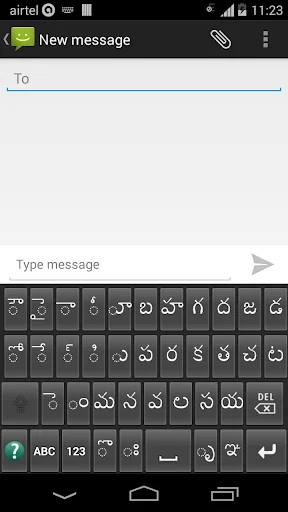
You can use the Telugu Keyboard to type Telugu sms, messages, chat, facebook, Address Book, email, blogs, reminders, twitter, whatsapp etc.
Telugu Keyboard is an IME(input method editor) for android phones & tablets. This can be your default keypad.
Installation.
1. Download and install this application on phone.
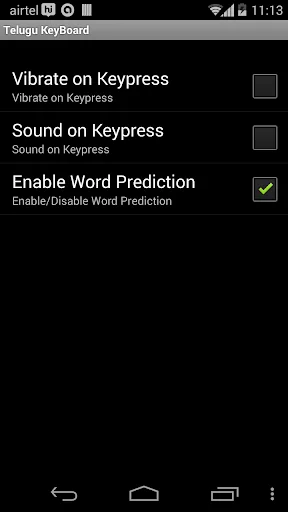
2. Go to "Settings"->"Language & input/Locale & text" -> …
Telugu Keyboard is an intelligent dynamic keypad that offers you to type easy and fast in Telugu (తెలుగు) on your phone.
You can use the Telugu Keyboard to type Telugu sms, messages, chat, facebook, Address Book, email, blogs, reminders, twitter, whatsapp etc.
Telugu Keyboard is an IME(input method editor) for android phones & tablets. This can be your default keypad.
Installation.
1. Download and install this application on phone.
2. Go to "Settings"->"Language & input/Locale & text" -> select Telugu Keyboard(check box on).
3. Back to text compose area, Default keyboard will appear on screen.
4. Change to Telugu Keyboard by going to "Choose Input Method" -> Select Telugu Keyboard option available on the Notification bar(Drag down/Swipe down Notification bar).
5. Experience Telugu Typing on Android devices.
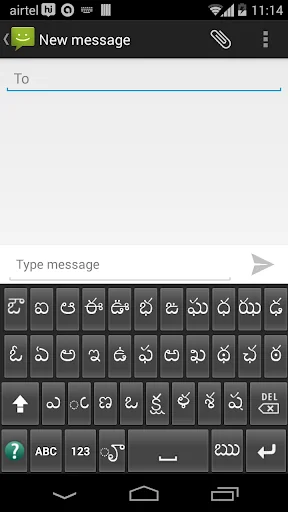
Examples of correct character entry sequence:
అమ్మ = అ+మ+్+మ
విద్య = వ+ి+ద+్+య
For more details click the Help(?) icon on the keyboard.
You can switch back and forth between telugu keyboard and normal keyboard by choosing input method in the notification bar.
"YOUR PHONE MUST HAVE TELUGU FONT, OTHERWISE SHOWS SQUARE/BLANK BOXES."
Comparable Android apps
The five apps in Tools with the closest revenue to Telugu Keyboard. Click any to see its detail page.
Each forecast combines App Store rating, ratings count, monetisation model, pricing tier, IAP signals and ad-supported flag.
The base estimate is then multiplied by a per-category scaling factor learned from apps with founder-verified MRR.
Every number on this page comes from public APIs and bumetric's own snapshot history.
Full methodology covers input variables, accuracy bands per category and how we treat apps without comparable anchors.
See also the live data on Telugu Keyboard's tracker page for current rating, reviews and snapshot timeline.
Building something similar? Get a free AI audit with $-revenue forecasts for every recommendation.

 Notepad with Drive
 Image Downloader, Image Search
 Photo Locker
 Caller Name Announcer
 Remote For DirecTV RC66