What TermOne Plus actually does (from store listing)
"TermOne Plus" is a terminal emulator application for Android devices.
Each android device has a build-in born shell and a number of shell command that allows user to:
- manage files and directories: list, create, move(rename), delete, compare, view, and etc;
- get information for running processes, network status and connections, mounted file system, free space, device;
- use package and application manager;
- do screen-shots.
Application supports multiple terminal windows(screens). Eac…
"TermOne Plus" is a terminal emulator application for Android devices.
Each android device has a build-in born shell and a number of shell command that allows user to:
- manage files and directories: list, create, move(rename), delete, compare, view, and etc;
- get information for running processes, network status and connections, mounted file system, free space, device;
- use package and application manager;
- do screen-shots.
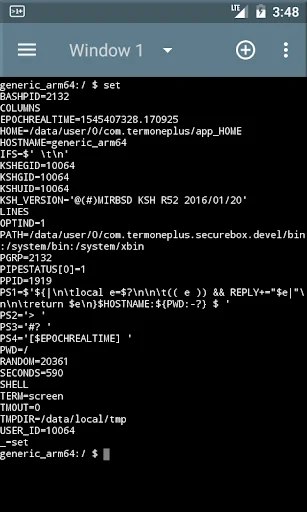
Application supports multiple terminal windows(screens). Each terminal starts own console session with build-in shell (by default).
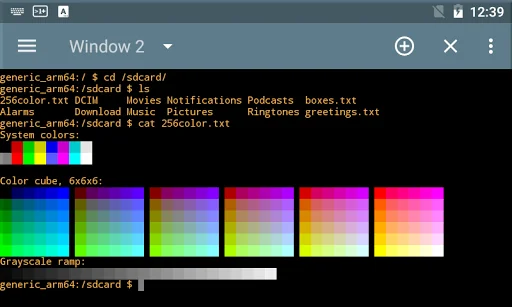
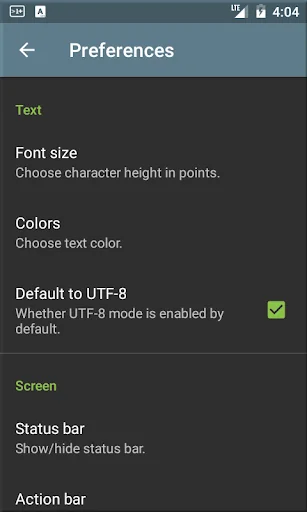
Terminal emulates large subset of Digital Equipment Corporation VT-100 terminal capabilities - supported are following terminal types: vt100, screen (default), linux, screen-256color, xterm and xterm-256color. Also it supports UTF-8 console text mode by default.
For instance supported terminal capabilities allows users fully to use textual interface in remote login programs (ssh connections).
Terminal screen support color schemes like "Dark Pastels", "Solarized Light", "Solarized Dark", "Linux Console" and etc. Also user could chose size of text.
Terminal session use "shell start-up script" where you could tune environment setting, add shell functions or command aliases. In addition user could paste script obtained from content provider.
Tap on text with http or rtsp URL try to open it with respective "view" activity.
If needed user could request "Wake" and "Wi-Fi" locks.
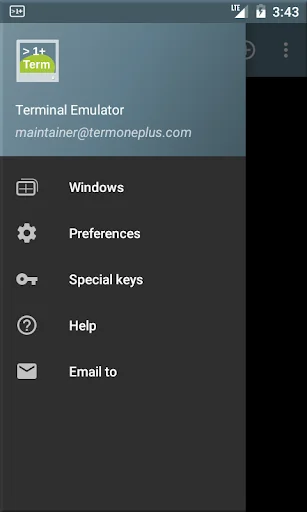
"TermOne Plus" user interface is based on material design - icons, colors. It uses navigation drawer as main menu. Also user could switch between "Light" and "Dark" theme mode.
Launcher short-cut functionality allows user to create "button"(android short-cut widget) to a command or shell script.
Build-in file selector (aka file explorer) is exported and so allows other applications easy to pick a file.
Application is localized in many languages and/or territories (locales).
"TermOne Plus" is successor of excellent but un-maintained since 2015 "Terminal Emulator for Android".
This new application includes rewritten user interface, many compatibility and portability improvements, stability and defect fixes, and localization enhancements.
As result it works fine with recent android releases (Android 15).
Please visit application site to find out how to participate into development and/or localization, how to request new or enhanced functionality.
Comparable Android apps
The five apps in Tools with the closest revenue to TermOne Plus. Click any to see its detail page.
Each forecast combines App Store rating, ratings count, monetisation model, pricing tier, IAP signals and ad-supported flag.
The base estimate is then multiplied by a per-category scaling factor learned from apps with founder-verified MRR.
Every number on this page comes from public APIs and Bumetric's own snapshot history.
Full methodology covers input variables, accuracy bands per category and how we treat apps without comparable anchors.
See also the live data on TermOne Plus's tracker page for current rating, reviews and snapshot timeline.
Building something similar? Get a free AI audit with $-revenue forecasts for every recommendation.

 iNote Sticky Notes & Notepad
 Developer Options
 Network IP Calculator
 Call Recorder
 Auto Clicker Lite