Live screenshots from the App Store, captured by our snapshot worker. Tap any image to enlarge.
Vivisticker | Your Aesthetic Toolkit for Stories, Videos & More
Whether you're creating IG Stories, Reels, TikToks, journaling collages, or growing your personal brand,
Vivisticker has all the high-quality, beautiful assets you need to level up your content instantly.
• Seamlessly copy & paste across apps
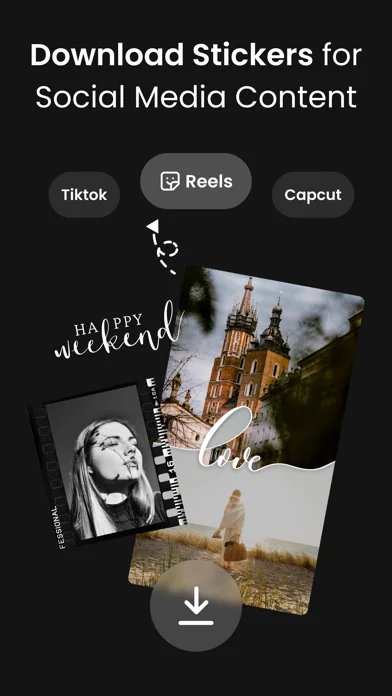
• Save assets to your camera roll and import into any video editor (CapCut, InShot, iMovie, Edits & more)
• Organize your faves, use templates, and apply styles with one tap
• AI editing …
Read full description →
Vivisticker | Your Aesthetic Toolkit for Stories, Videos & More
Whether you're creating IG Stories, Reels, TikToks, journaling collages, or growing your personal brand,
Vivisticker has all the high-quality, beautiful assets you need to level up your content instantly.
• Seamlessly copy & paste across apps
• Save assets to your camera roll and import into any video editor (CapCut, InShot, iMovie, Edits & more)
• Organize your faves, use templates, and apply styles with one tap
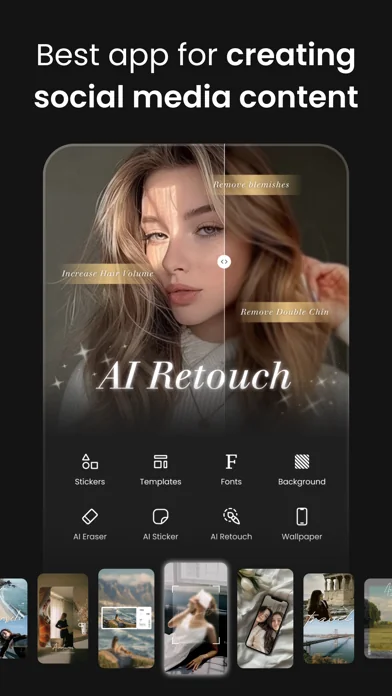
• AI editing tools: remove backgrounds, retouch, and stylize in seconds
Vivisticker is your all-in-one aesthetic toolbox, built for the content creator era, even if you're not a designer.
▶ Want your Stories to stand out?
• 1000+ aesthetic stickers, including hand-drawn illustrations, film frames, lifestyle objects, and more
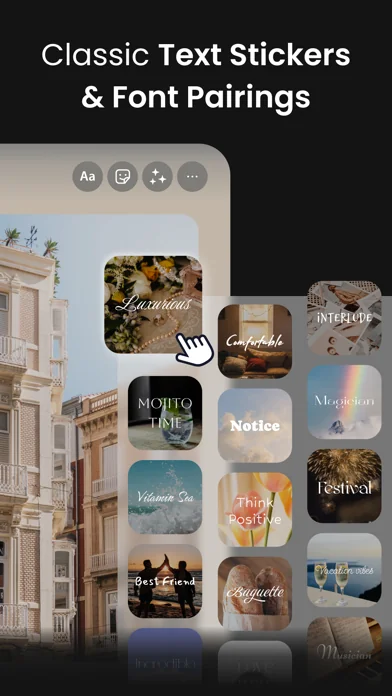
• Text effects and layout tools with 3D, outline, hollow, and curved styles, plus adjustable spacing for a pro look
• Curated GIF library with trending keywords and quick favorites for fast, easy content creation
▶ Want stylish videos but don’t know how to edit?
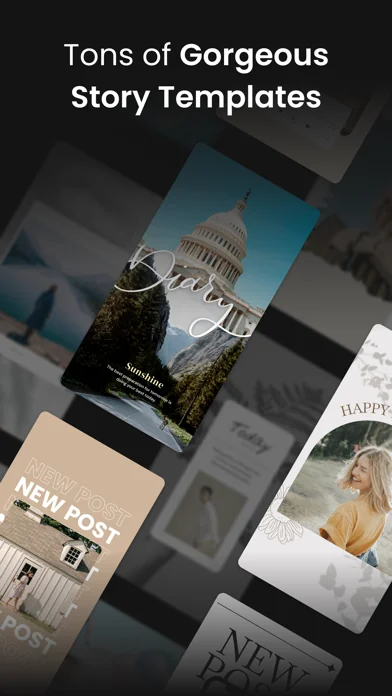
• Easy-to-use video templates with frames, heart grids, and more. Just add your clip, stickers, and text!
• Animated video text with beautiful fonts and subtitle decorations
• Ready for commercial use and fully compatible with CapCut, Edits, InShot, and other editing apps
▶ Looking for beginner-friendly photo editing?
• AI tools for background removal, image expansion, beauty filters, and hairstyle adjustments
• Popular camera filters like retro, CCD, and film effects, plus a built-in camera for on-the-spot shots
• One-tap HD photo repair to restore blurry or old photos
▶ Want personalized and unique assets?
• Fully editable phone wallpapers with name art, doodles, or polaroid styles
• AI-generated cartoon and pet stickers made from your own photos, great for chats, Stories, and journaling
• AI creative filters that turn photos into pixel art, anime, claymation, and more
▶ Building a personal brand? Make your content pop.
• Ready-made text templates with headline and subheading combos designed for social media
• "My Designs" lets you save your styles, make copies, and reuse them for fast, consistent posting
• Works across devices, log in on iPad and keep creating wherever you are
- 3 Easy Steps:
Copy. Paste. Style.
1. Open Instagram and start a Story
2. Tap "Copy" in Vivisticker
3. Paste into Instagram's text tool and you're all set!
Not sure how to get started? No worries, we’ve got over 100 step-by-step tutorials to help you stay on trend, even if you’re brand new.
We believe that aesthetic design is for everyone.
No design skills? No color sense? No problem.
With Vivisticker, if you can copy and paste, you can create content that looks amazing.
Vivisticker isn’t just a sticker app. It’s your personal creative toolkit for eye-catching, scroll-stopping visuals.
Download Vivisticker now and start your aesthetic content journey!
Privacy Policy: https://blog.vivipic.com/us/us-privacy-policy/
Terms of Use: https://blog.vivipic.com/us/us-terms-of-use/
@vivisticker An original creation by the Vivisticker/Vivipic team
The five apps in Photo & Video with the closest revenue to Vivisticker: Story-Ersteller. Click any to see its detail page.
Each forecast combines App Store rating, ratings count, monetisation model, pricing tier, IAP signals and ad-supported flag.
The base estimate is then multiplied by a per-category scaling factor learned from apps with founder-verified MRR.
Every number on this page comes from public APIs and bumetric's own snapshot history.


 Zoom 100x Camera
 Pic Scanner Gold - Foto Scan
 Fisheye Pro -Fischaugen-Video
 WordPack: Word Cloud Generator
 TimeShutter - Daily Selfies