What Wireless Transfer actually does (from App Store listing)
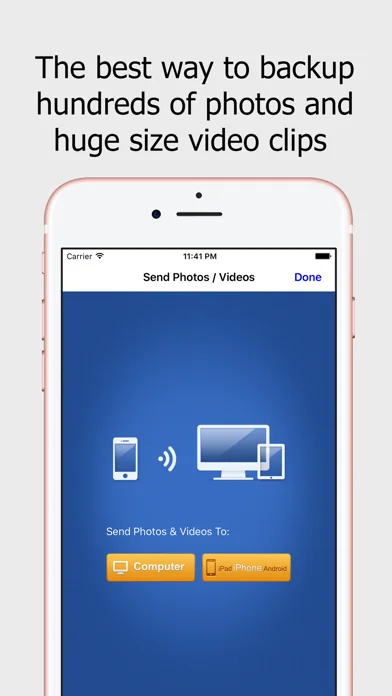
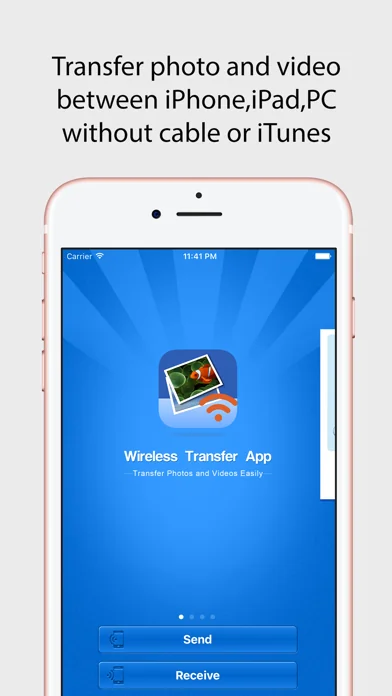
Wireless Transfer App is an easy to use photo and video transfer tool. It helps you easily and quickly transfer photos and videos between iPhone and iPad, as well as transfer photos and videos from computer to iPad/iPhone/iPod and vice verse.
With Wireless Transfer App, you can transfer photos and videos from iPad to iPad, from iPad to iPhone, from iPhone to iPad, from iPhone to iPhone, from computer to iPad, from iPhone to computer and more. There is no need for USB cable or extra software. Y…
Wireless Transfer App is an easy to use photo and video transfer tool. It helps you easily and quickly transfer photos and videos between iPhone and iPad, as well as transfer photos and videos from computer to iPad/iPhone/iPod and vice verse.
With Wireless Transfer App, you can transfer photos and videos from iPad to iPad, from iPad to iPhone, from iPhone to iPad, from iPhone to iPhone, from computer to iPad, from iPhone to computer and more. There is no need for USB cable or extra software. You just need to put your devices under the same Wi-Fi network.
Key features of Wireless Transfer App:
* Transfer as many photos and videos as you want, not any limitations on the amount or file size of photos and videos you want to copy.
* Remember the photos and videos that have been transferred, so you can skip them to avoid duplicated copy if the transfer process is interrupted. This exclusive feature makes Wireless Transfer App is an ideal tool for copying your whole photo library to a new device.
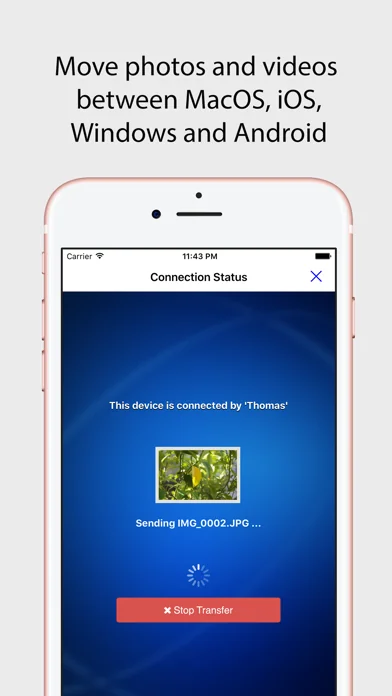
* Explore photos and videos other device just like on your own devices, select and then download.
* Support non-iOS devices, easily move photos to and from other devices.
* Password protected and authorization is asked while downloading from your device.
* Preserve EXIF Info and support RAW format photo files
* Pay once for use on multiple devices with the same iTunes account
* Very easy to use with an user-friendly wizard interface
* If there is no Wi-Fi network available or in public Wi-Fi (Hotels, Coffee Bars etc.) which is configed to prevent communication between devices, you can turn on "Personal Hotspot" on your iPhone and join devices to Personal Hotspot, then use this video and photo transfer app to copy photos and videos with high speed just like using Wi-Fi. No slow bluetooth transfer is required.
* Windows and Mac version is free for downloading. Even though this software is not required to transfer photos / videos to and from computers, it is easier than using Internet browser.
🆕 What's new · v4.9
1. Fixed an error displaying duplicated albums
2. Fixed an issue where photos or videos could not be saved to the specified album
3. Fixed a bug that sometimes the program crashed
Comparable iOS apps
The five apps in Photo & Video with the closest revenue to Wireless Transfer. Click any to see its detail page.
Each forecast combines App Store rating, ratings count, monetisation model, pricing tier, IAP signals and ad-supported flag.
The base estimate is then multiplied by a per-category scaling factor learned from apps with founder-verified MRR.
Every number on this page comes from public APIs and bumetric's own snapshot history.
Full methodology covers input variables, accuracy bands per category and how we treat apps without comparable anchors.
See also the live data on Wireless Transfer's tracker page for current rating, reviews and snapshot timeline.
Building something similar? Get a free AI audit with $-revenue forecasts for every recommendation.


 AirBeam Videoüberwachung
 Simply Watercolor
 Motion Sensor
 Manual – RAW Camera
 Path on - Swipe to Type