What xSearch for Safari actually does (from App Store listing)
# Featured in the App Store across 63 countries & regions
# Featured on Dailytekk's YouTube channel: "BEST iPad Browser Extensions (Apps)"
# Featured on Christopher Lawley's YouTube channel: "Must Have Safari Extension for iOS/iPadOS 15"
# Featured on MacStories's YouTube channel: "Safari Extensions for iPhone and iPad"
Upgrade your Safari browsing with xSearch, the all-in-one search tool for iOS, iPadOS, and macOS with just one purchase.
xSearch lets you instantly switch between multiple sear…
# Featured in the App Store across 63 countries & regions # Featured on Dailytekk's YouTube channel: "BEST iPad Browser Extensions (Apps)" # Featured on Christopher Lawley's YouTube channel: "Must Have Safari Extension for iOS/iPadOS 15" # Featured on MacStories's YouTube channel: "Safari Extensions for iPhone and iPad"
Upgrade your Safari browsing with xSearch, the all-in-one search tool for iOS, iPadOS, and macOS with just one purchase.
xSearch lets you instantly switch between multiple search engines and even search directly from Spotlight, making your browsing faster and more efficient.
For example, type "g apple" to search for "apple" using Google, or "ddg apple" to search with DuckDuckGo.
Privacy is a top priority: xSearch requests only the permissions it needs. On iOS 17, iPadOS 17, macOS 14 and later, it requires permission to view browsing history to function properly within Safari, but it only accesses the current session's URL to identify the search engine. All processing is done locally, and your personal information never leaves your device, ensuring your privacy is fully protected.
Some of xSearch's key features include:
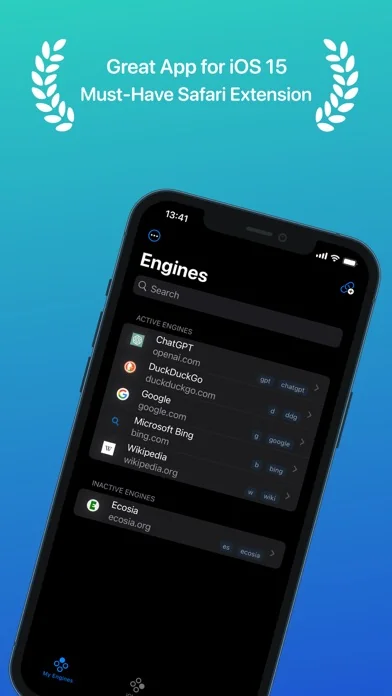
■ Quickly switch between search engines using shortcuts.
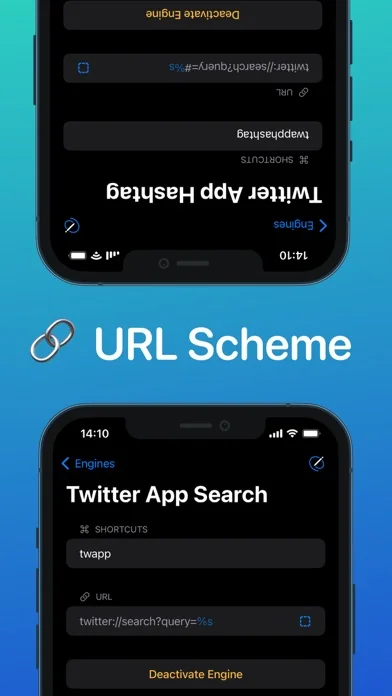
■ Use URL Scheme to search within other apps, such as X (Twitter).
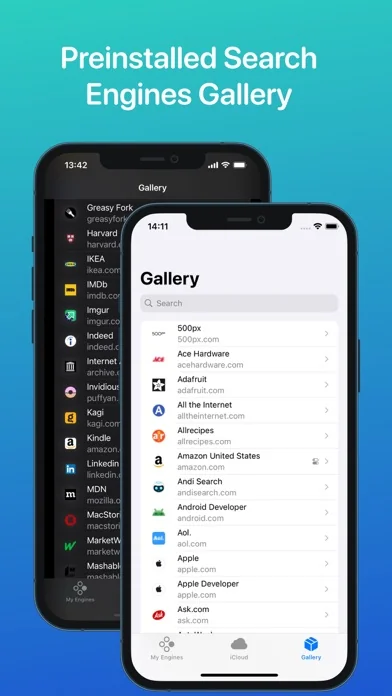
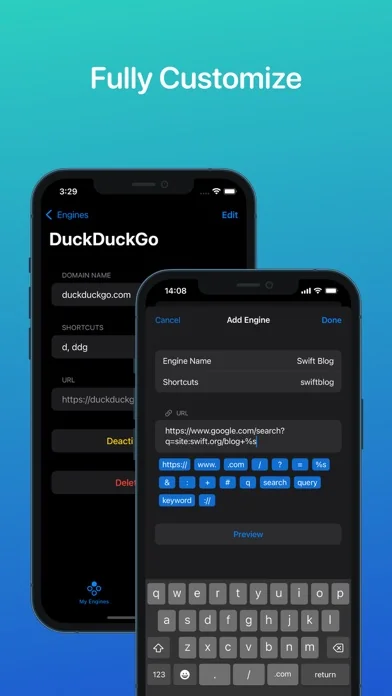
■ Customize Safari's default search engine with xSearch's variety of engines.
■ Multisearch capability enables simultaneous searching across multiple engines with a single shortcut.
■ Random mode in multisearch allows the system to automatically select an engine for you during searches.
■ Last Search Token remembers your previous query, letting you reuse it instantly without retyping.
■ Integration with Shortcuts provides convenient access to xSearch from anywhere.
■ Use the share extension to search any text in any app with xSearch.
■ Synchronize your search engines across all your devices with iCloud.
■ Backup and share your search engines using the export and import JSON file feature.
🆕 What's new · v4.1.3
- Fixed an issue where Google redirect URLs (such as Gmail-wrapped links) were incorrectly processed as search queries.
- General bug fixes and stability improvements.
Comparable iOS apps
The five apps in Productivity with the closest revenue to xSearch for Safari. Click any to see its detail page.
Each forecast combines App Store rating, ratings count, monetisation model, pricing tier, IAP signals and ad-supported flag.
The base estimate is then multiplied by a per-category scaling factor learned from apps with founder-verified MRR.
Every number on this page comes from public APIs and bumetric's own snapshot history.
Full methodology covers input variables, accuracy bands per category and how we treat apps without comparable anchors.
See also the live data on xSearch for Safari's tracker page for current rating, reviews and snapshot timeline.
Building something similar? Get a free AI audit with $-revenue forecasts for every recommendation.


 Planit2d
 Sintra: AI Employees
 USB Disk Pro ™
 Spectrum Analyzer
 Microsoft OneNote