Live screenshots from the App Store, captured by our snapshot worker. Tap any image to enlarge.
Take charge of your files with Zip & RAR & 7z File Extractor — an all-in-one file manager to unzip, scan to PDF, sign documents, and manage everything in seconds.
Designed for speed and efficiency, it’s your ultimate zip file opener, RAR extractor, 7z tool, and PDF editor. Easily scan documents with your camera, fill and sign PDFs on the go, and manage all your files in one place.
Key Features
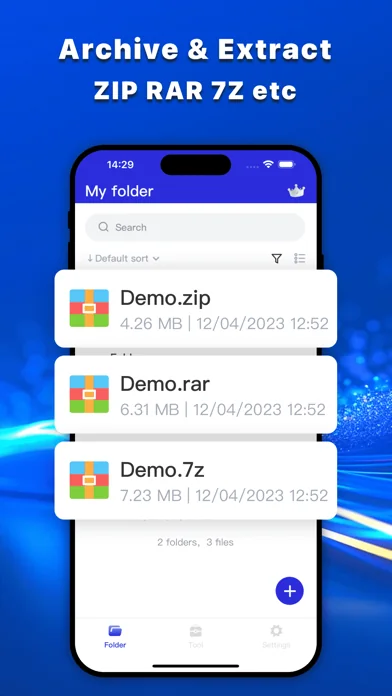
• Lightning-Fast Extraction: Unzip or extract RAR, 7zip, and TAR files in seconds.
• Smart Compressio…
Read full description →
Take charge of your files with Zip & RAR & 7z File Extractor — an all-in-one file manager to unzip, scan to PDF, sign documents, and manage everything in seconds.
Designed for speed and efficiency, it’s your ultimate zip file opener, RAR extractor, 7z tool, and PDF editor. Easily scan documents with your camera, fill and sign PDFs on the go, and manage all your files in one place.
Key Features
• Lightning-Fast Extraction: Unzip or extract RAR, 7zip, and TAR files in seconds.
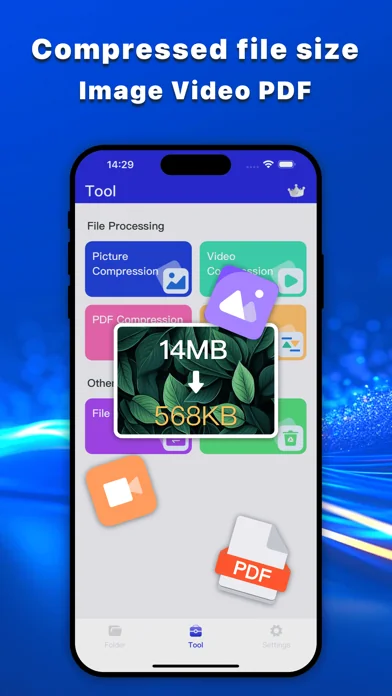
• Smart Compression: Create ZIP or 7zip files to save space or share easily.
• Wide Format Support: Handle ZIP, RAR, 7zip, TAR and more with this powerful extractor.
• Batch Processing: Unzip files or compress multiple files at once for maximum efficiency.
• Scan Documents: Turn photos into high-quality PDFs instantly using your camera scanner.
• PDF Reader: Open and view PDF files smoothly anytime.
• Compress PDF: Reduce PDF file size for easy storage and sharing.
• Fill and Sign PDFs: Complete forms and add signatures on the go.
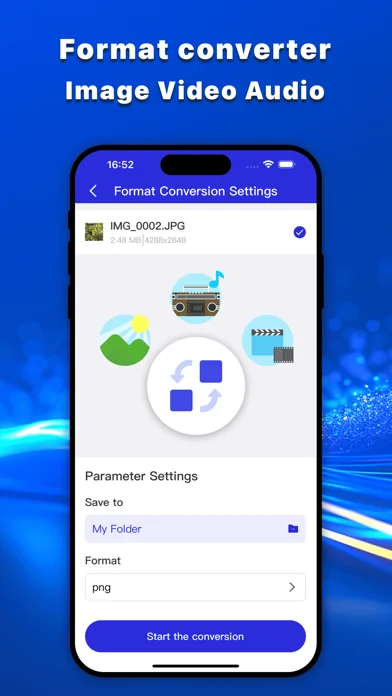
• PDF Converter: Convert PDFs to and from common file formats with ease.
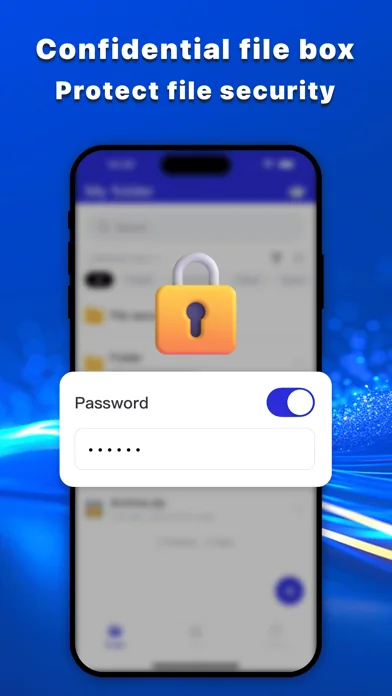
• PDF Security: Protect sensitive files with password encryption.
• Secure & Reliable: Process files locally with stable and secure performance, helping keep your data protected..
Why Choose Us?
• All-in-One File Tool: Unzip, compress, scan, and manage PDFs in one powerful app.
• Speedy Performance: Extract RAR or unzip files instantly with our efficient extractor.
• Work Smarter: Scan documents, edit PDFs, and organize files without switching apps.
• Space Saver: Compress files into ZIP or 7zip, and reduce PDF size for sharing.
• Time-Saving Batch Mode: Process multiple files at once to stay productive.
• Privacy First: All files are processed locally, ensuring maximum data security.
Who’s It For?
• Students: Scan notes into PDFs, unzip lecture materials, and compress assignments for easy sharing.
• Professionals: Manage work files, extract archives, scan documents, and fill & sign PDFs on the go.
• Remote Workers: Handle contracts, scan receipts, and organize compressed files anytime, anywhere.
• Tech Enthusiasts: Extract 7zip archives, and explore advanced file formats effortlessly.
• Everyday Users: Simplify daily tasks—unzip files, scan documents, and manage PDFs in one place.
[Note]
If you subscribe via Apple, payment will be charged to App Store Account at confirmation of purchase. Subscription automatically renews unless auto-renew is turned off at least 24 hours before the end of the current period.
Account will be charged for renewal within 24 hours prior to the end of the current period at the rate of the selected plan. Subscriptions and auto-renewal may be managed by going to Account Settings after purchase.
Privacy Policy
Zip & RAR & 7z File Extractor is designed with privacy first. Your files are processed locally on your device for enhanced privacy. All zip, unzip, rar, or 7zip file processing occurs locally on your device, and no data is uploaded or stored. Thank you for trusting our zip file opener and rar extractor!
Feedback
Love our unarchiver? Rate us 5 stars and share your review! For suggestions or questions, email us at mobiaura@qq.com.
Terms of Use:https://mobiaura.com/zip/terms
Privacy Policy: https://mobiaura.com/zip/privacy
Simplify file management with the ultimate zip file opener, rar extractor, and File Manager. Unzip, compress, and organize with ease!
The five apps in Utilities with the closest revenue to Zip & RAR & 7z File Extractor. Click any to see its detail page.
Each forecast combines App Store rating, ratings count, monetisation model, pricing tier, IAP signals and ad-supported flag.
The base estimate is then multiplied by a per-category scaling factor learned from apps with founder-verified MRR.
Every number on this page comes from public APIs and Bumetric's own snapshot history.


 SpeedUpTV +
 GPSSpeed HD: Das GPS-Tool
 Co-op Membership: Shop & Save
 GHome - GHome Smart
 ScottishPower - YourEnergy