70
BU Score
Strong
Timer Lock - Photo Lock App
✍️ BU Analytics Review
“
Timer Lock - Photo Lock App is an Android app from Quick PhotoEditing Apps in the Personalization category, currently rated 4.4★ across 20,057 ratings. Initial signal reads as largely positive sentiment, users highlighting consistency and feature depth.
Our BU Score puts it at 70 — Strong (healthy traction). For a Personalization app, that means healthy traction.
Track changes month-over-month in the Performance section below — live snapshot history and revenue forecast included.
creator
📊 Performance Tracking LIVE
Loading…
Rating
—
Reviews
—
Forecast Revenue / mo
—
Snapshots tracked
0
since first record
Range:
💰 Forecast Revenue / mo
MODELRevenue forecast computed from BU's 234 trigger model on each snapshot. Calibrated against ground-truth from 58 verified-revenue apps.
🔬Forecast Breakdown — Why This Estimate?Top 3 of 3 triggers
Our ML model uses 200+ signals from public data. These are the most influential for this app:
| Mid install base (20,057 ratings)METRIC | +$5,500 | |
| Good rating (4.4★)METRIC | +$800 | |
| Ad-supported / freemiumMETRIC | +$600 |
METRIC = structural app data · REVIEW = mined from user reviews · ✓ VERIFIED = Stripe-verified anchor (TrustMRR)
📈 Reviews Growth
LIVECumulative review count from first BU snapshot. Each point = a tracked update.
⭐ Rating Trend
LIVEAverage rating evolution. Updates with each new review batch.
🗓️ Snapshot Timeline
HISTORYEach bar shows a tracked update and the metric delta from the previous snapshot.
App Specs
🔐 Own this app? Claim & verify MRR →🔖 v4.7🔄 updated 3mo ago📂 Personalization💰 Free
📝 About this app
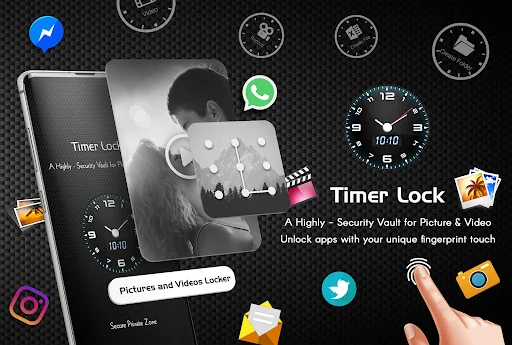
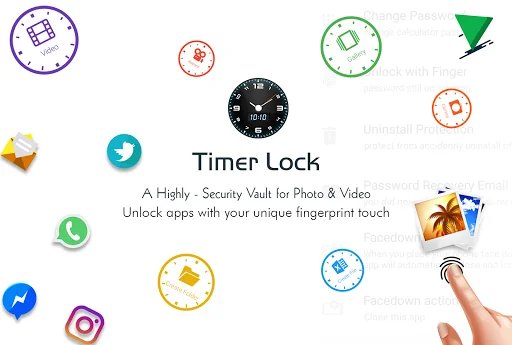
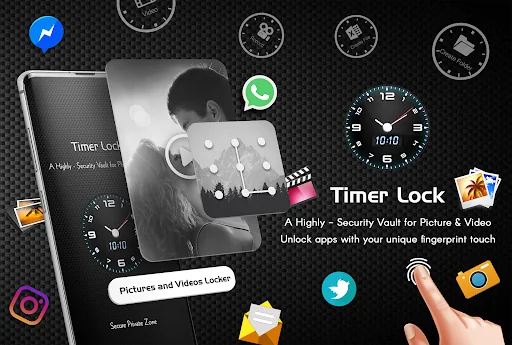
Hide Your Photo, Videos, File and secrets behind a Clock.
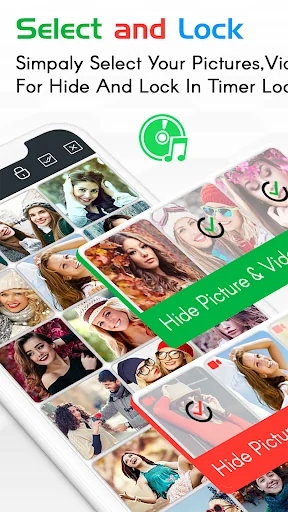
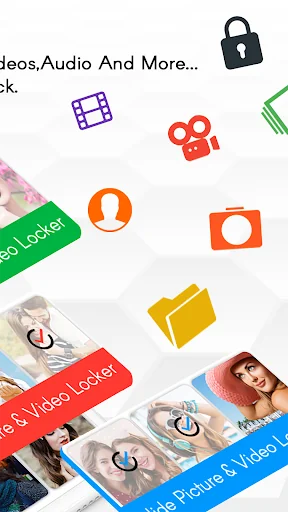
Use the best timer lock, Hide Photos,Videos - clock vault to hide photos, hide pictures, hide videos. Timer Lock - Hide Photos,Videos (Secret Photo locker & Video Locker) is great privacy protection vault app to keep it safe & easily hide photos, hide videos and other file app within privacy protecting gallery to lock files. Photo video vault feature hidden behind Clock App for protecting your privacy by keep it safe behind your secret time password!
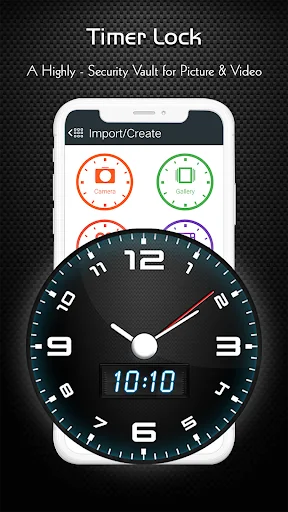
Timer Lock - Photo Lock App is the Vault app can secretly Hide Photos, Hide Videos and other files without anyone knowing as gallery lock installed in your phone looks as just a beautiful clock, and works very well. Your files will be secretly stored in vault and can only be viewed after a time password is entered on clock of this app.
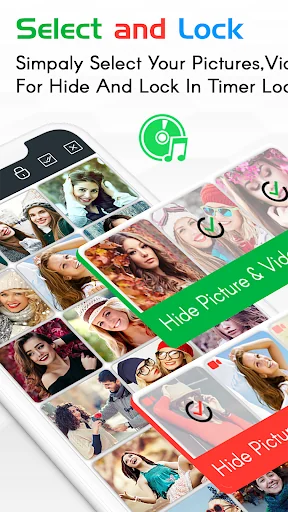
Hide Your Photo, Videos and secrets behind a Clock. Smartest way to Hide Pictures, videos, Files and App lock secretly in Timer Lock - Keep Your Photos, Videos, and Files Safe.
With Timer Lock - Photo Lock App, you can easily hide your photos, videos, and files behind a working clock. No one will know that you're using a photo vault app, and your private content will be protected with military-grade encryption.
Amazing And Unique Way to Lock your phone with Lock screen - Time Password. Timer Lock - Hide photo, video and Files . Best Security vault app for your private photos and video. Secretly Hide Photos and videos Behind Working Clock. Secret Gallery clock vault to hide photos, hide videos, file locker.
Here are just a few of the features that make Timer Lock the best photo vault app on the market:
* Intuitive user interface: Timer Lock is easy to use, even for beginners.
* Secure photo vault: Your photos, videos, and files are protected with military-grade encryption.
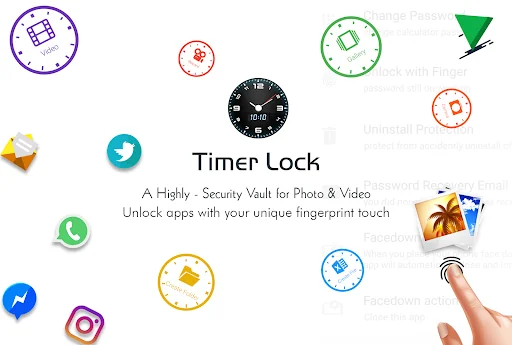
* Multiple security options: You can choose from a variety of security options, including time password, or fingerprint lock.
* Change icons: You can change the Timer Lock Clock Photo Vault app icon so that no one knows you're using it.
★ Frequently asked Q&A
Q - Forgot password. How can I reset it?
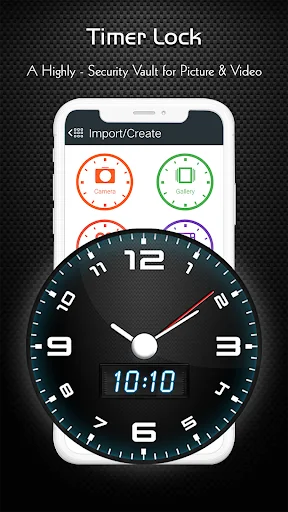
A -To reset password you have to open our Timer Lock and enter 10:10 time on clock and press middle button. It will open password reset screen with secret question set by you, answer it correctly and set new password or press on ? symbol button on screen and it will open reset screen.
Q - I uninstalled this app and again installed. Can I get my locked pictures back?
A - you need to unlock pictures before uninstall. Files are not available in new install.
Q - Are my hidden files stored online?
A - No. Your files are stored only on your device locally, so please make sure to unlock all your hidden video vault files before transferring to new device or factory reset or delete the app.
Download Timer Lock, Hide Photos,Videos - Clock Vault today and keep your photos, videos, and files safe from prying eyes!
Use the best timer lock, Hide Photos,Videos - clock vault to hide photos, hide pictures, hide videos. Timer Lock - Hide Photos,Videos (Secret Photo locker & Video Locker) is great privacy protection vault app to keep it safe & easily hide photos, hide videos and other file app within privacy protecting gallery to lock files. Photo video vault feature hidden behind Clock App for protecting your privacy by keep it safe behind your secret time password!
Timer Lock - Photo Lock App is the Vault app can secretly Hide Photos, Hide Videos and other files without anyone knowing as gallery lock installed in your phone looks as just a beautiful clock, and works very well. Your files will be secretly stored in vault and can only be viewed after a time password is entered on clock of this app.
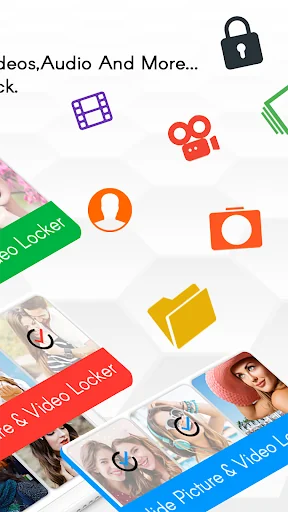
Hide Your Photo, Videos and secrets behind a Clock. Smartest way to Hide Pictures, videos, Files and App lock secretly in Timer Lock - Keep Your Photos, Videos, and Files Safe.
With Timer Lock - Photo Lock App, you can easily hide your photos, videos, and files behind a working clock. No one will know that you're using a photo vault app, and your private content will be protected with military-grade encryption.
Amazing And Unique Way to Lock your phone with Lock screen - Time Password. Timer Lock - Hide photo, video and Files . Best Security vault app for your private photos and video. Secretly Hide Photos and videos Behind Working Clock. Secret Gallery clock vault to hide photos, hide videos, file locker.
Here are just a few of the features that make Timer Lock the best photo vault app on the market:
* Intuitive user interface: Timer Lock is easy to use, even for beginners.
* Secure photo vault: Your photos, videos, and files are protected with military-grade encryption.
* Multiple security options: You can choose from a variety of security options, including time password, or fingerprint lock.
* Change icons: You can change the Timer Lock Clock Photo Vault app icon so that no one knows you're using it.
★ Frequently asked Q&A
Q - Forgot password. How can I reset it?
A -To reset password you have to open our Timer Lock and enter 10:10 time on clock and press middle button. It will open password reset screen with secret question set by you, answer it correctly and set new password or press on ? symbol button on screen and it will open reset screen.
Q - I uninstalled this app and again installed. Can I get my locked pictures back?
A - you need to unlock pictures before uninstall. Files are not available in new install.
Q - Are my hidden files stored online?
A - No. Your files are stored only on your device locally, so please make sure to unlock all your hidden video vault files before transferring to new device or factory reset or delete the app.
Download Timer Lock, Hide Photos,Videos - Clock Vault today and keep your photos, videos, and files safe from prying eyes!
Profile & Insights
Everything we know — and don't — about this app and its company.
Identification
- App name
- Timer Lock - Photo Lock App
- Developer
- Quick PhotoEditing Apps
- Bundle ID
- krk.timerlock.timervault
- App Store URL
- Open in App Store
- Category
- Personalization
- Content rating
- Not found
- Languages
- Not found
Company
- Website
- Not found
- Tagline
- Not found
- Description
- Not found
- Founded
- Not found
- HQ / Address
- Not found
- Employees
- Not found
- Logo
- Not found
Revenue
- Verified revenue / mo
- Not found
- AI revenue estimate / mo
- Not found
- AI annual estimate
- Not found
- ML model estimate / mo
- $1.5K/mo
- Top-grossing rank
- Not found
- All-time revenue
- Not found
- Pricing
- Not found
Founder
- Name
- Not found
- X / Twitter
- Not found
- Not found
- GitHub
- Not found
- X followers
- Not found
- Public statements
- Not found
Funding
- Total raised
- Not found
- Last round
- Not found
- Investors
- Not found
- Crunchbase
- Not found
- AngelList
- Not found
Press & Links
- Articles found
- Not found
- Listed on
- Not found
- Blog
- Not found
- Press / News
- Not found
Contacts & Socials
- Socials
- Not found
- Not found
- Phone
- Not found
- Contact page
- Not found
- About page
- Not found
Profile is built from iTunes Lookup + developer site scrape + ML revenue model. Empty fields show "Not found" — additional sources (Crunchbase, X, IndieHackers, Acquire.com) coming.
More by Quick PhotoEditing Apps
View all →Anime Keyboard
★ 4.1 · 4,416 reviews
Ludo Star - Classic King Ludo
★ 2.7 · 2,741 reviews
Joker keyboard
★ 4.2 · 1,554 reviews
Love Secret Diary
★ 4.4 · 1,008 reviews
Fruit Legend - Fruit Link, Line Blast
★ 4.4 · 101 reviews
Connect Dots
★ 4.1 · 45 reviews
Emoji Lock Screen
★ 4.0 · 42 reviews
Ball Trap - Roll the Ball
★ 4.2 · 38 reviews
More Personalization
Zedge™ Wallpapers & Ringtones
★ 4.7 · 17,479,309 reviews
GO Launcher -Themes&Wallpapers
★ 4.3 · 7,264,707 reviews
APUS System
★ 4.0 · 5,670,266 reviews
Parallel Space - app cloning
★ 4.1 · 5,117,897 reviews
Make Money: Play to Earn Cash
★ 4.5 · 3,558,520 reviews
Yandex Browser with Alice AI
★ 4.4 · 2,966,323 reviews
GO Keyboard Lite - Many Theme
★ 3.5 · 2,526,227 reviews
Backgrounds HD (Wallpapers)
★ 4.2 · 2,337,645 reviews
Browse BU Analytics
📚 All 55,000+ Books
🜍 Alchemy & Hermeticism
🔮 Magic & Ritual
🌙 Witchcraft & Paganism
⭐ Astrology & Cosmology
🃏 Divination & Tarot
📜 Personalization
✡️ Kabbalah & Jewish Mysticism
🕉️ Mysticism & Contemplation
🕊️ Theosophy & Anthroposophy
🏛️ Freemasonry & Secret Societies
👻 Spiritualism & Afterlife
📖 Sacred Texts & Gnosticism
👁️ Supernatural & Occult Fiction
🧘 Spiritual Development
📚 Esoteric History & Biography
Info
About BU Analytics