
How to Draw, Step by step
 67
67


How to Draw, Step by step
How to Draw, Step by step is an iOS app from nazife ince in the News category, currently rated 4.5★ across 2,230 ratings. Initial signal reads as mixed reviews: supporters praise core features while critics cite stability and value gaps.
Quality Score is 67: Solid (established niche player). For a News app, that means established niche player. The full BU Investment Matrix below scores 8 dimensions including monetisation, growth, and operational risk.
Track changes month-over-month in the Performance section below: live snapshot history and revenue forecast included.
- Title & subtitle keyword fit
- Description hook & conversion structure
- Screenshots, ratings, reviews strategy
📊 Performance Tracking LIVE
Synthetic estimate. Inputs: category complexity, file size, screen count, monetization layer, platform reach, age × team-size proxy. Calibrated against 2024-2026 indie-agency rate surveys. Full math + source list on /methodology.
| 🧱 MVP baseline (design + 1-store ship) | +$28K |
| 📱 5 unique screens × $4.5K | +$22K |
| 📦 Asset bundle (183 MB) | +$40K |
| ⚙ News complexity ×1.20 | +$18K |
Synthetic estimate. Multiple band derived from ad-supported + age, rating quality, category demand, and user-base maturity. Calibrated against 2024-2026 indie-app-marketplace closed-deal medians. Full math + comparable deal list on /methodology.
| 📺 Ad-supported base | 15× MRR |
| ⭐ ★ rating ≥ 4.4 (solid) | +8% |
| 🏷 News category multiple | -5% |
Synthetic estimate from ratings × category benchmarks. Calibrated against 2024-2026 mobile-attribution retention + DAU/MAU reports. Numbers are US-storefront-equivalent — true global audience can be 5-10× larger for international apps. Full math + source list on /methodology.
| 📲 News engagement | ~120 installs / rating |
| 🔁 News D30 retention | 15% |
| 📍 DAU / MAU stickiness | 0.45 |
How we forecast this revenue
HIGH CONFIDENCEBU Investment Matrix
Building · 55/100MID TIERSUBSCRIPTIONcompetitive build-out- 💰 Revenue: Verified $2K/mo (founder claim, Stripe / ASC), trajectory unclear.
- ⭐ Quality: 4.54★ across 2,230 reviews — solid.
- 📍 Market: Not yet charting in any of the 9 monitored markets.
- 📈 Growth: Insufficient signal to assess trajectory.
- ⚠️ Risk: Moderate — rating drift -1.31 ★ (recent 50 vs lifetime).
💰 Forecast Revenue / mo
MODEL| subscriptionREVIEW | +$2,500 | |
| premiumREVIEW | +$2,200 | |
| Excellent rating (4.5★)METRIC | +$2,200 | |
| AI-powered features (trending category)METRIC | +$1,800 | |
| Low install base (2,230 ratings)METRIC | +$1,500 | |
| Multilingual (12 languages)METRIC | +$1,500 | |
| free trialREVIEW | +$1,200 | |
| Growing app (2y old)METRIC | +$200 |
📈 Reviews Growth
LIVE⭐ Rating Trend
LIVE🆕 What's New · v1.4.6
Enjoy smoother sketching, faster performance, and enhanced AR projector & tracing tools for your doodles. We've fixed bugs and improved UX for a more stable artbook experience.… Full release notes →
Profile & Insights
Identification
- App name
- How to Draw, Step by step
- Developer
- nazife ince
- Bundle ID
- com.howtodraw.app
- App Store URL
- Open in App Store
- Category
- News
- Content rating
- 4+
- Languages
- AR, NL, EN, FR, DE, HE, HI, ID, JA, KO, ES, TR
Company
- Website
- Not found
- Tagline
- Ar Drawing: Unleash Your Creativity with Powerful Features
- Description
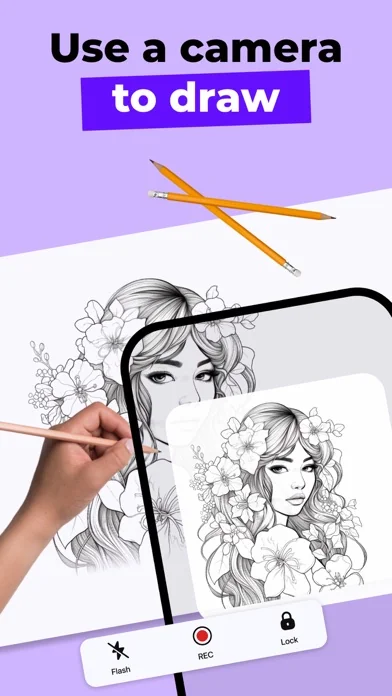
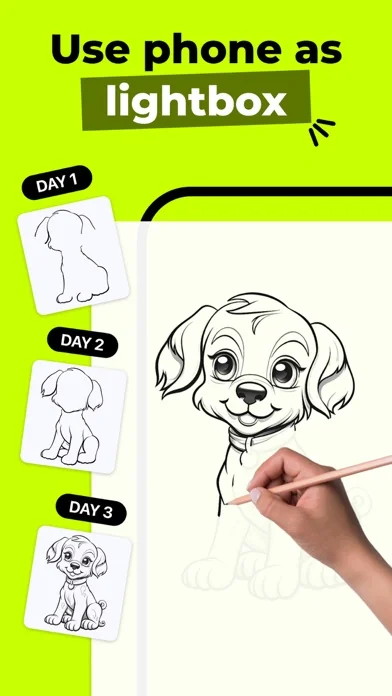
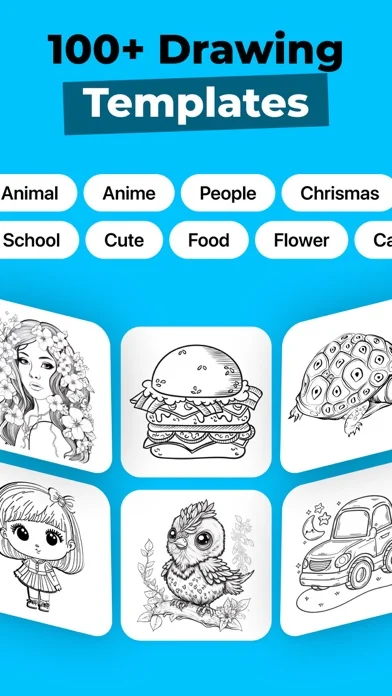
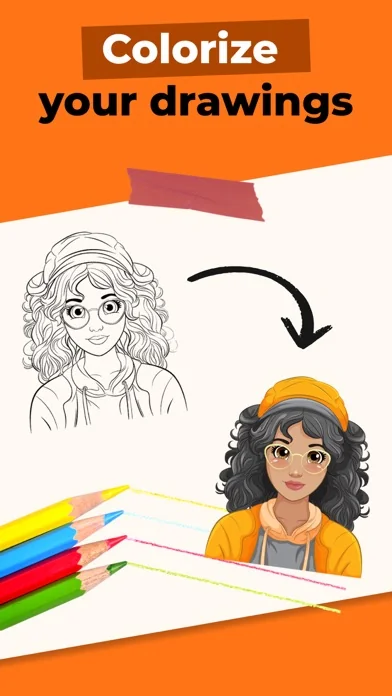
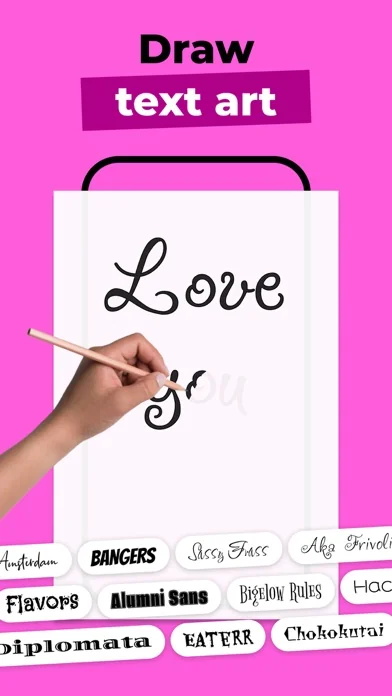
- How to Draw helps you learn how to draw. Use your phones camera as a projector to draw! How to Draw is a meticulously designed drawing application aimed at pushing the boundaries of your creativity. This unique app allows you to elevate your drawing skills from beginner to advanced levels. It includes drawings that even master artists, drawing enthusiasts, tattoo artists, art school students, and those who have never drawn before can enjoy. Learn to draw with AI With the How to Draw app, you can use AI to do the following: - Sticker Maker: Turn your photos into eye-catching stickers. - Photo to Sketch: Transform your photos into sketches and use the projector feature to draw them on paper using your phone's camera. - Background Remover: Flawlessly remove the background from your photos and draw anything you want in the background! - Enhance Old Photos: Improve the quality of your photos for drawing! - AI-Powered Drawing Sketches: One of the standout features of Ar Drawing is its AI-powered drawing sketch generator. Simply describe what you want to see—for example, 'a white-haired man playing soccer'—and the AI will provide a drawing sketch that matches your description. This feature allows users to bring their imagination to life effortlessly. Enjoyable Drawing Experience: Ar Drawing, with its user-friendly interface, is easy to use. From beginners to professional artists, everyone can work on various drawing sketches and unleash their creativity. Lightbox and Projector Features: Drawing becomes incredibly easy with custom lightbox and projector features. You can follow step-by-step drawings on ready-made sketches. The art school is now in your pocket, allowing everyone, even those who have never drawn before, to create art. Coloring Book Category: Ar Drawing offers users a Coloring Book Category where they can step into colorful worlds. You can color ready-made drawings, create your color palette, and add a unique touch to your art. Record Your Work in Real-Time: While drawing, you can record videos of your work to track your progress. Save and Share: Save your works and share them on social media platforms! Ar Drawing makes it easy and fun to share your art with friends and the world. Explore the world of art with Ar Drawing, unleash your creativity, and share your unique drawings with the world. Download it now and embark on an art-filled journey!
- Founded
- Not found
- HQ / Address
- Not found
- Employees
- Not found
- Logo
- Available
Revenue
- Verified revenue / mo
- $2.3K/mo
- AI revenue estimate / mo
- Not found
- AI annual estimate
- Not found
- ML model estimate / mo
- $591.5K/mo
- Top-grossing rank
- Outside top 100 in US News
- All-time revenue
- Not found
- Pricing
- Not found
Founder
Funding
Press & Links
Contacts & Socials
📈Ratings growth2,230 ratings+1068% lifetimeShow 3-year history estimate ▾
📝 About this app
Use your phone's camera as a projector to draw.
How to Draw is a meticulously designed drawing application aimed at pushing the boundaries of your creativity.
This unique app allows you to elevate your drawing skills from beginner to advanced levels. It includes drawings that even master artists, drawing enthusiasts, tattoo artists, art school students, and those who have never drawn before can enjoy.
Learn to draw with AI
With the How to Draw app, you can use AI to do the following:
- Sticker Maker: Turn your photos into eye-catching stickers.… View full description on the official store →
What Worked™ · Development Pipeline
10 EVENTS TRACKEDVoice of Customer
Based on 47 reviews across 6 marketsMulti-Country Performance
Available in 9 of 9 monitored markets| Market | Rating | Reviews | Current version |
|---|---|---|---|
| 🇦🇺 AU | 4.33333★ | 141 | 4.33333★ this version |
| 🇧🇷 BR | 4.39236★ | 367 | 4.39236★ this version |
| 🇨🇦 CA | 4.49569★ | 232 | 4.49569★ this version |
| 🇩🇪 DE | 4.31046★ | 277 | 4.31046★ this version |
| 🇫🇷 FR | 4.14379★ | 153 | 4.14379★ this version |
| 🇬🇧 GB | 4.35837★ | 466 | 4.35837★ this version |
| 🇮🇳 IN | 4.30985★ | 71 | 4.30985★ this version |
| 🇯🇵 JP | 4.53659★ | 41 | 4.53659★ this version |
| 🇺🇸 US | 4.53782★ | 2,326 | 4.53782★ this version |
Track this app’s revenue
FREE📝 Description
95




Why medium confidence: 2,230 ratings · verified revenue anchor available.