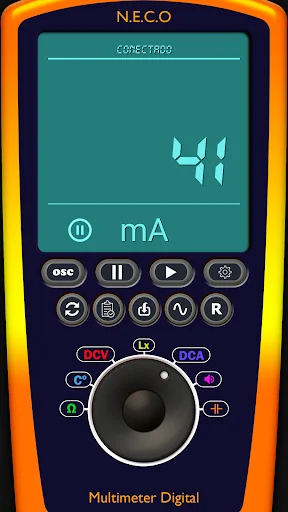
What Multimeter/Oscilloscope actually does (from store listing)
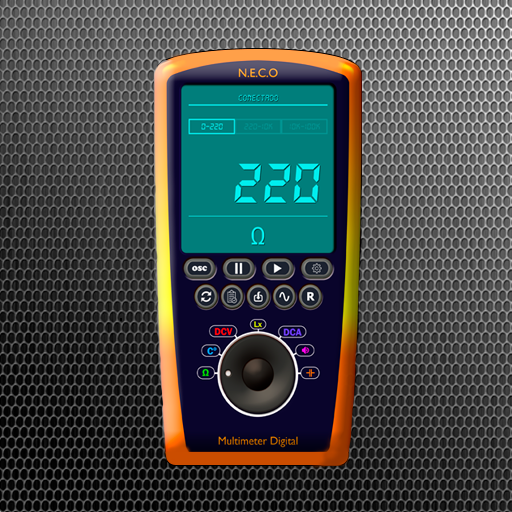
<h3><b>This Digital Multimeter/Oscilloscope help you to
measure:</b></h3>
1 - Volts
2 - Ohms
3 - Temperature
4 - The light (lx)
5 - Frequency
6 - Amplitude
7 - Oscilloscope included
8 - Sound Generator sine/square wave 0Hz - 20000Hz included(in version pro)
9 - Color code resistance calculator
10 - Save measuring data!!
11 - Added capacitance meter from 1nF to 10000 mF
12 - Inductance meter!
<h3><b>It's easy to build, you just need:</b></h3>
1 -A arduino uno or nano
2 - Bluet…
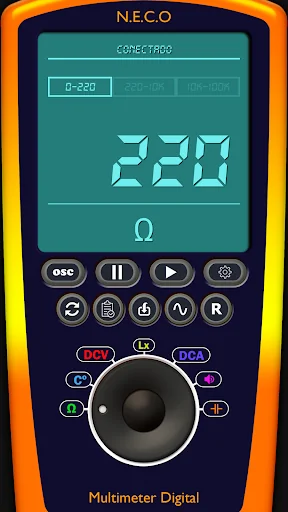
This Digital Multimeter/Oscilloscope help you to
measure:
1 - Volts
2 - Ohms
3 - Temperature
4 - The light (lx)
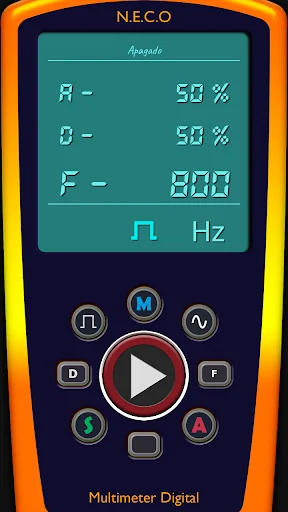
5 - Frequency
6 - Amplitude
7 - Oscilloscope included
8 - Sound Generator sine/square wave 0Hz - 20000Hz included(in version pro)
9 - Color code resistance calculator
10 - Save measuring data!!
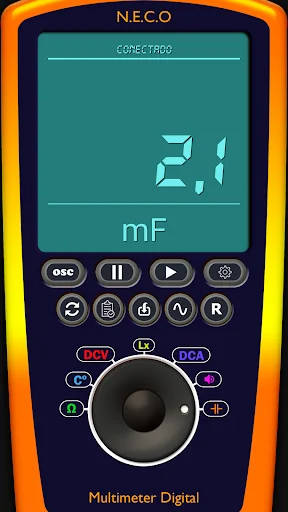
11 - Added capacitance meter from 1nF to 10000 mF
12 - Inductance meter!
It's easy to build, you just need:
1 -A arduino uno or nano
2 - Bluetooth module(HC-05 or HC-06)
3 - Temperature sensor(TMP36)
4 - Some resistances.
And for Oscilloscope:
1 - A old headphones with 4 pins
2 - Capacitor from 0.1mF to 1mF.
MY WEB PAGE : https://www.neco-desarrollo.es
Please watch video tutorial How to use oscilloscope:
https://youtu.be/ZwNe8yEjjxo
**For build the circuit follow this**
LINK FOR DOWNLOAD SCHEMATIC:
http://neco-desarrollo.es/arduino-multimetro
LINK FOR DOWNLOAD ARDUINO SKETCH HERE:
http://neco-desarrollo.es/arduino-multimetro
MY WEB PAGE:
www.neco-desarrollo.es
Councils to improve the precision:
1 - Check the voltage of 5v pin of arduino after connecting everything, it is the reference voltage to measure ohms when connecting the bluetooth module the voltage drops a bit, it can be in 4.8v, put exact value in the arduino code
2 - The values of the resistances must be precise
2 - You must weld all the connections to avoid parasitic resistances
Multimeter/Oscilloscope try it now!
Comparable Android apps
The five apps in Tools with the closest revenue to Multimeter/Oscilloscope. Click any to see its detail page.
Each forecast combines App Store rating, ratings count, monetisation model, pricing tier, IAP signals and ad-supported flag.
The base estimate is then multiplied by a per-category scaling factor learned from apps with founder-verified MRR.
Every number on this page comes from public APIs and bumetric's own snapshot history.
Full methodology covers input variables, accuracy bands per category and how we treat apps without comparable anchors.
See also the live data on Multimeter/Oscilloscope's tracker page for current rating, reviews and snapshot timeline.
Building something similar? Get a free AI audit with $-revenue forecasts for every recommendation.

 TMK Battery Alarm
 Sixfast-海外华人留学生回国看剧听歌玩游戏看比赛
 Master Password
 Netmonitor: 5G, Cell & WiFi
 Physics Toolbox Accelerometer