What Office Suite-Word, Sheets, PPT actually does (from App Store listing)
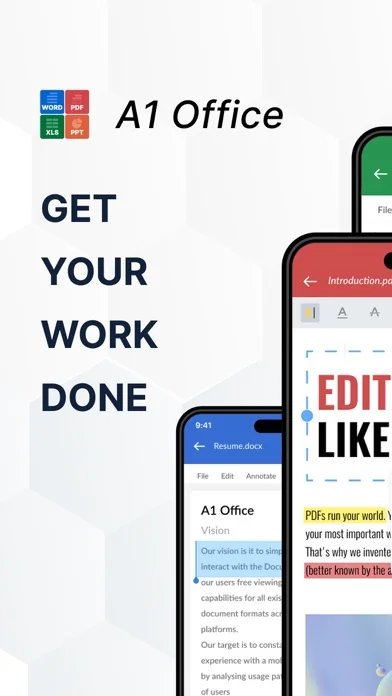
Office Suite-Word, PDF, Sheets, PPT is a 360° comprehensive productivity app for iPhone and Ipad that combines the essential tools of document creation and editing into one powerful application.
With a user-friendly interface, robust features, and seamless synchronization across all devices, Office Suite-Word, Sheets, PPT & PDF is the ultimate productivity solution for users on-the-go.
Here are some of the key features of the app:
1. All-in-One Office Suite: With Office Suite-Word, Sheets, …
Office Suite-Word, PDF, Sheets, PPT is a 360° comprehensive productivity app for iPhone and Ipad that combines the essential tools of document creation and editing into one powerful application.
With a user-friendly interface, robust features, and seamless synchronization across all devices, Office Suite-Word, Sheets, PPT & PDF is the ultimate productivity solution for users on-the-go.
Here are some of the key features of the app:
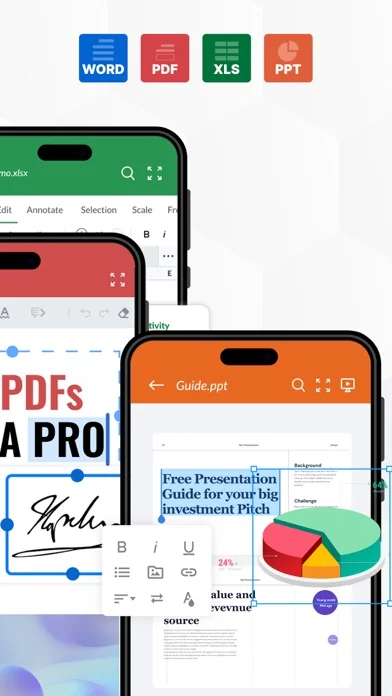
1. All-in-One Office Suite: With Office Suite-Word, Sheets, PPT & PDF, you have access to all the essential tools you need for creating and editing documents, spreadsheets, and presentations. Whether you're on the go or working from home, our app has you covered with all the features you need to create, edit, and share your work.
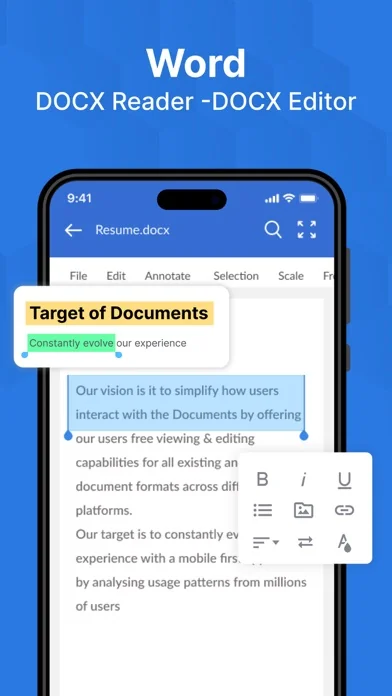
2. Word Editing: The word processor in Office Suite-Word, Sheets, PPT offers a comprehensive range of features to create and edit documents. It includes all the standard tools, such as formatting options, spell-check, word count, and more. You can also insert images, tables, charts, and graphs into your documents with ease.
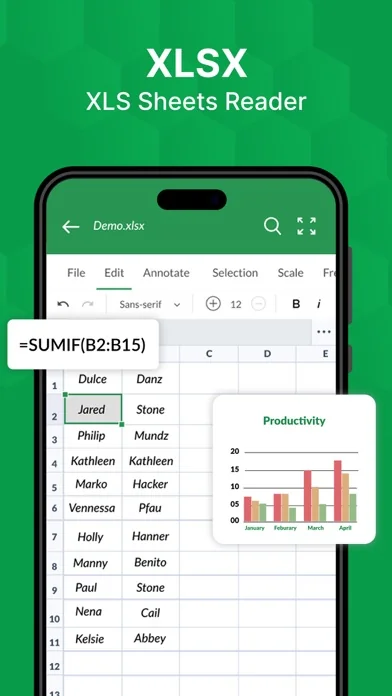
3. Spreadsheet XLS Editor: Our spreadsheet editor is equipped with all the essential features for creating and editing spreadsheets. You can input data, create formulas, and format cells with ease. You can also create graphs and charts to visualize your data and make it more presentable.
4. Presentation Builder or PPT Maker: The presentation builder in Office Suite-Word, Sheets, PPT lets you create stunning presentations with ease. You can add images, videos, and animations to your slides to make your presentation more engaging. You can also add speaker notes and rehearse timings to ensure that your presentation runs smoothly.
5. PDF Converter: The PDF converter in Office Suite-Word, Sheets, PPT lets you convert your documents, spreadsheets, and presentations into PDF format. This is especially useful when sharing your work with others or when you need to ensure that the formatting remains consistent across different devices.
6. Document Scanner: The document scanner in Office Suite-Word, Sheets, PPT lets you scan documents using your iPhone or iPad camera. You can then save the scanned document as a PDF or image file, making it easy to share or store for later use.
7. User-Friendly Interface: The user-friendly interface in Office Suite-Word, Sheets, PPT makes it easy for users of all levels to create and edit documents, spreadsheets, and presentations. The interface is intuitive and simple, and the tools are easy to access and use.
In summary, Office Suite-Word, Sheets, PPT is a comprehensive productivity app that offers a wide range of features to create and edit documents, spreadsheets, and presentations. It's the ultimate productivity
Subscription will be charged to your credit card through your App Store account. Your subscription will automatically renew unless canceled at least 24 hours before the end of the current period. Manage your subscription in the Account Settings on the App Store after purchase.
Terms of use - https://blog.a1apps.co/terms-of-use-office-suite-word-sheets-ppt/ Privacy Policy - https://blog.a1apps.co/privacy-policy-a1office-suite-word-sheets-ppt/
Any feedback is welcomed at connect@a1office.co
🆕 What's new · v1.0.30
- Word Documents, XLS Sheets, PPT & PDF editing improvised
- Better Navigational Flow for Iphone and Ipad Users
- Minor bugs fixed
Comparable iOS apps
The five apps in Productivity with the closest revenue to Office Suite-Word, Sheets, PPT. Click any to see its detail page.
Each forecast combines App Store rating, ratings count, monetisation model, pricing tier, IAP signals and ad-supported flag.
The base estimate is then multiplied by a per-category scaling factor learned from apps with founder-verified MRR.
Every number on this page comes from public APIs and Bumetric's own snapshot history.
Full methodology covers input variables, accuracy bands per category and how we treat apps without comparable anchors.
See also the live data on Office Suite-Word, Sheets, PPT's tracker page for current rating, reviews and snapshot timeline.
Building something similar? Get a free AI audit with $-revenue forecasts for every recommendation.


 Дохід Воїна
 AI Notes Voice to Text, Renote
 CardExchange® Stand
 myPOLYPOINT
 Smart Projector Control